

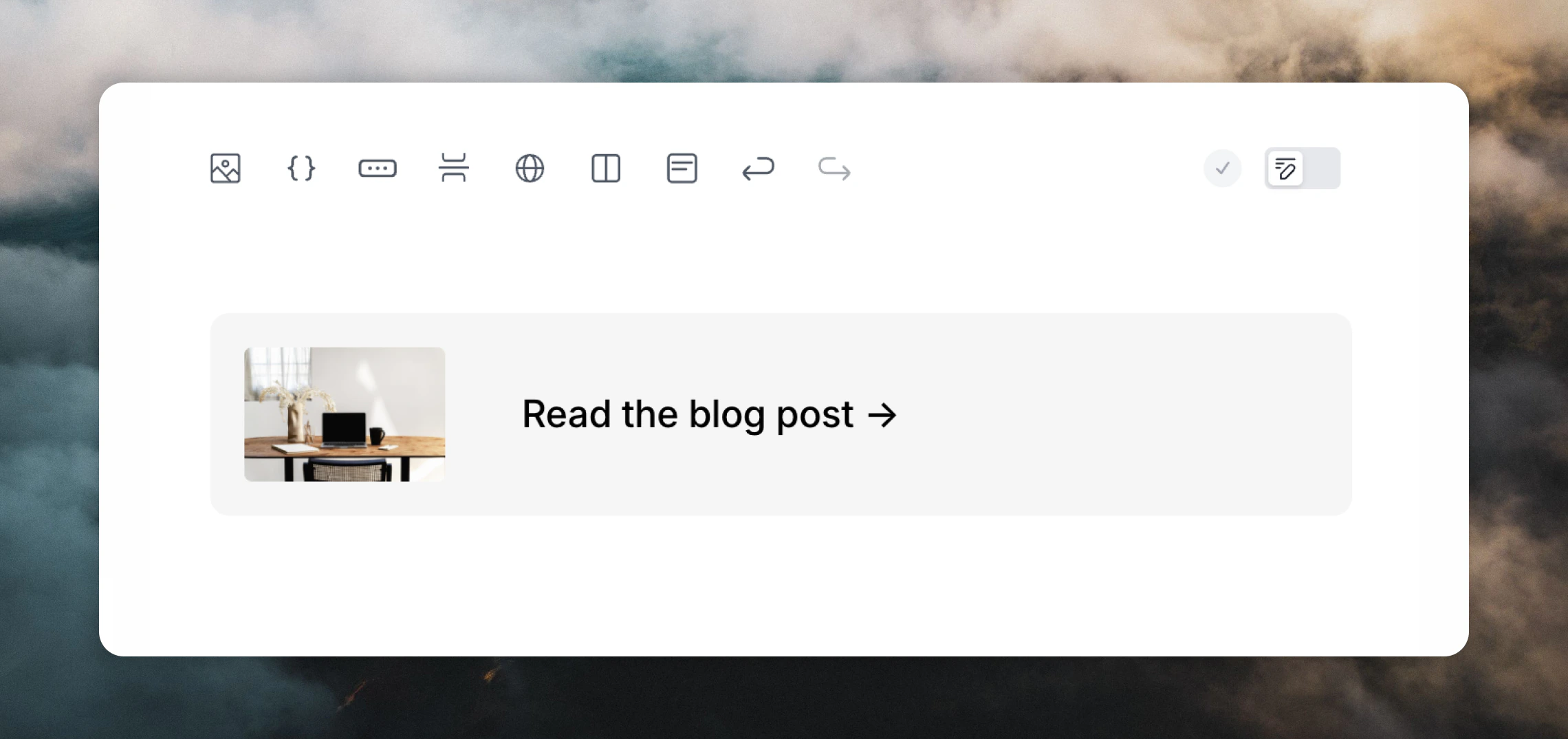
Adding sections
Add sections:- by using the section button in the editor toolbar
- by typing
/in the editor and selecting Section - by hovering over an existing element in your email and clicking the
+plus icon on the left and selecting Section
Classic Outlook may render extra padding around sections due to its legacy rendering engine.
Conditional sections
Sections can be shown or hidden for each recipient based on a contact property, event property, or data variable value. This is useful for content that only applies to some people, like a plan-specific callout or a promo banner. First, add a section to your email, then open the Condition panel in the editor sidebar.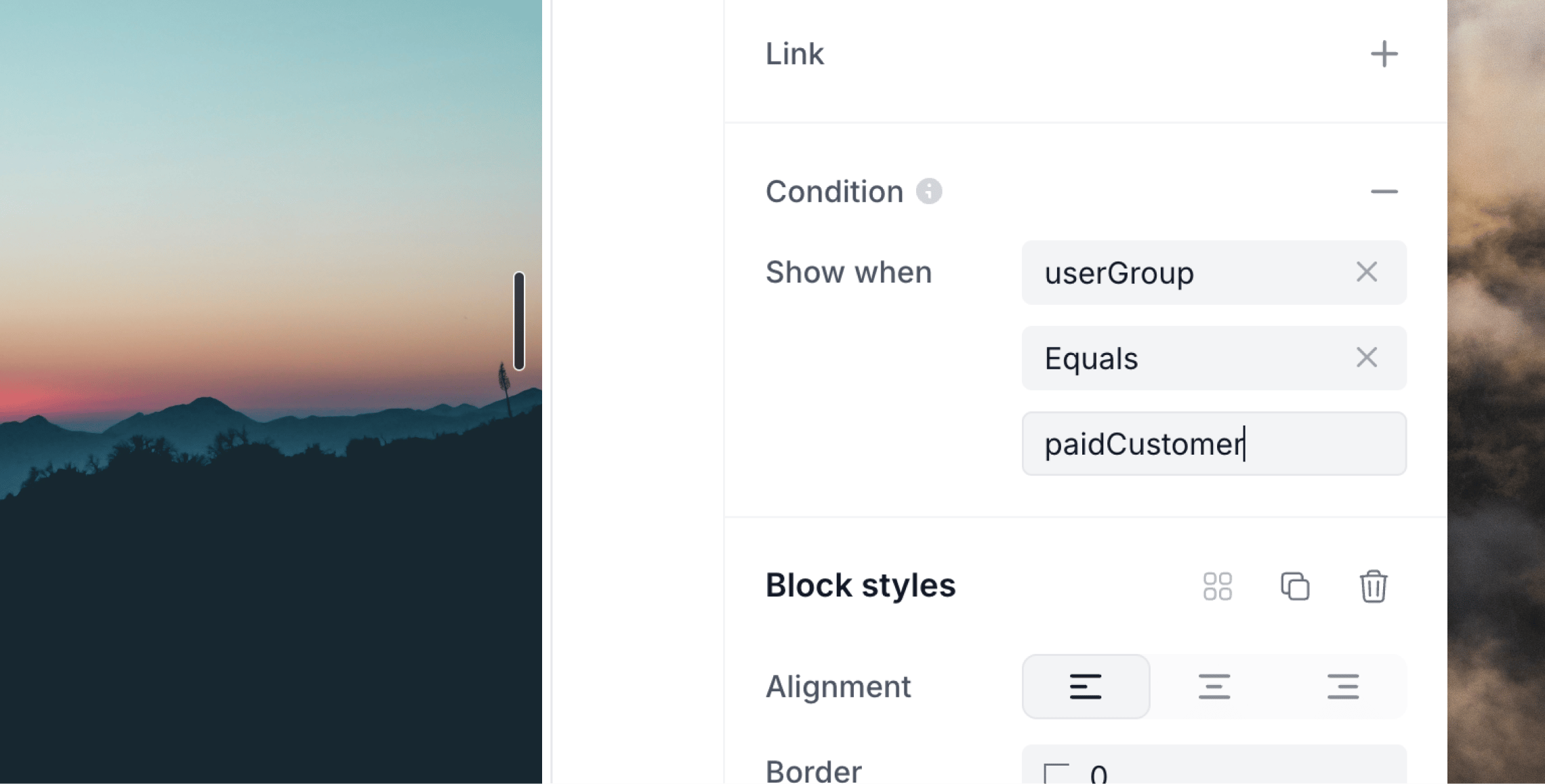
- Variable — the field to check:
- In campaigns and workflows, choose a contact property.
- In workflows triggered by events, you can also choose an event property.
- In transactional emails, type the name of a data variable.
- Operator — how to compare it (see below).
- Value — what to compare against. Only shown for operators that need one, such as Equals or Contains.
email / Does not contain / loops.so shows the section only for recipients whose email address does not contain loops.so.
Leave Show when blank to show the section to every recipient.
In transactional emails, you can create a new variable just for conditional sections, like showPromo. The data variable used does not need to be in the email content itself. Any condition-only data variables are accepted in the Send transactional API call like regular data variables.
Operators
The available operators depend on the variable’s type. Data variables are always treated as text.
A missing or empty value never fails the send; it just hides the section, so condition variables are optional at send time.
Everything inside a hidden section is removed from the email, including any variables, arrays or links it contains.
if, ifOperation, and ifValue attributes.
Clickable sections
Sections become clickable when you add a link in the Link editor panel, which is useful for:- product cards
- account-summary callouts
- any layout where a section should link somewhere