Arrays are currently supported in transactional emails.
Adding arrays
You can add array blocks to your email by using the button in the editor toolbar or typing/ and selecting Array.
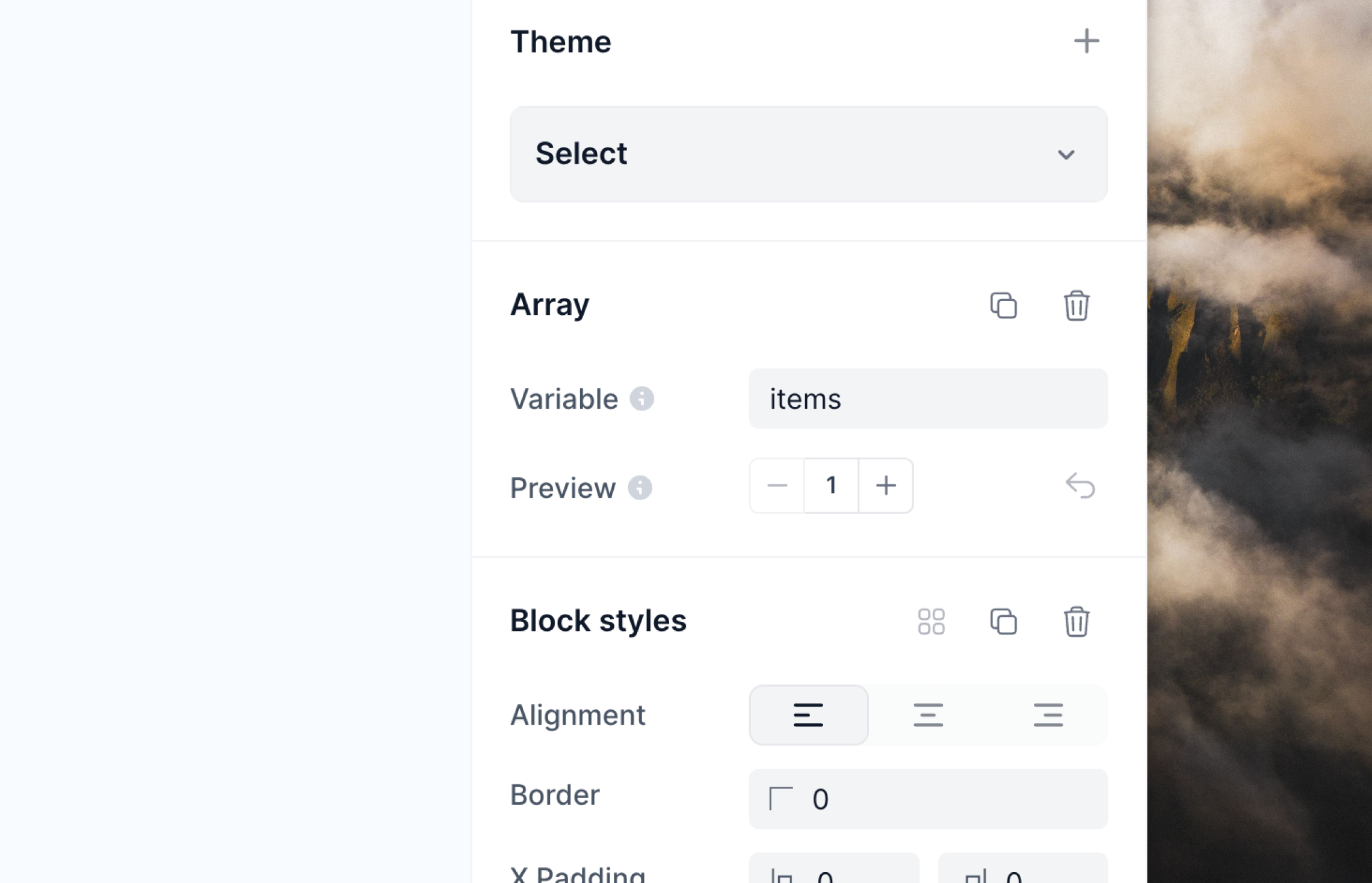
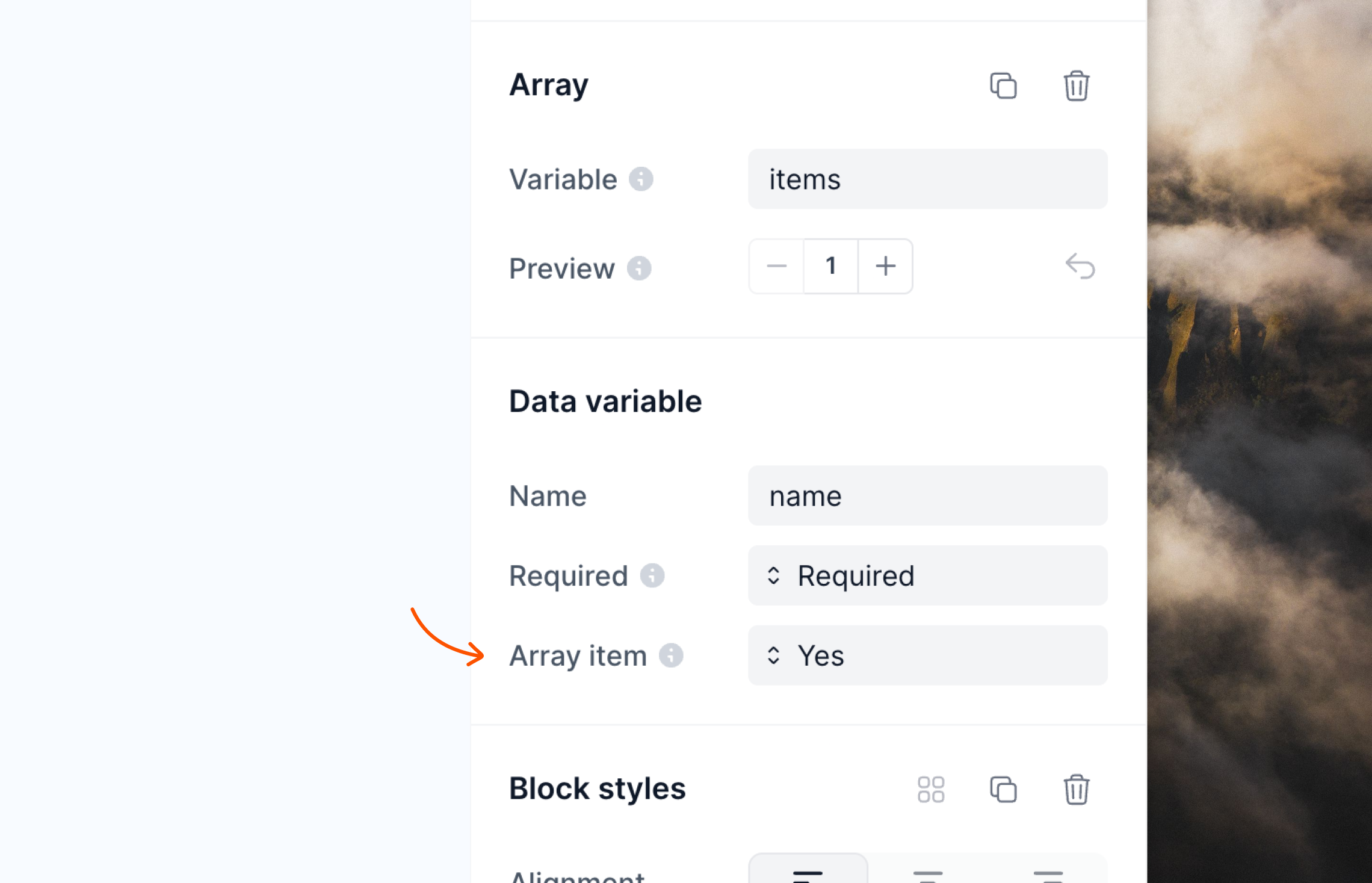
items) which can be changed in the editor panel in the Array section.
Adding content to arrays
Once the array block is in your email, you can add content inside, which will be repeated for each item in the array. For example, if you have an array of products and you want to show a name and a description for each product, you can add a heading and a text block inside the array block.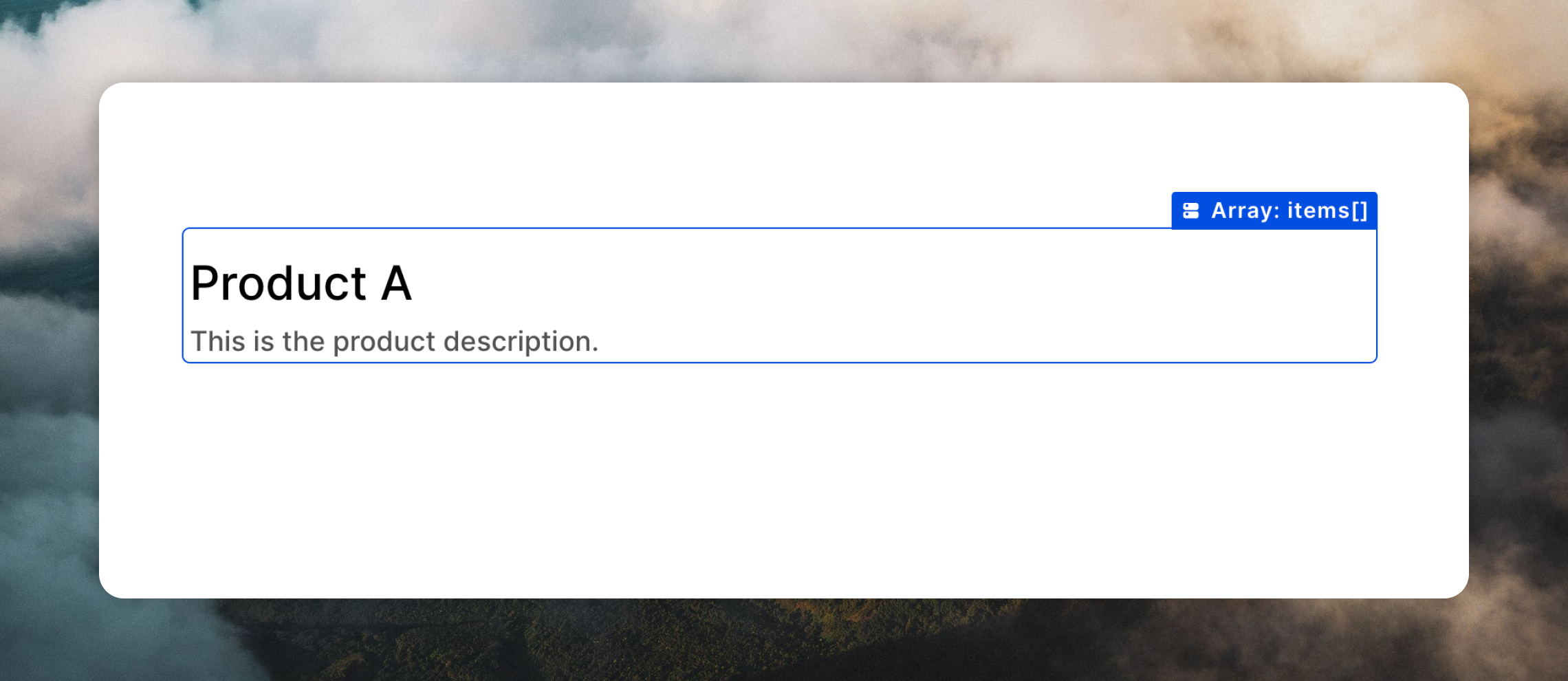
Adding dynamic content
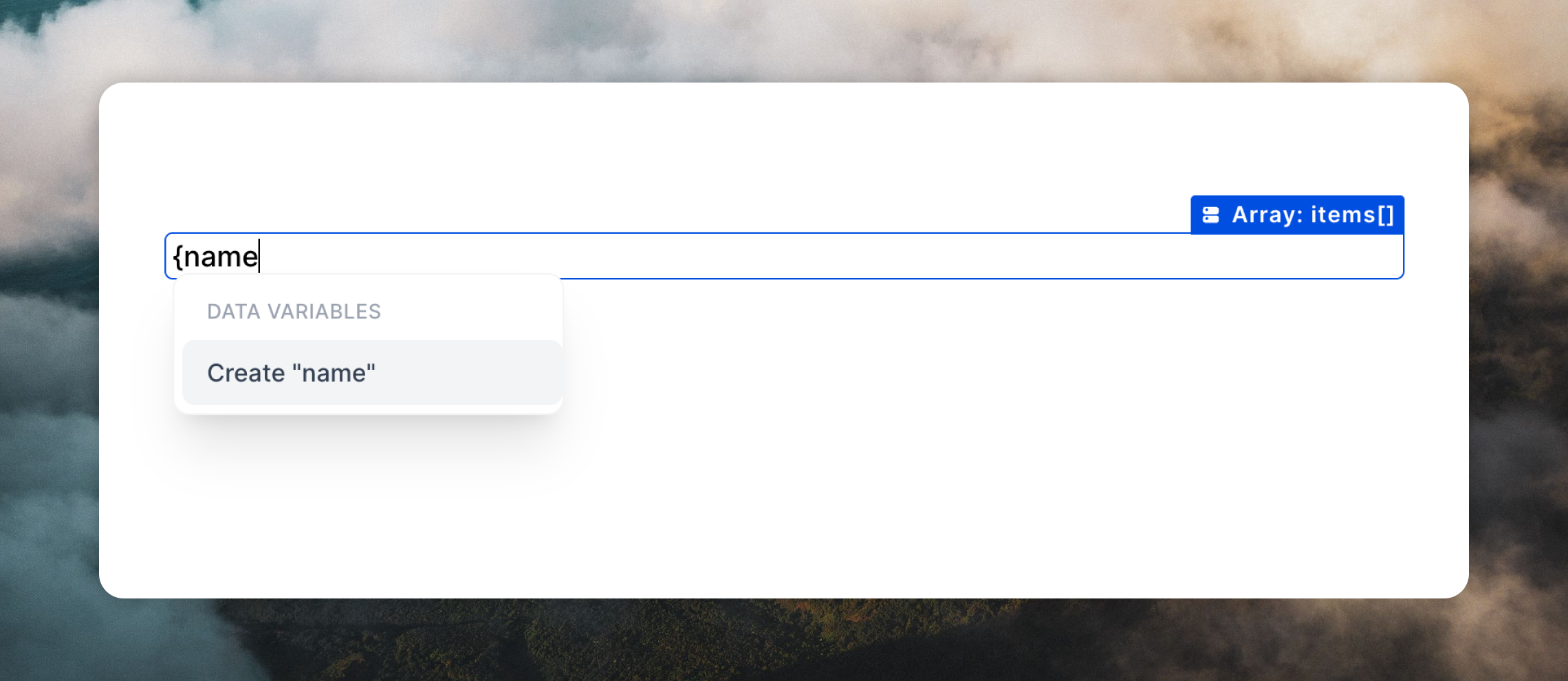
You can add dynamic content to array blocks by inserting data variables. These data variables can then be populated with data when you send your email. You can add data variables by using the button above the editor, typing{, or typing / and selecting Data variable.
Previewing arrays
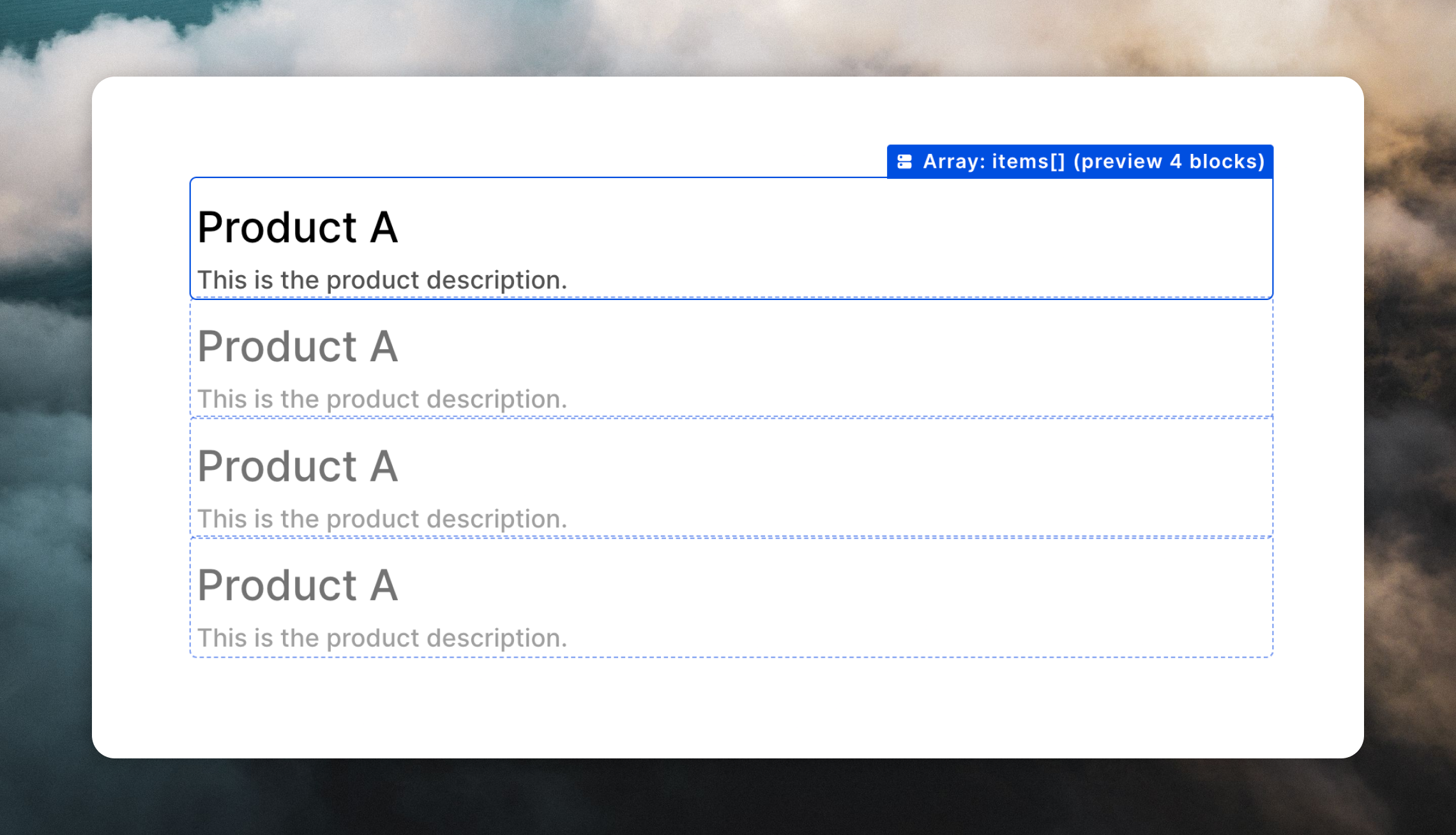
You can preview how multiple items will look in your email by using the+ and - buttons in the Preview section of the editor sidebar. These buttons allow you to see how the array will look in your email with different numbers of items.