

Code blocks
Code blocks are a way to display code in your email.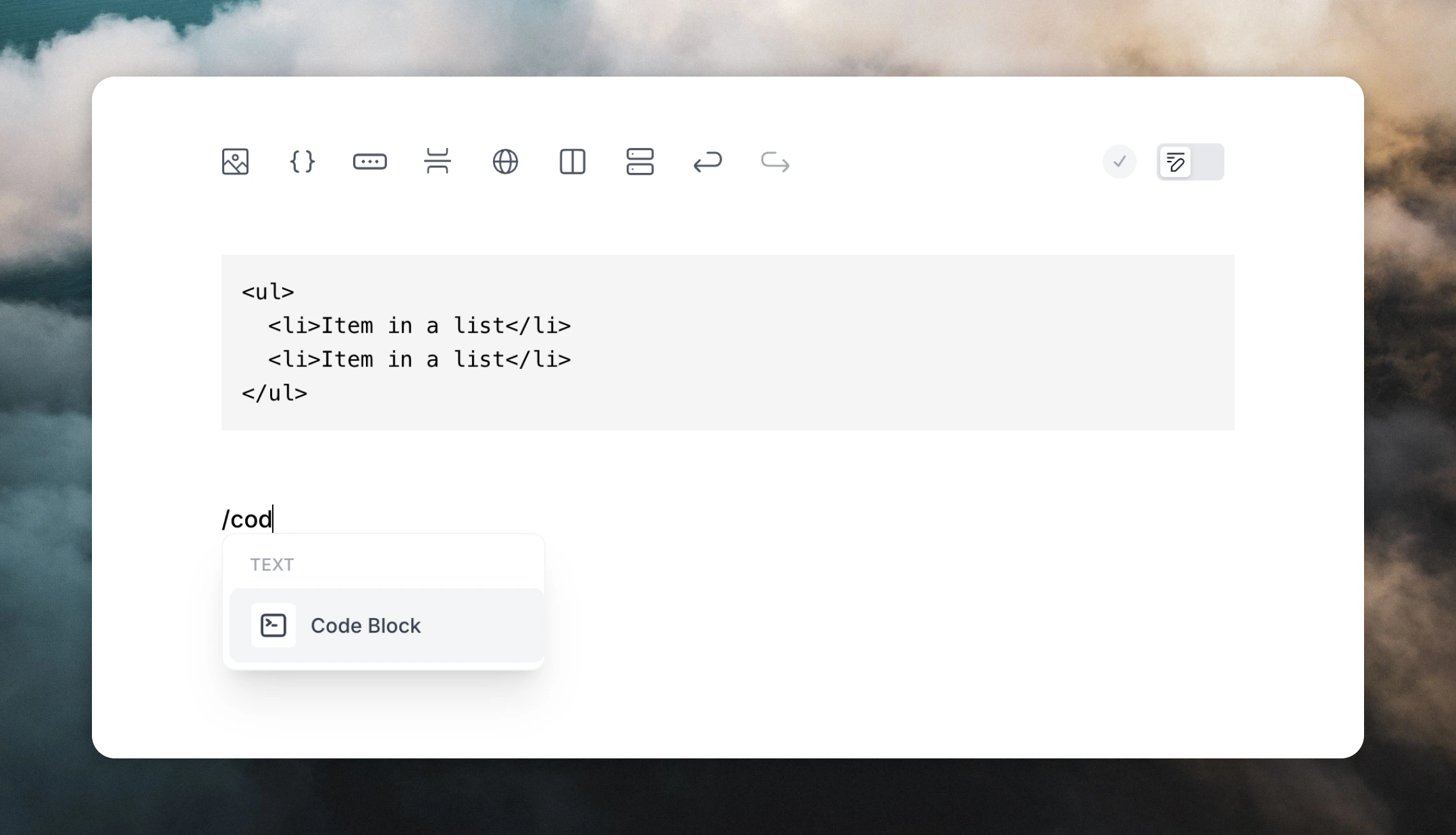
```.
Alternatively, you can use the / slash menu or the + plus menu on the left of the editor, and then select Code Block.
You can also select Code Block from the Text panel in the right editor sidebar.
Inline code
Add inline code to your email (likethis inline code) by typing a single backtick `.