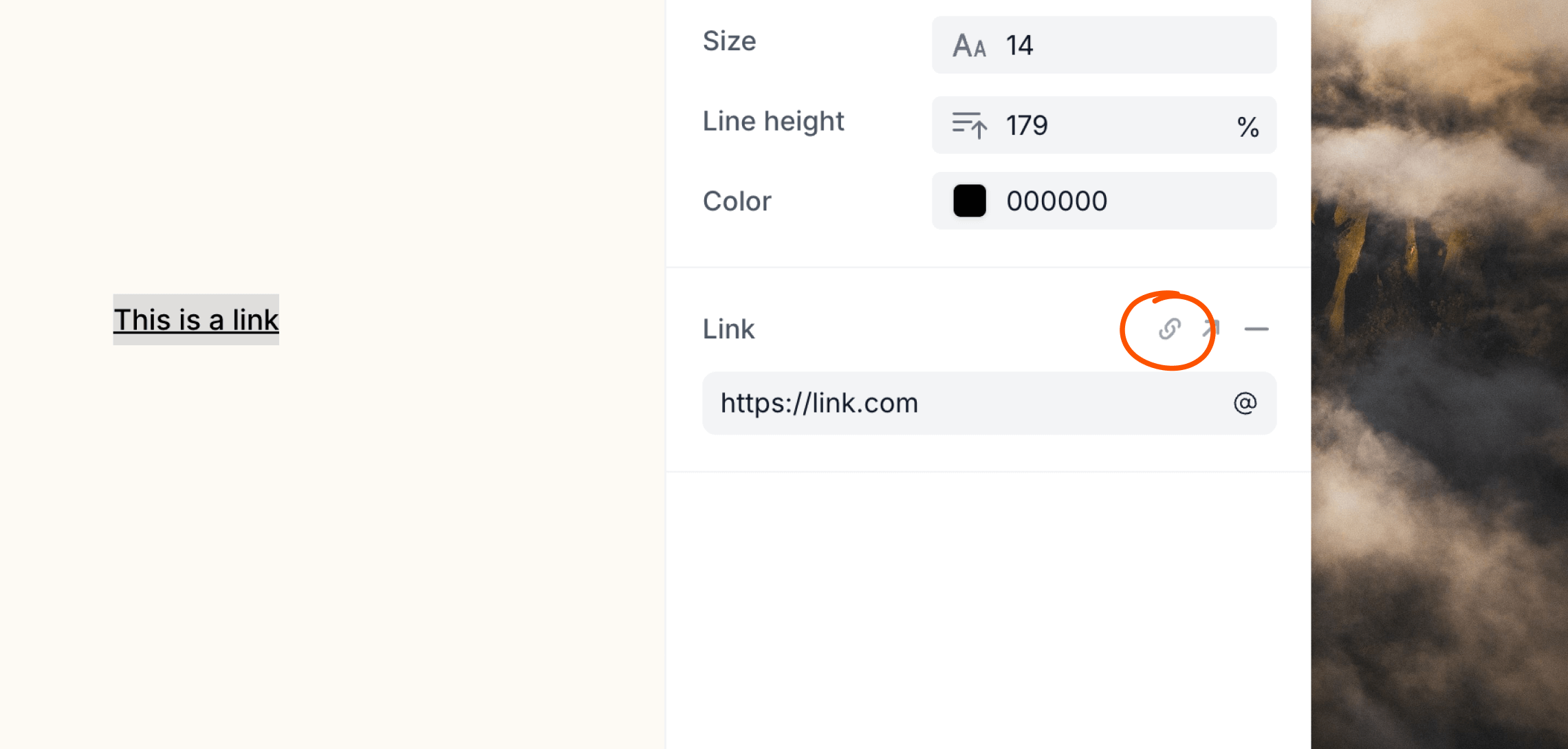
+ icon in the Link editor panel. You can also use the ⌘+K keyboard shortcut.
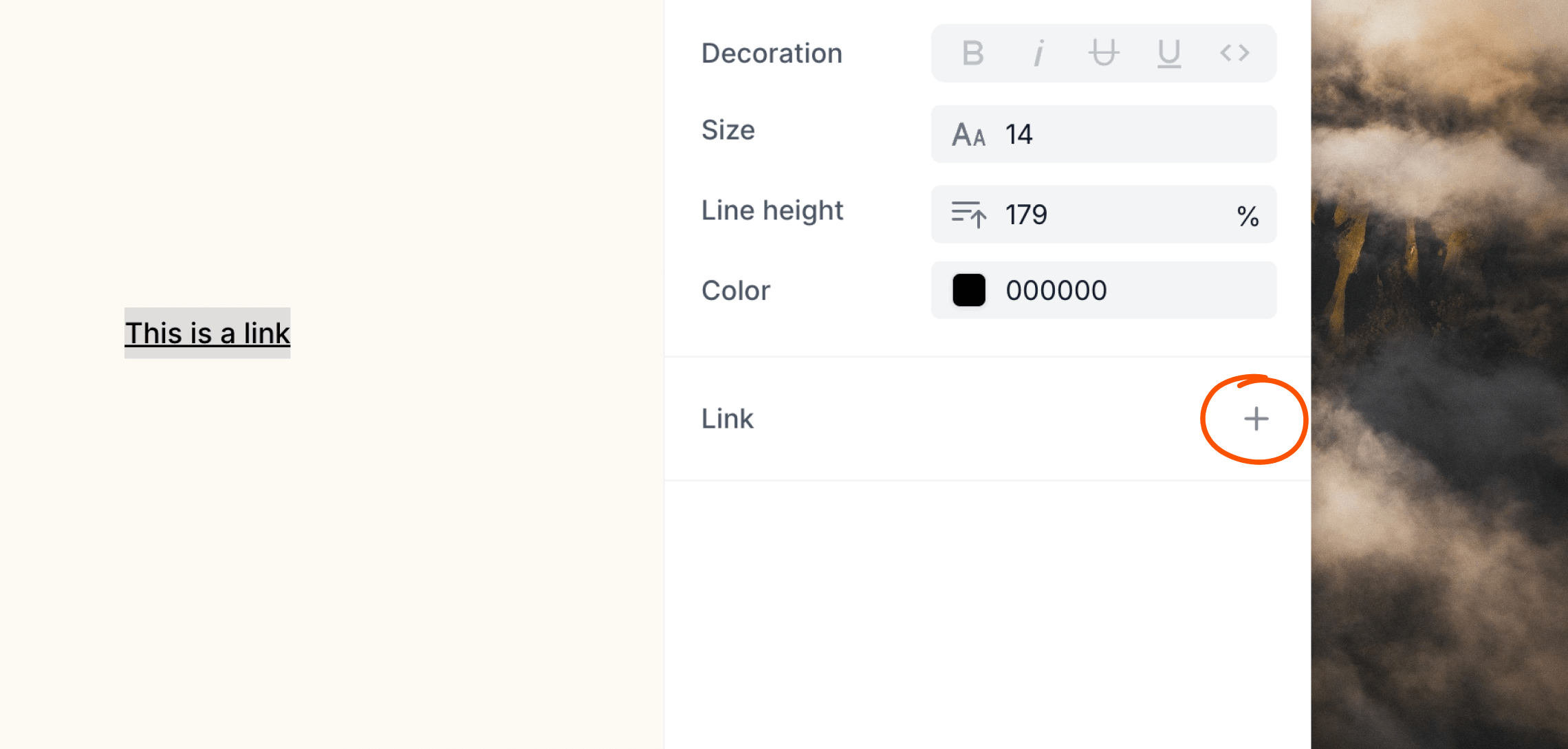
https:// protocol as it is automatically added to each link.
Dynamic links
You can create dynamic links using contact and event properties or data variables. When editing a link, click the icon—which will be different depending on the type of email you are creating—on the right of the input, then add the dynamic content you want to use.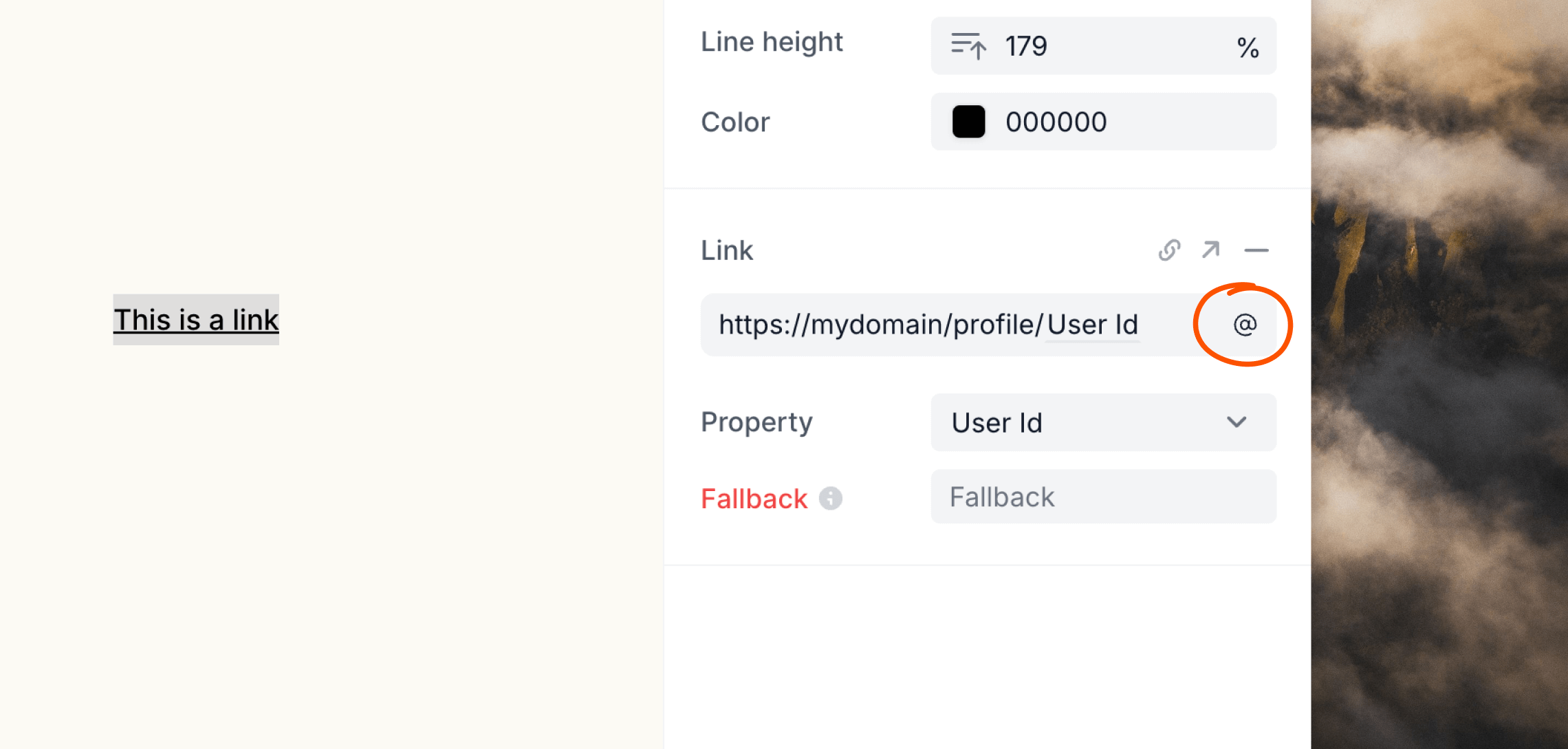
UTM parameters
Loops does not automatically add UTM parameters to links in your emails. To attribute traffic and conversions in tools like Google Analytics, append UTM parameters directly to your link URLs when you add them:utm_campaign.
Link tracking
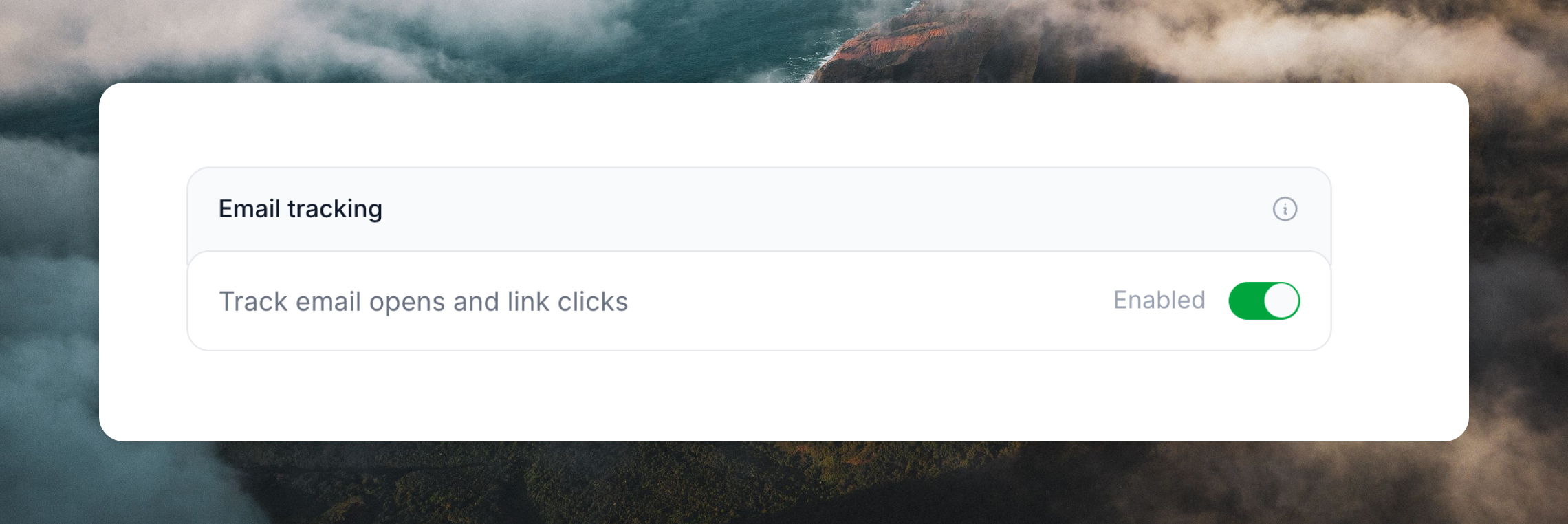
By default marketing emails (campaigns and workflows) have opens and link tracking enabled. This can be disabled for all emails in Settings -> Sending.Links and opens in transactional emails are never tracked in order to improve
deliverability.