

Template variations
Loops offers templates across each of the three email types:Campaign templates
Campaigns are the right type of email for a one-off send to your audience or a segment of your audience. These emails are a 1-to-many communication, meaning that the same exact email that you craft can (and probably will) be sent and read by a number of recipients or customers.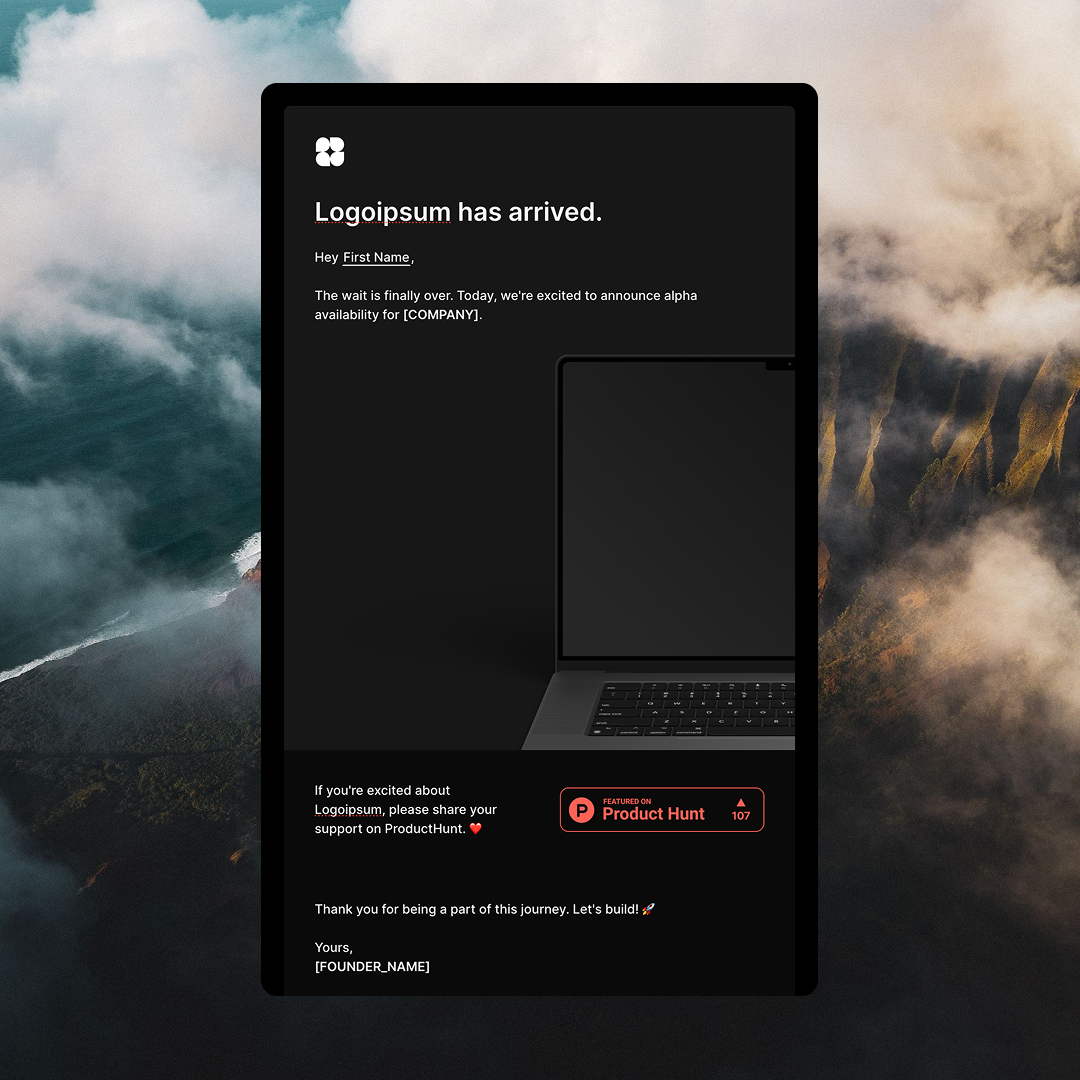
Workflow templates
Workflows are email sequences triggered by an event, a contact being added to your audience, or a contact property update.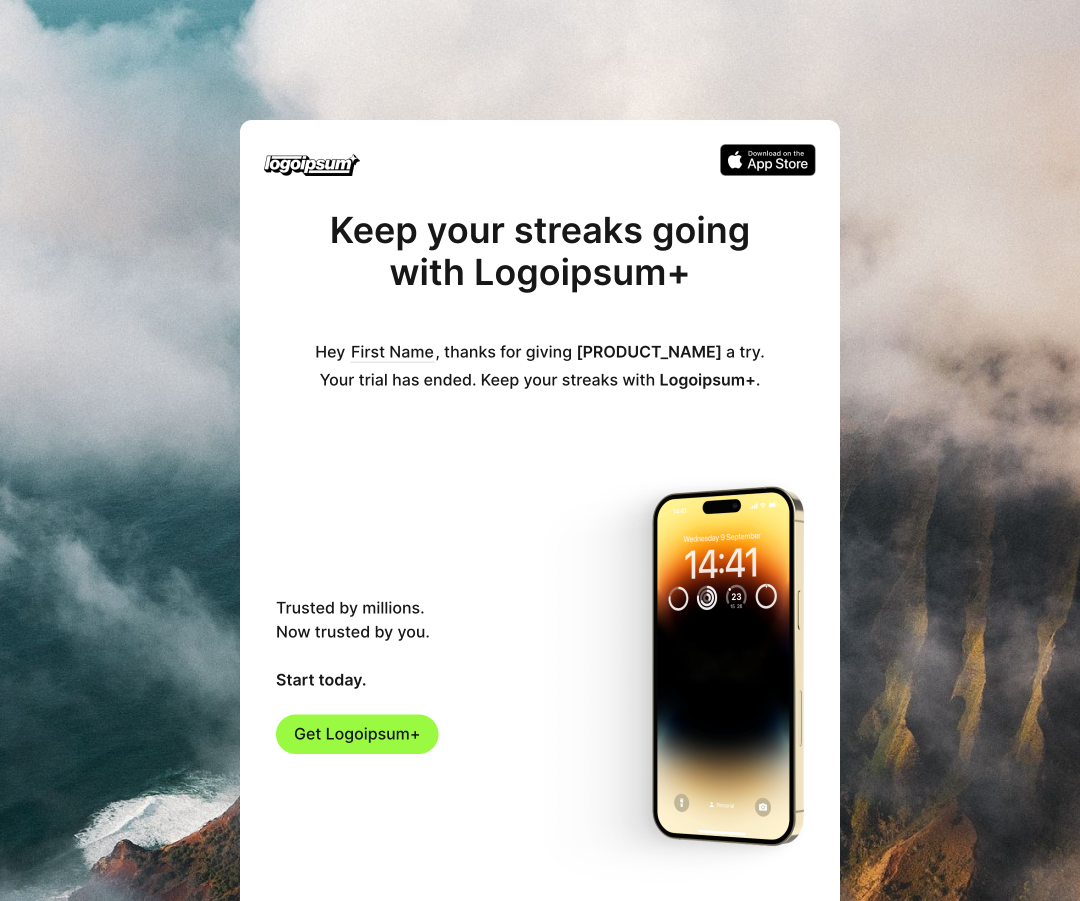
Transactional templates
Transactional emails are automated messages triggered by a specific contact action.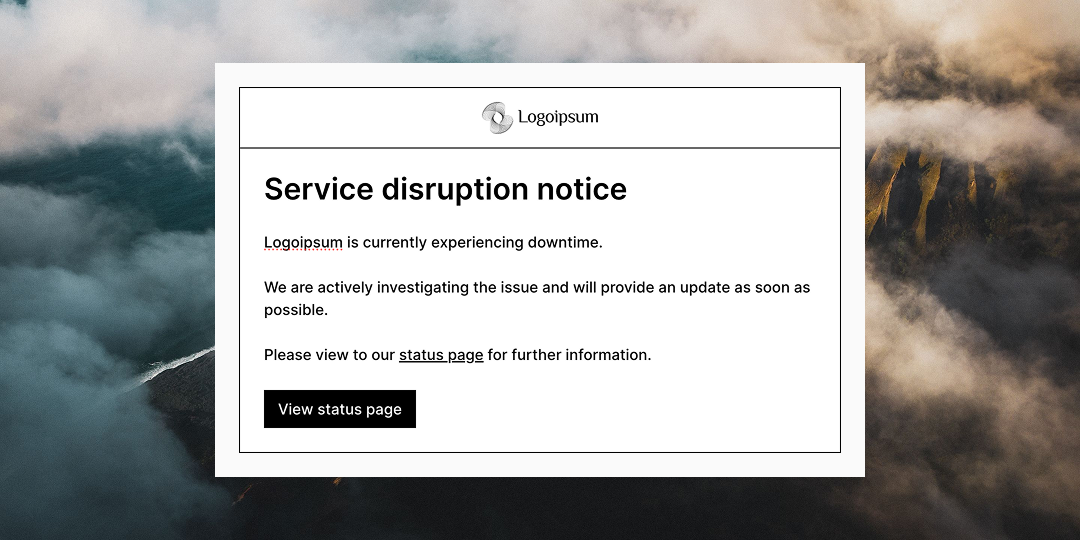
How to use templates
- In your Loops account, hit “Templates” in the left-hand sidebar menu.
- Browse our selection of
Workflow,CampaignandTransactionaltemplates. - Select the template that most suits your needs.
- Edit the template, replacing all placeholder information, links, and images with your content.
- Once your template is ready to test, send a test email to yourself to see how your design renders in the inbox.