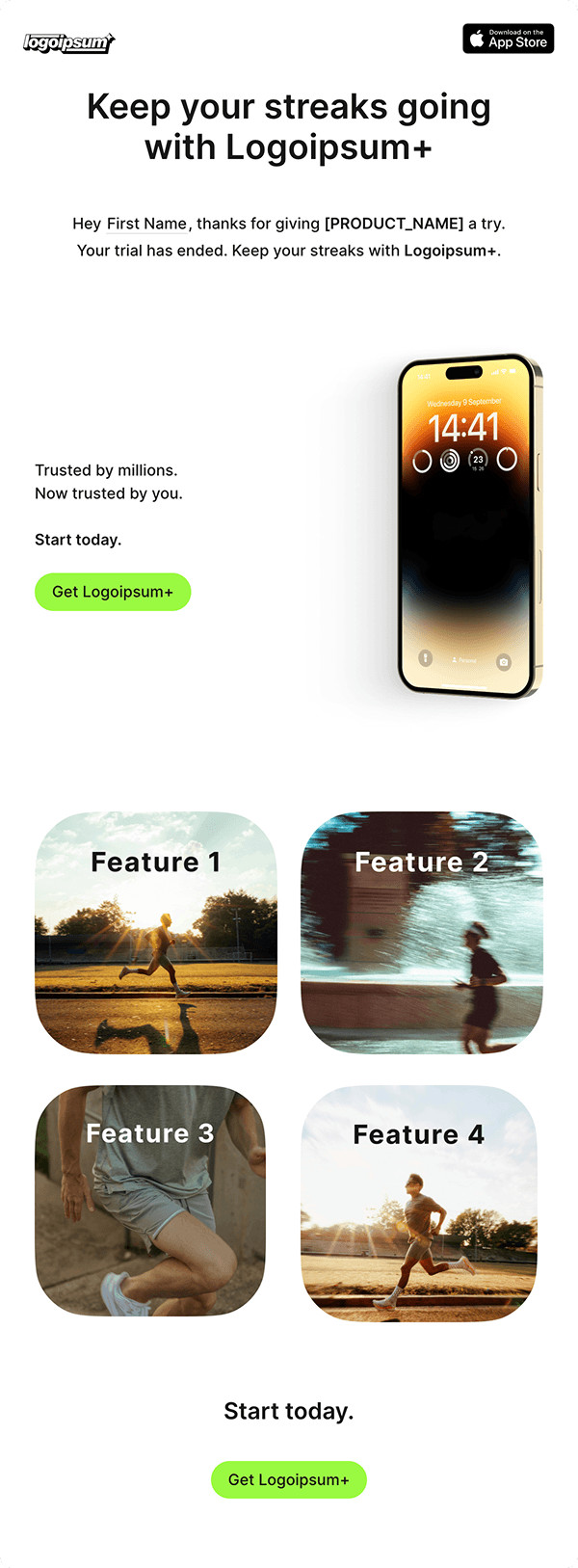
Upgrade After Trial
Send this near the end of a trial or just after expiry. State the deadline, explain what access changes, and link to billing. Replace the dates and plan details, and exclude accounts that have already converted.

Loops
Stop the sequence after conversion
Branch on the current plan before each reminder so converted accounts skip the email. Use the lifecycle guide to plan the timing around activation and conversion.
Trial expiration email copy
Replace the bracketed details with your plan, dates, and access policy. Insert contact or event variables through the editor.
Before the trial ends
Subject: Your [Product] trial ends on [date]
Your trial ends on [date and timezone]. After that, [specific access change]. To keep [paid capability], choose a plan from your billing page. If you’re still evaluating [feature], reply with your question.
Primary action: Choose a plan
After the trial ends
Subject: Your [Product] trial has ended
Your trial ended on [date]. [Explain what the account can still access and what is now restricted.] You can continue with [paid capability] by choosing [plan] from billing.
Primary action: Open billing
When each reminder should send
Use the actual trial end date to schedule the reminder. Before sending, check that the account is still eligible and has not converted, canceled, or received an extension. Do not claim that data will be deleted or access removed unless that is your product’s policy.
A trial conversion email belongs in a marketing workflow. A failed payment on an existing invoice needs a separate billing process. See the lifecycle guide for trial and dunning workflows, or return to the onboarding sequence if the user still needs help with setup.