Onboarding Emails: Examples, Sequences, and Templates
See eight SaaS onboarding email examples. Build a sequence around signup, activation, user role, and behavior. Stop setup nudges after activation.
Your profile is not visible!
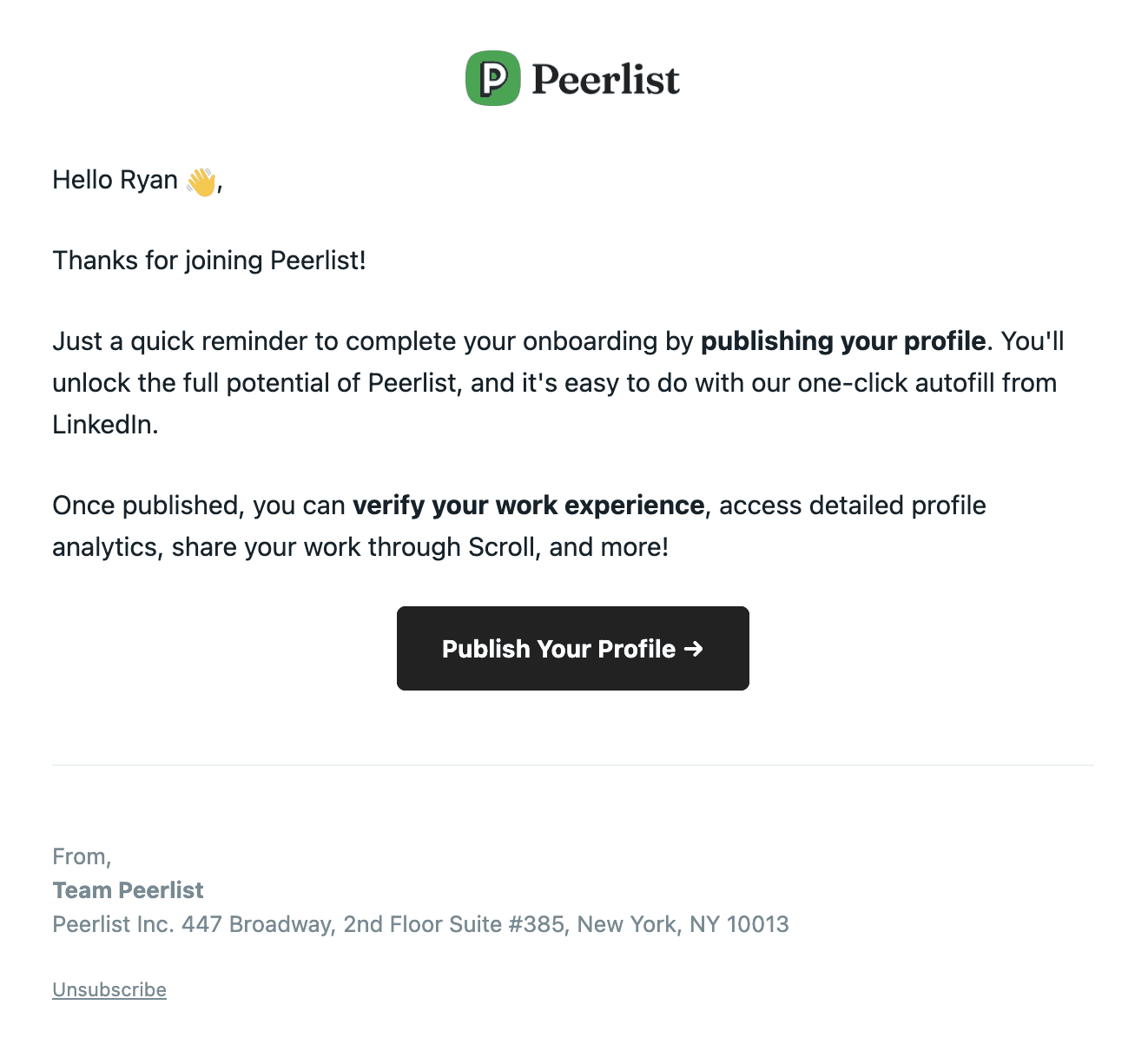
Why we like it
Thanks for making the switch to Fathom Analytics
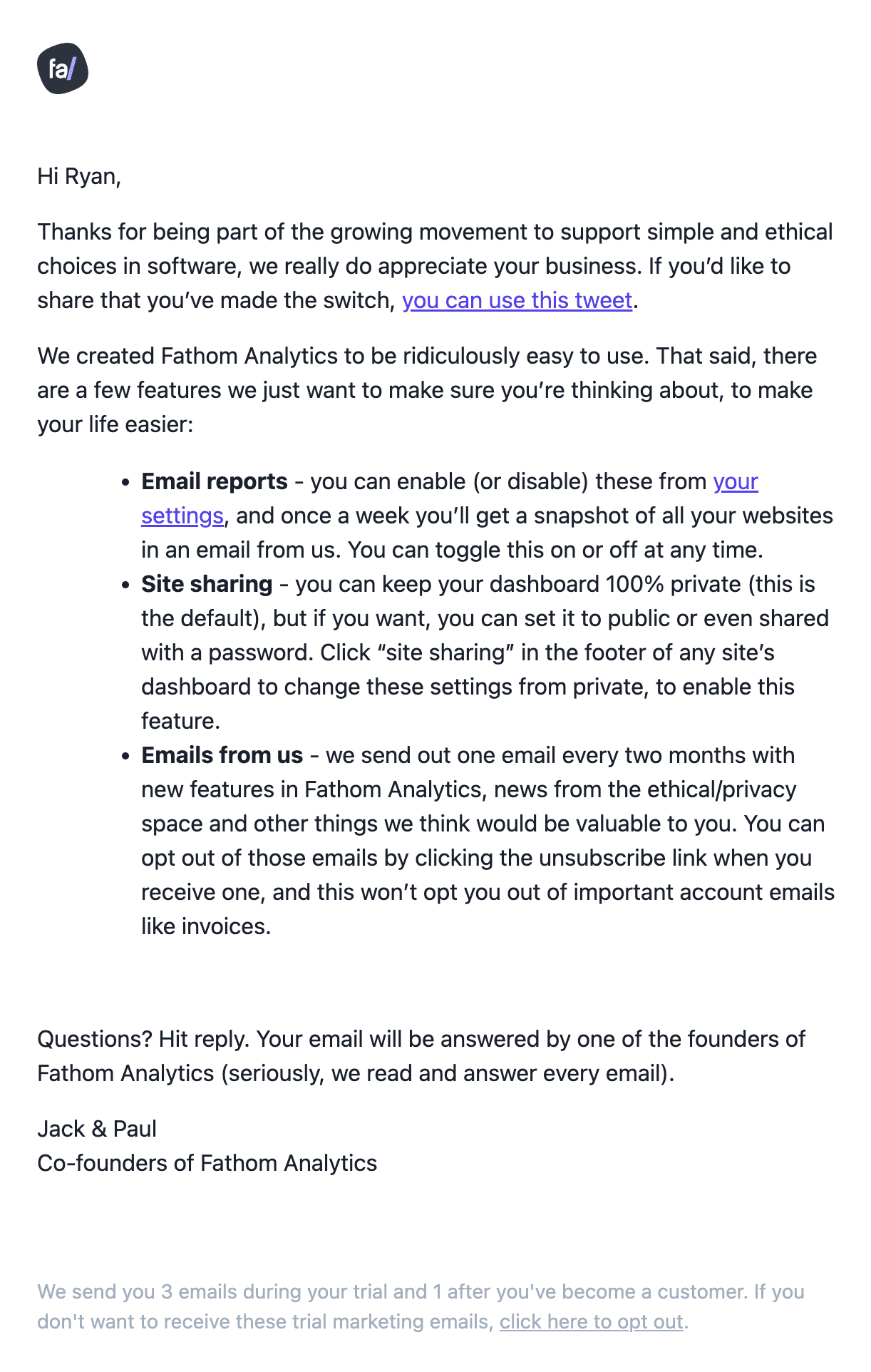
Why we like it
Your invite code has arrived 🔮
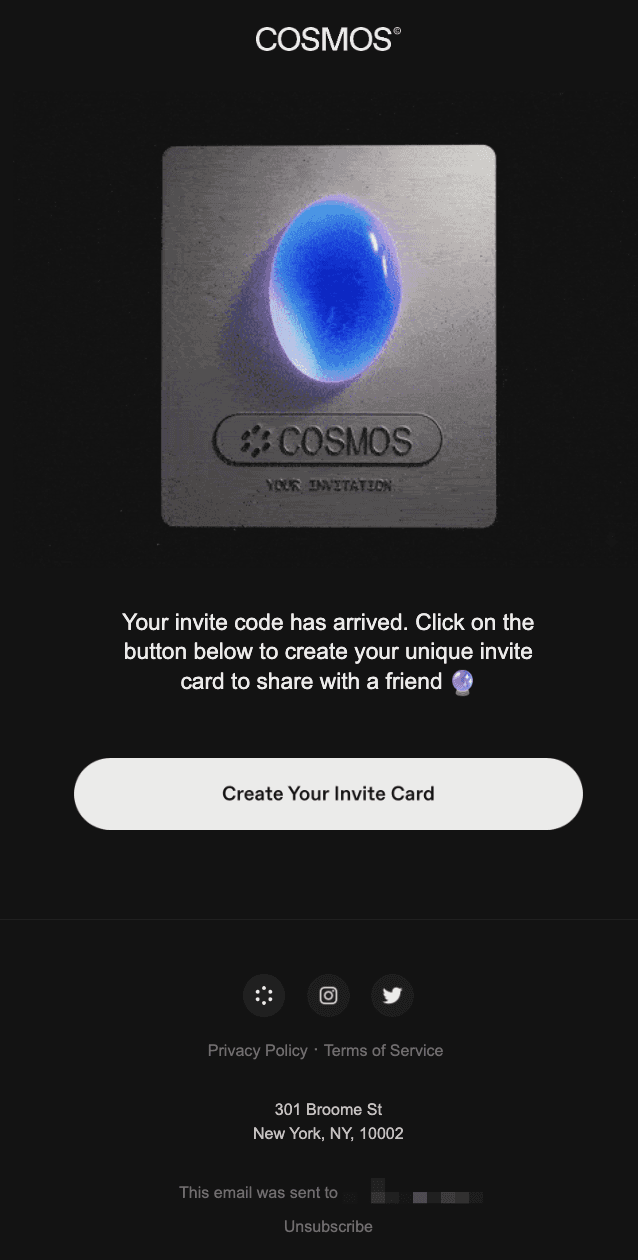
Why we like it
Company: your launch checklist
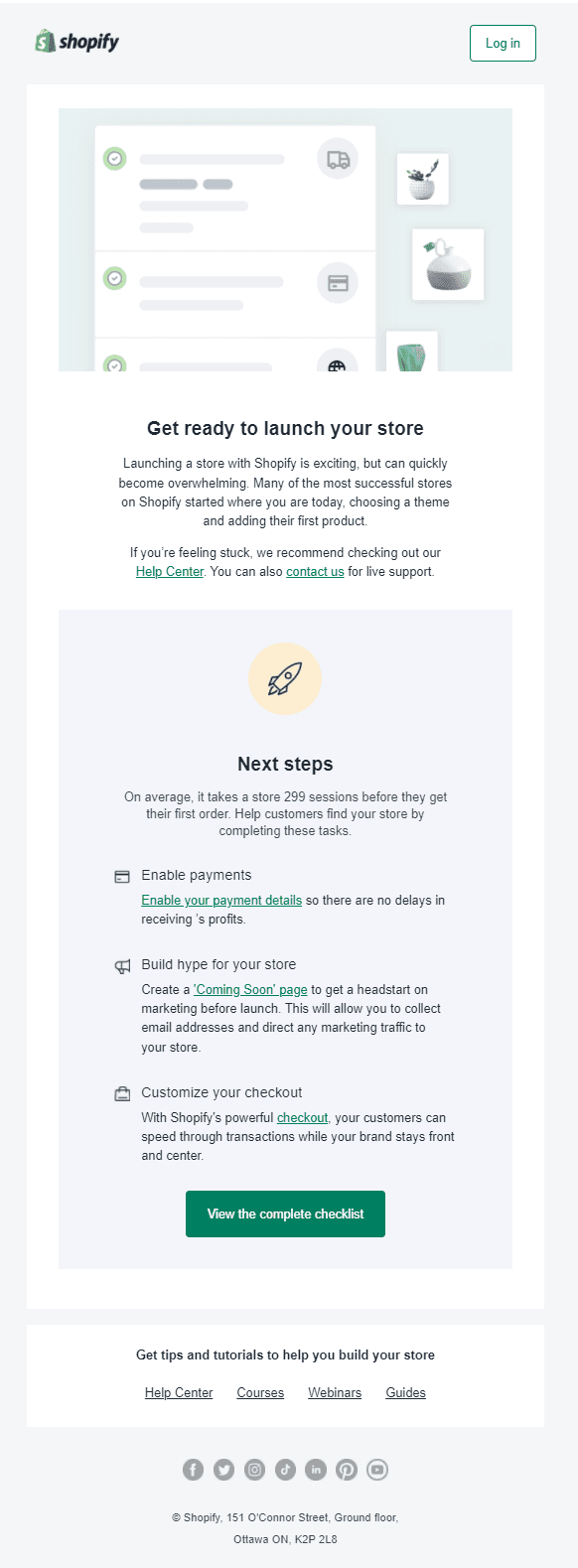
Why we like it
Zapier Experts are here to help
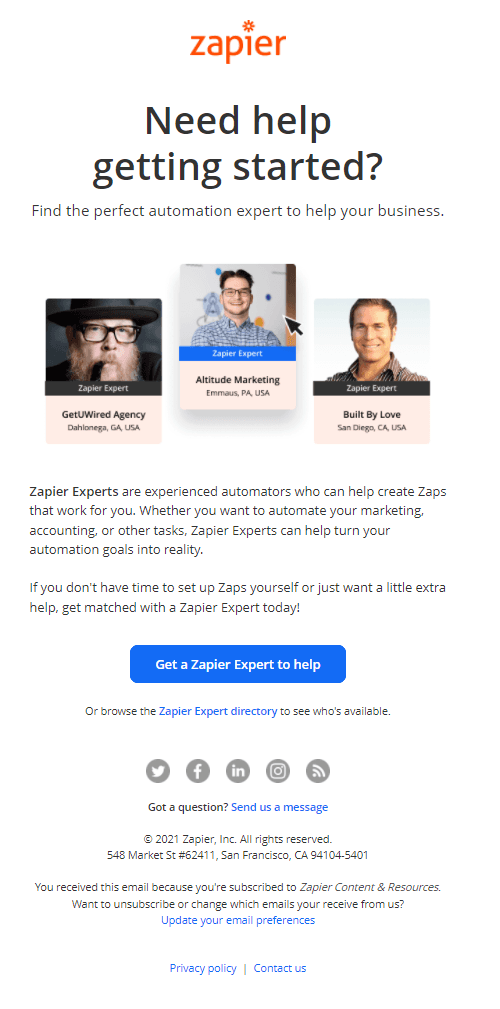
Why we like it
Getting started: What's a Zap?
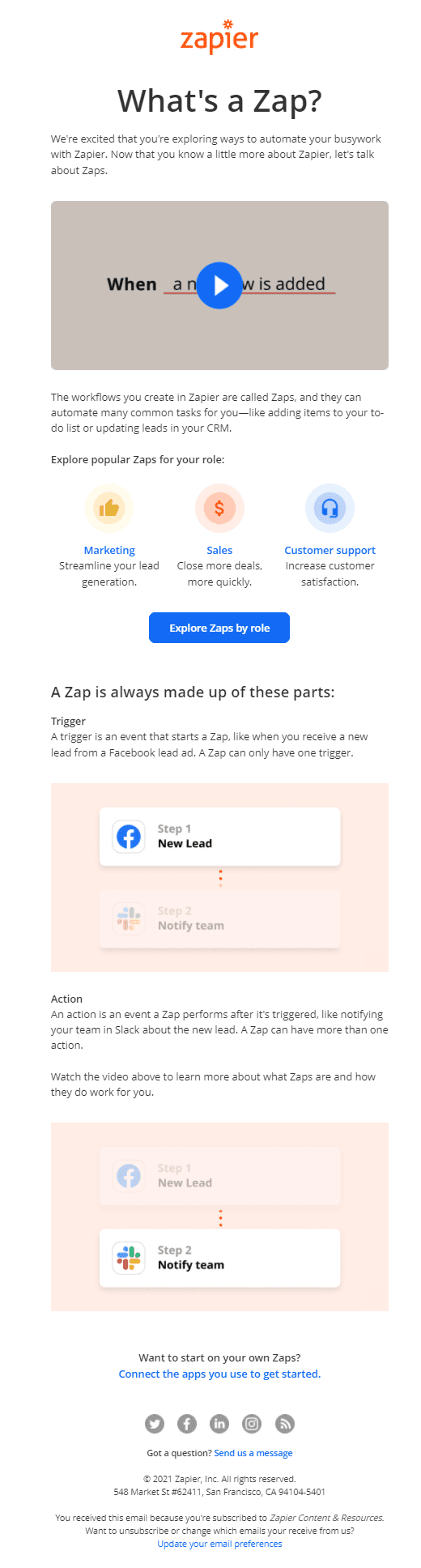
Why we like it
{Company Name} has invited you to get verified!
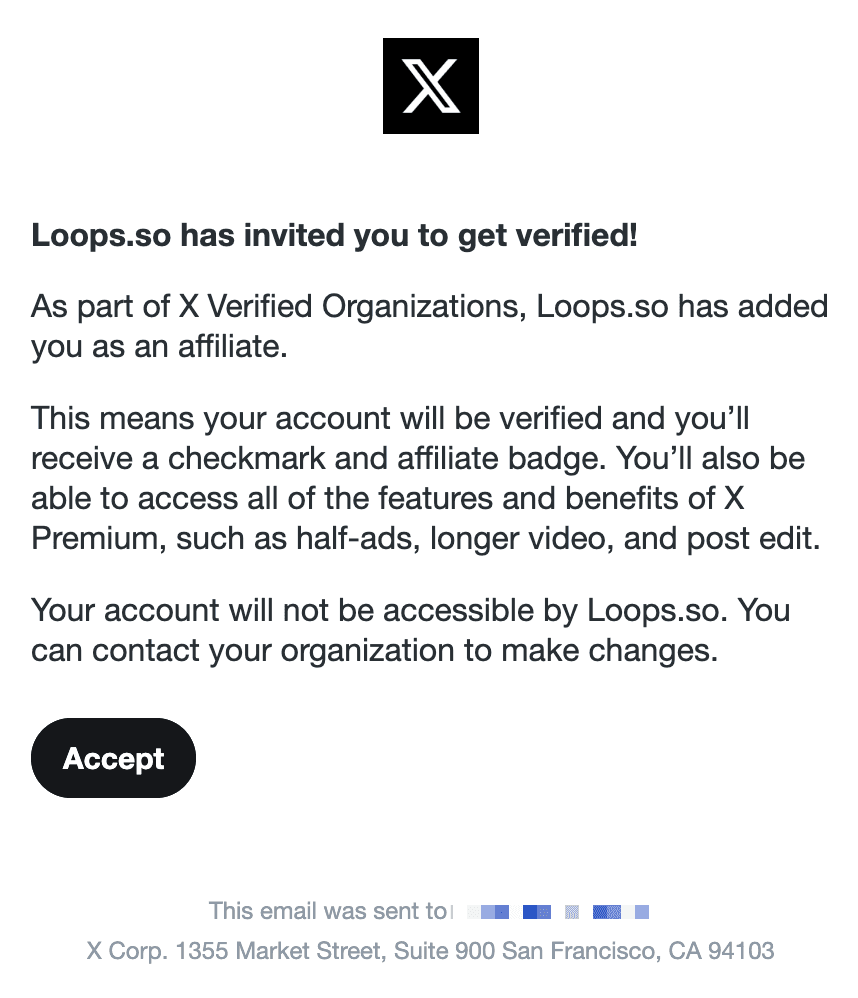
Why we like it
{First Name} has invited you to work with them in Slack
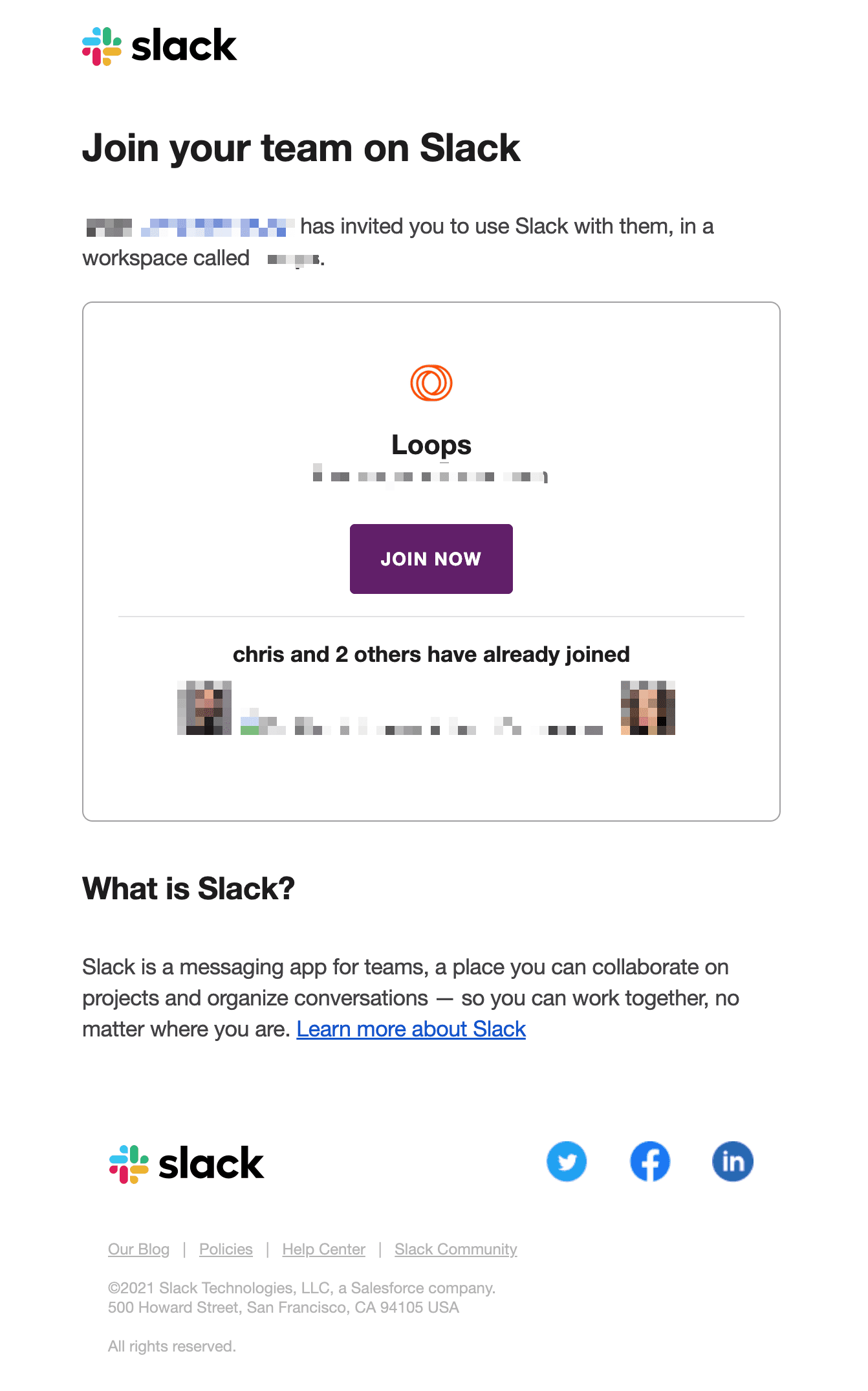
Why we like it
An onboarding email is an automated message sent after signup to help a user complete the first action that makes the product useful. A welcome email is usually the first message. Later emails help users finish setup, invite a teammate, or complete the product’s activation event. Send required account verification separately as transactional email.
Compare eight SaaS onboarding examples, then adapt the sequence and templates in Loops.
What to include in an onboarding email
Subject line. Name the next step, not the product. “Finish setting up your account” is clearer than “Welcome to Acme!” Keep it short enough to scan on mobile.
Timing. Trigger the first email from signup so it arrives while the signup context is fresh. After that, use product behavior when it is available. Send a setup reminder only to people who have not completed that step.
A single CTA. Give the email one primary action, such as “Verify email,” “Connect your data,” or “Invite your team.” Keep secondary links out of the way so the next step is clear.
Personalization. Use data the product already has: plan, role, the incomplete step, or the selected integration. Name the incomplete step and link back to it.
Element | What good looks like | Common failure |
|---|---|---|
Subject | Action-oriented, easy to scan | Generic “Welcome!” |
Send timing | Triggered by signup or behavior | Same fixed day for everyone |
CTA | One button, one outcome | 3+ competing links |
Personalization | Behavior-based (stuck step, plan) | Name-only, or none |
Length | Skimmable, one core idea | Wall of features |
From name | A person or brand the user recognizes | noreply@ |
An example onboarding email schedule
Use this schedule as a starting point. Adjust the delays to the time your setup usually takes, and skip reminders for steps the user has completed.
Day 0, Welcome + first action. Trigger it from signup. Confirm the account, set expectations, and give one next step.
Day 1, Finish the first task. Help users complete the action that makes the product useful, such as creating their first project.
Day 3, Remove a blocker. Target users who haven’t activated. Address the most common stall reason: a how-to, a template, or an offer to help. Skip for users who already activated.
Day 7, Try the next task. For activated users, introduce a feature or integration that fits their role.
Day 14, Offer a relevant use case. Share a customer example or explain a paid/team feature relevant to what the user has done.
Day 21+, Re-engage or wrap up. Invite inactive users back, then end the sequence. Continue with relevant product emails for users who return.
In Loops workflows, you can branch on whether a user completed an action so activated and stalled users follow different paths.
How to branch onboarding emails by user role
Admins, invited teammates, and individual users control different parts of setup. Give each role a first action it can complete. Segment users by role before choosing each message.
Admins. Ask them to complete workspace setup, connect the data source the product needs, or invite their team.
Invited teammates. Skip account setup they do not control and link them to the task or workspace they were invited to.
Individual users. Ask for one core action. Introduce collaboration after they complete it.
Store role as a contact property when you create the contact or send the signup event. Add a Branch after the trigger, with one audience filter per role. Loops checks filters from left to right, and the contact follows the first match. Make the right-most filter empty so contacts with a missing or unknown role still have a path. Without that default, contacts that match no filter exit the workflow.
How to email users who never finished onboarding
Choose one product event that marks onboarding complete, then mirror it to a contact property such as activated = true. The workflow can test that property before each remaining email.
For signup, use Contact added or send a signup event to an Event received trigger. For trial onboarding, send a trial-started event.
Use product data to set a Timer for the normal completion window for that first action.
Add an audience filter for contacts who are not activated, and set it to All following nodes.
Send one email that names the incomplete step and links directly back to it.
When your app sets activated to true, the contact no longer matches the filter and leaves before the next setup email. Reuse the same state check for trial and re-engagement paths. See the lifecycle email guide.
Onboarding email templates you can adapt
These examples use creating a project as the activation step. Replace it with your own, and fill in the bracketed details. Insert contact or event variables through the Loops editor.
1. Signup: create the first project
Send after signup. Use the Welcome template for the first message.
Subject: Create your first [Product] project
Hi [first name], your account is ready. Create a project for [task you came to do], then add [the first item it needs]. If you get stuck, reply and tell us where.
Primary action: Create a project
2. Incomplete setup: remove one blocker
After a delay suited to your setup process, send only while the activation step is incomplete. Adapt the Onboarding Drip template.
Subject: Need a starting point for [task]?
You can use [starter template] to create your first project. It includes [specific starting material], so you can begin with [one edit]. Reply if something is stopping you from finishing setup.
Primary action: Use the starter template
3. After activation: introduce the next useful action
Send after the first project is complete. Choose the next action from the user’s role and current product state. The Encourage Use template gives you a starting layout.
Subject: Your project is ready for [next step]
You’ve created [project name]. Next, [specific action] lets you [concrete result]. You can do it from the project’s [screen or menu].
Primary action: Open the project
For trials, use the trial expiration email template and explain your actual expiry policy. Stop upgrade reminders after conversion. The lifecycle email guide covers entry and exit rules, including payment recovery.
Find other layouts in the template gallery. Customize these in the email editor, then connect them in a workflow. Before launch, preview the subject line and check the sending domain.
Check before sending
Send a preview to a phone and follow the main link. It should open the setup task the email names. Check the fallback for missing contact data and use a reply address your team monitors.
Test both incomplete and completed setup states. Activated users should skip setup reminders. Keep the unsubscribe link in marketing onboarding emails.
Onboarding email FAQ
What is an onboarding email?
An onboarding email helps a new user finish setup or complete a first product task after signup. It is usually part of a sequence. Required account verification is a separate transactional message.
What’s the difference between a welcome email and an onboarding email?
A welcome email is the single first message that greets a new user. Onboarding emails are the broader sequence, often including that welcome, that walks the user through activation over their first days or weeks.
How many emails should an onboarding sequence have?
Map one email to each required onboarding step, then stop setup nudges when the user activates. Simple products may need only a few emails. Complex setups may need more. Count necessary actions, not calendar days.
When should the first onboarding email be sent?
Trigger the first message from signup or contact creation so it arrives while the signup context is fresh. Do not batch it with a later campaign.
What makes a SaaS onboarding email effective?
Use a specific subject line, trigger the email from signup or product behavior, and give it one CTA tied to activation. Use product state to name the next step.
How do I automate an onboarding email sequence?
Use an email platform that supports triggered, branching automations. In Loops, you build the emails in the no-code editor or from a template and connect them with workflows that fire on signup and on user behavior.
How do I branch onboarding emails by user role?
Store role as a contact property, then add a Branch for admins, invited teammates, and individual users. Finish with an empty default filter so contacts with a missing or unknown role still receive onboarding.
Should onboarding emails stop when a user activates?
Yes. Set an activation property and apply an audience filter to the rest of the setup path. Move activated users into education based on role, plan, or completed actions.