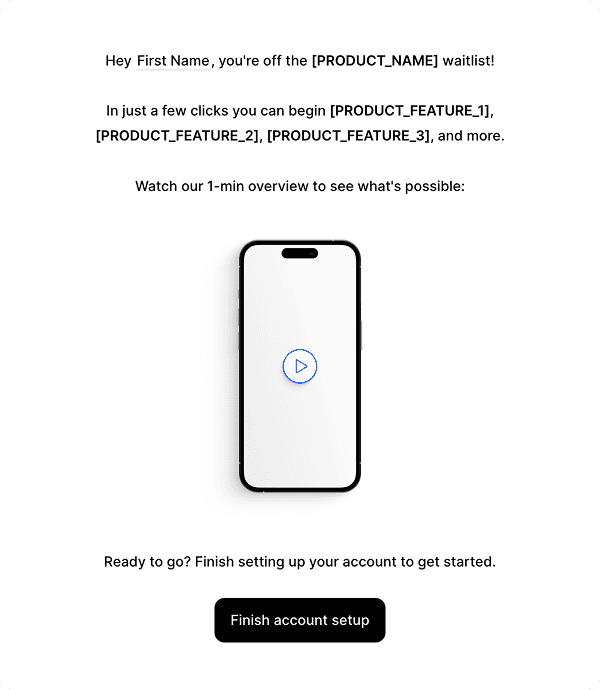
Onboarding Drip
Use this for a setup step after signup. Name the unfinished task and link directly to it. Adjust the delay to the time that task usually takes, and stop the reminders once the user completes it.

Loops
End the sequence at activation
Give each email one setup task. Use event properties to personalize the message. Add a branch to choose the next task from the customer’s current state. The onboarding examples show how to divide the setup steps.
Store activation as a current contact property that your app updates. Apply an audience filter to All following nodes before the remaining setup emails. The filter removes activated users when they reach a following node. Follow the workflow guide for filters and start with a welcome email if this is the first send.