Code blocks in the editor
We just shipped code block support in the Loops email editor. Just paste your Markdown snippets, type some backticks or use the editor's /slash menu.
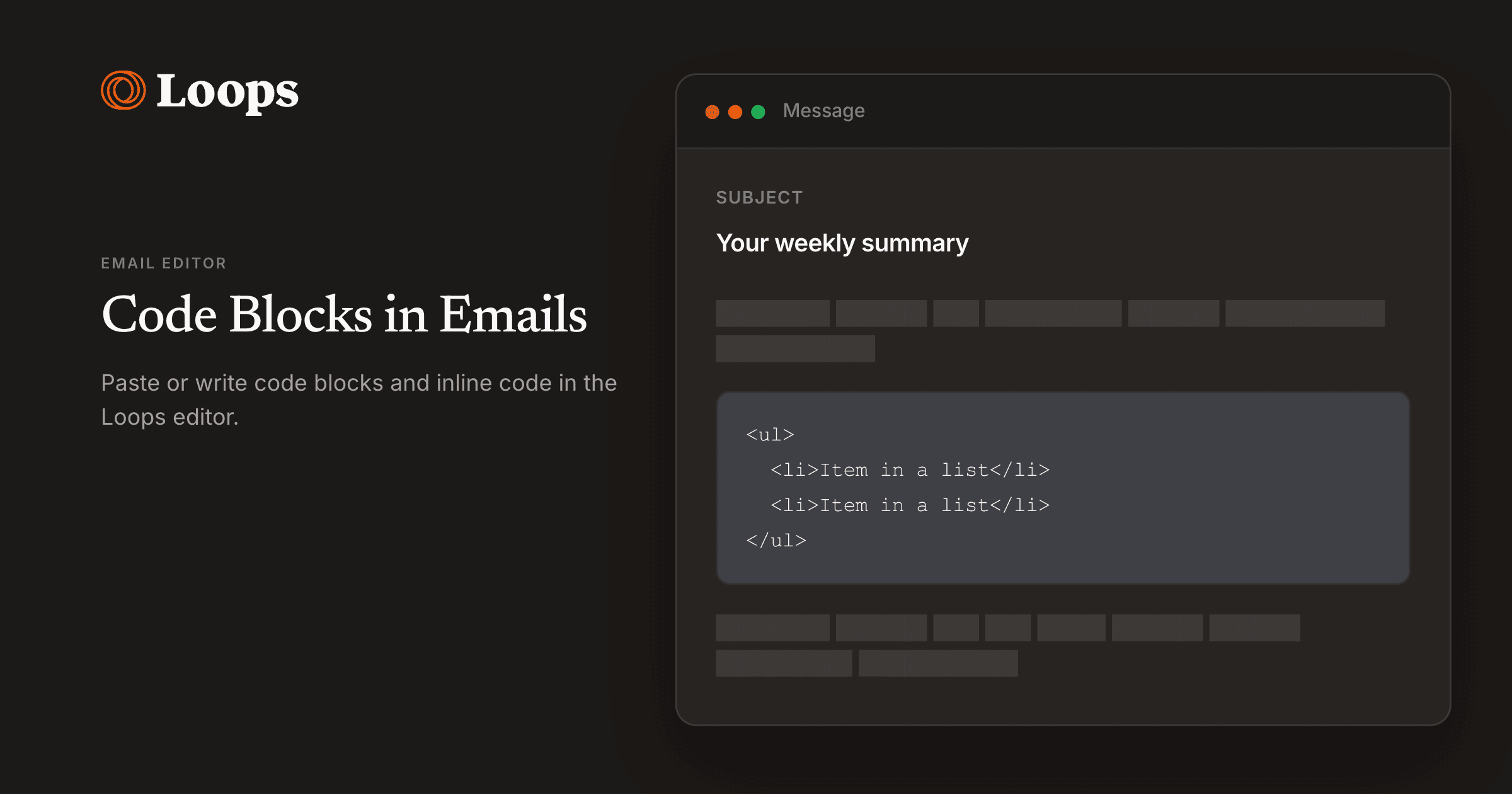
The email editor now supports richer code blocks and markdown-friendly authoring. Code blocks use a hardcoded monospace font with default background and padding that you can customize. You can turn several selected lines into one code block using the block type selector, and you can insert or convert blocks via the slash menu and markdown shortcuts. Separately, pasting markdown with ⌘V opens a dialog so you can choose how pasted content is applied.
For more information, read the Code block docs.