This release, we renamed “Loops the feature” to Workflows, shipped editor sync, added Section nodes for grouping blocks into a card, dropped a resubscribe action into the UI, gave billing receipts their own destination, and refreshed our Skills.
Loops are now Workflows
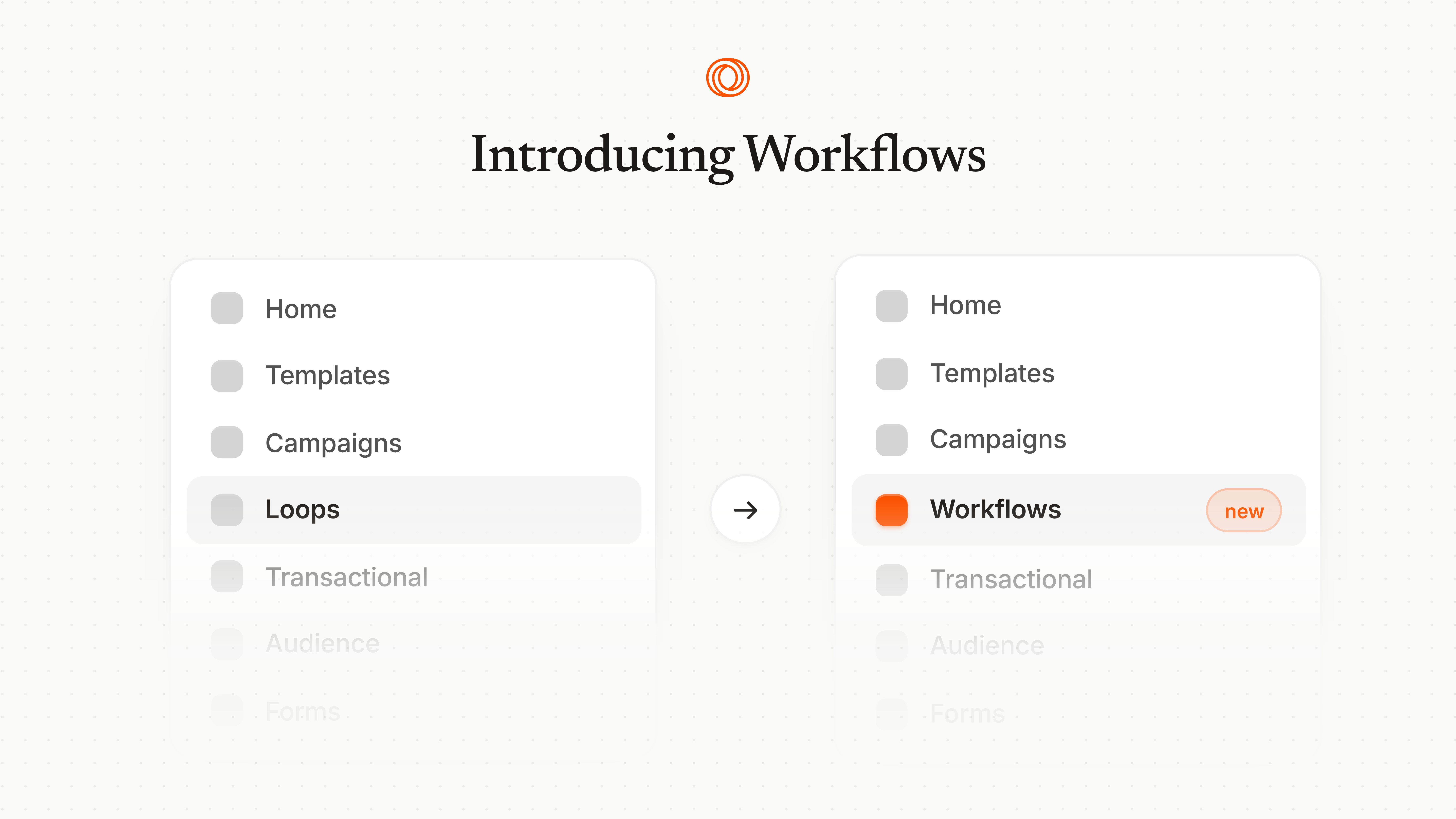
The feature you’ve been using to build automated email sequences, previously called “Loops,” is now called Workflows. Loops is the product. Workflows are what you build inside it.
Why: We’re extending our endpoints to allow for programmatic Workflow creation and we couldn’t have a path like loops/loops/create ship publicly. Workflows will also expand in capability rapidly over the next few months. We will grow into the name.
What’s not changing: every Workflow you’ve built keeps running, every trigger, audience filter, branch, delay, and email step behaves identically, and existing API payloads stay backwards-compatible. Old links and bookmarks redirect. No migration required.
Section nodes in the editor
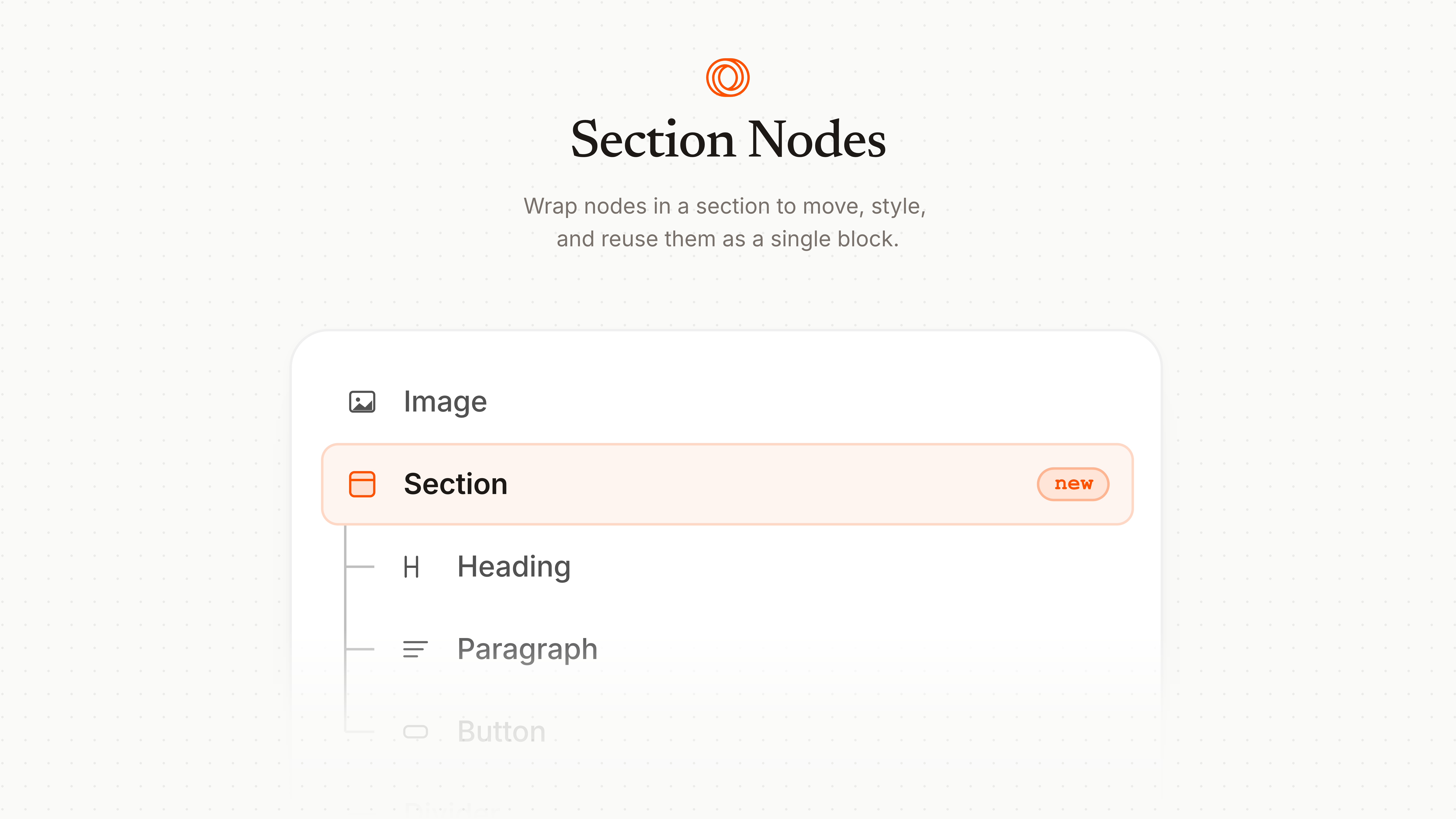
You can now group blocks into a Section: a single container that takes a background color, border radius, padding, and an optional link. Drop a heading, a paragraph, and a button inside one Section and you’ve got a card you can style once instead of repeating blockColor on every child block.
Sections are clickable when you add a link, which is useful for product cards, account-summary callouts, or any block where the whole tile should link somewhere.
Editor syncing
If you’ve ever had two tabs open on the same email and watched one quietly clobber the other (sorry about that), this one is for you.
Email drafts now track their latest version. When you save, we check whether the draft changed somewhere else first. If it did, we fetch the latest version before saving your changes.
Resubscribe contacts in the UI
Resubscribing a contact used to mean an API call but there’s now a resubscribe action directly on the contact’s detail page in the app.
Billing receipt destinations
You can now set where invoices and receipts get delivered, separately from the team owner’s inbox. Configure it in Settings → Billing at the bottom of the page.
Skills, renamed and refreshed
Our Skills are now namespaced under loops-* so they don’t collide with skills from other tools, and we’ve added a new loops-lmx skill focused on writing valid email content (paired with our LMX format, which is currently in alpha but releasing soon!). The existing loops-api, loops-cli, and loops-email-sending-best-practices skills have all been updated and the set is now versioned with proper GitHub releases.
If you previously installed the unprefixed versions, remove them and reinstall to pick up the renamed skills.
Everything else
The CLI is also available via brew install loops-so/tap/loops, and an interactive --pick mode makes selecting a campaign even easier.
We also refreshed our DMARC and DKIM setup docs and tucked a changelog into the support widget so updates like this one are reachable from inside the app too, along with dozens of other improvements.