Welcome Email Examples, Templates & Subject Lines
See 17 real SaaS welcome email examples, subject-line options, templates, and a comparison table for choosing the right format.
Welcome to Dub.co!
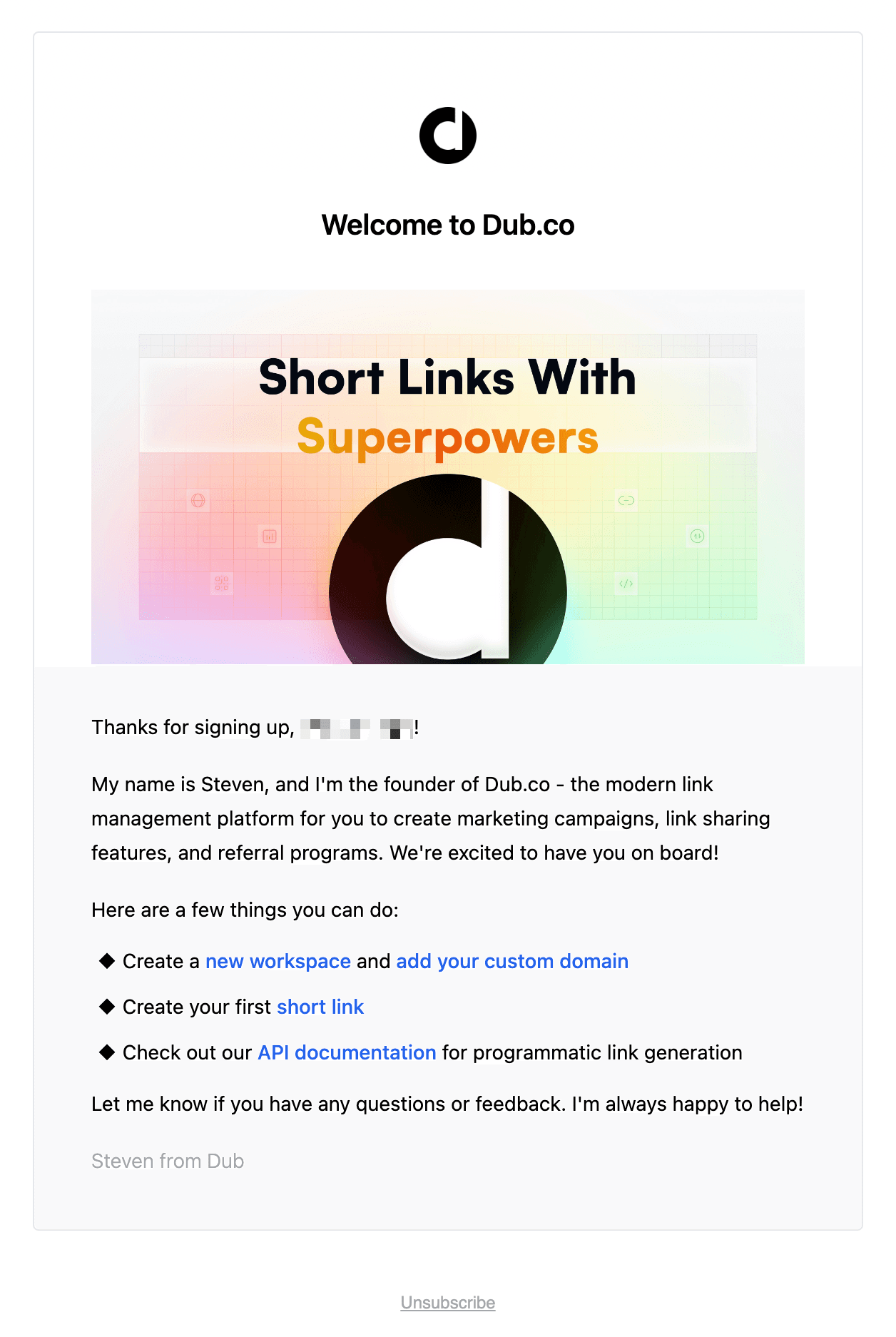
Why we like it
Join todays.design!
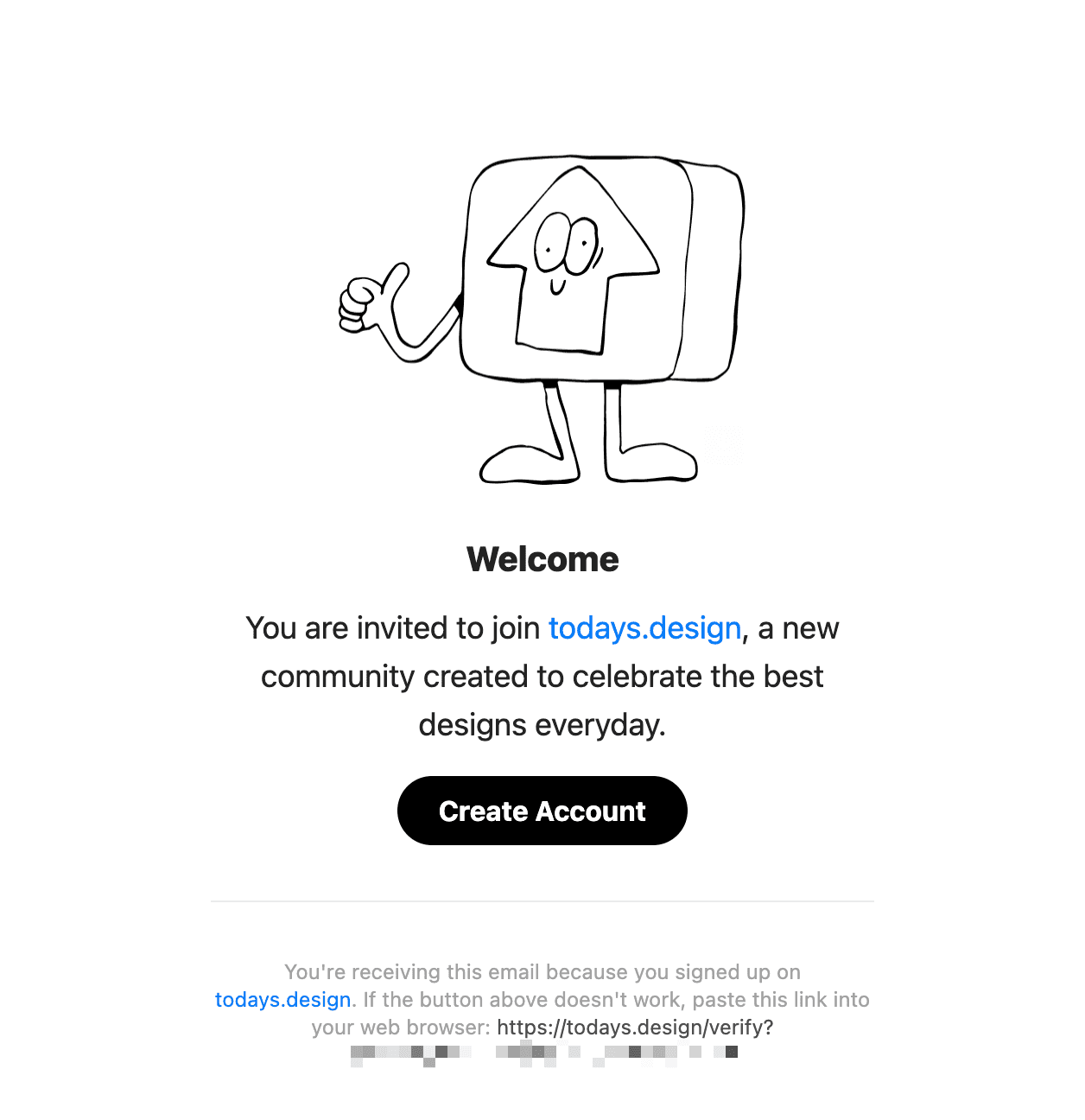
Why we like it
Bye waitlist! Introducing Plot 1.0 🎉
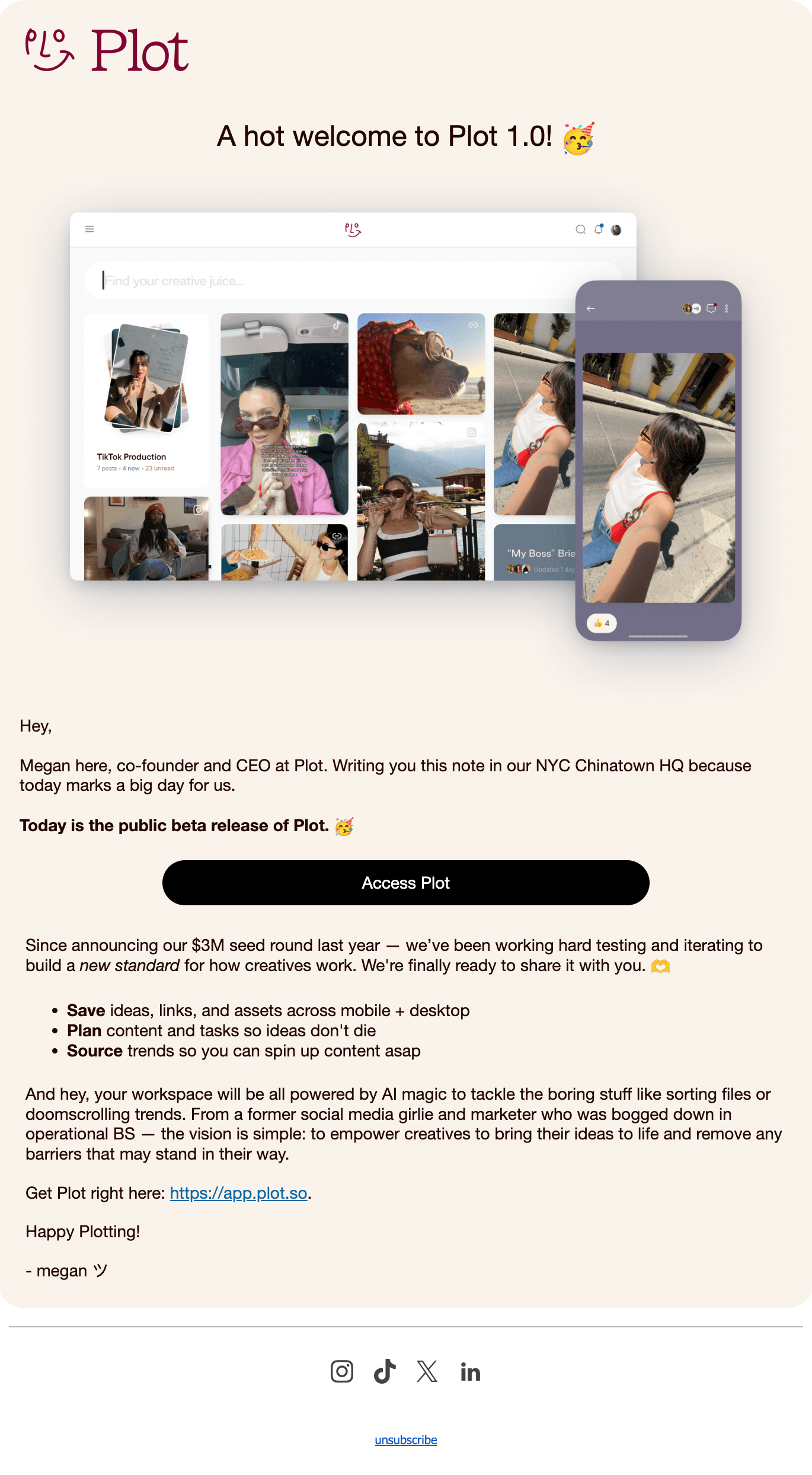
Why we like it
🎙️ Welcome to Descript! 5 steps to get started
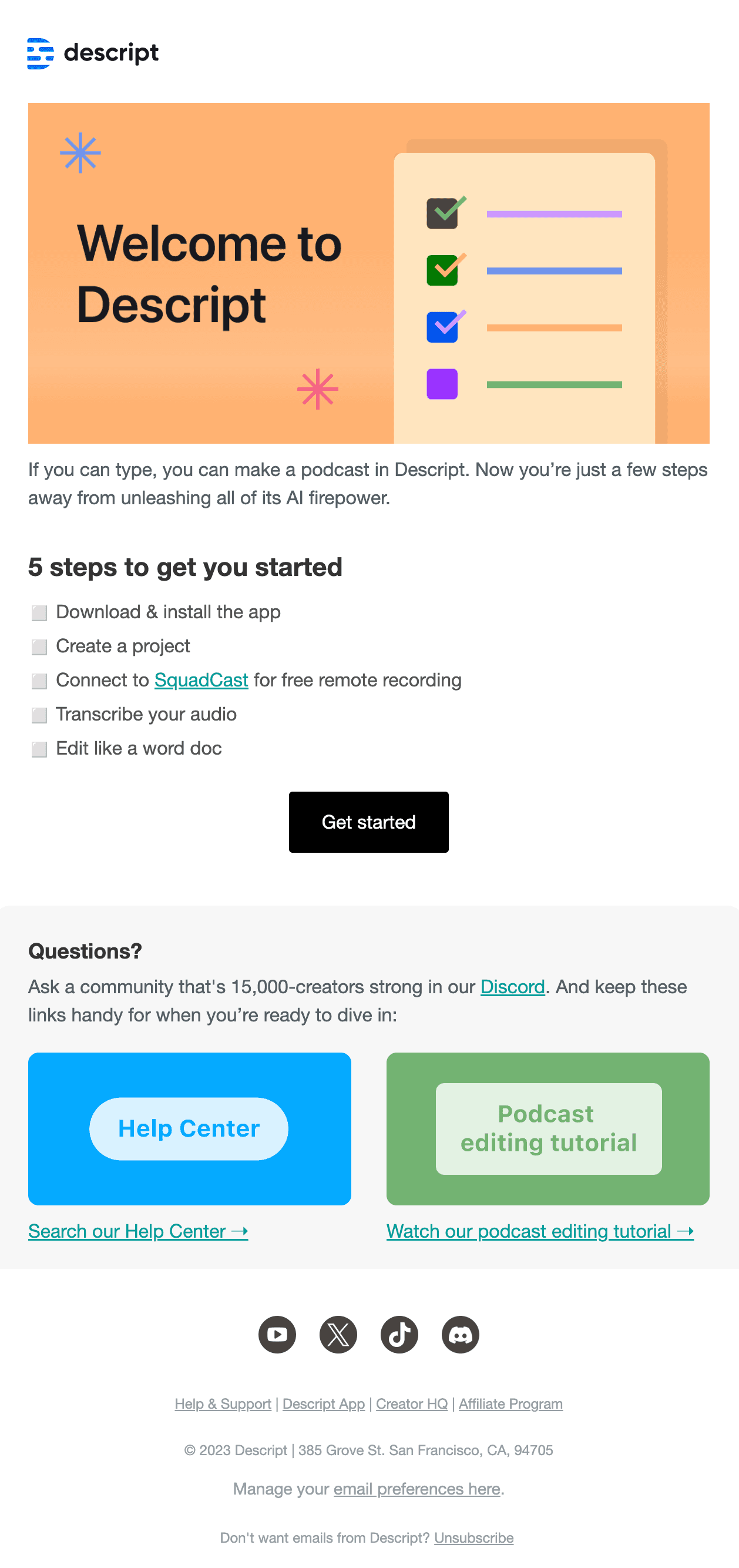
Why we like it
Welcome to Replicate
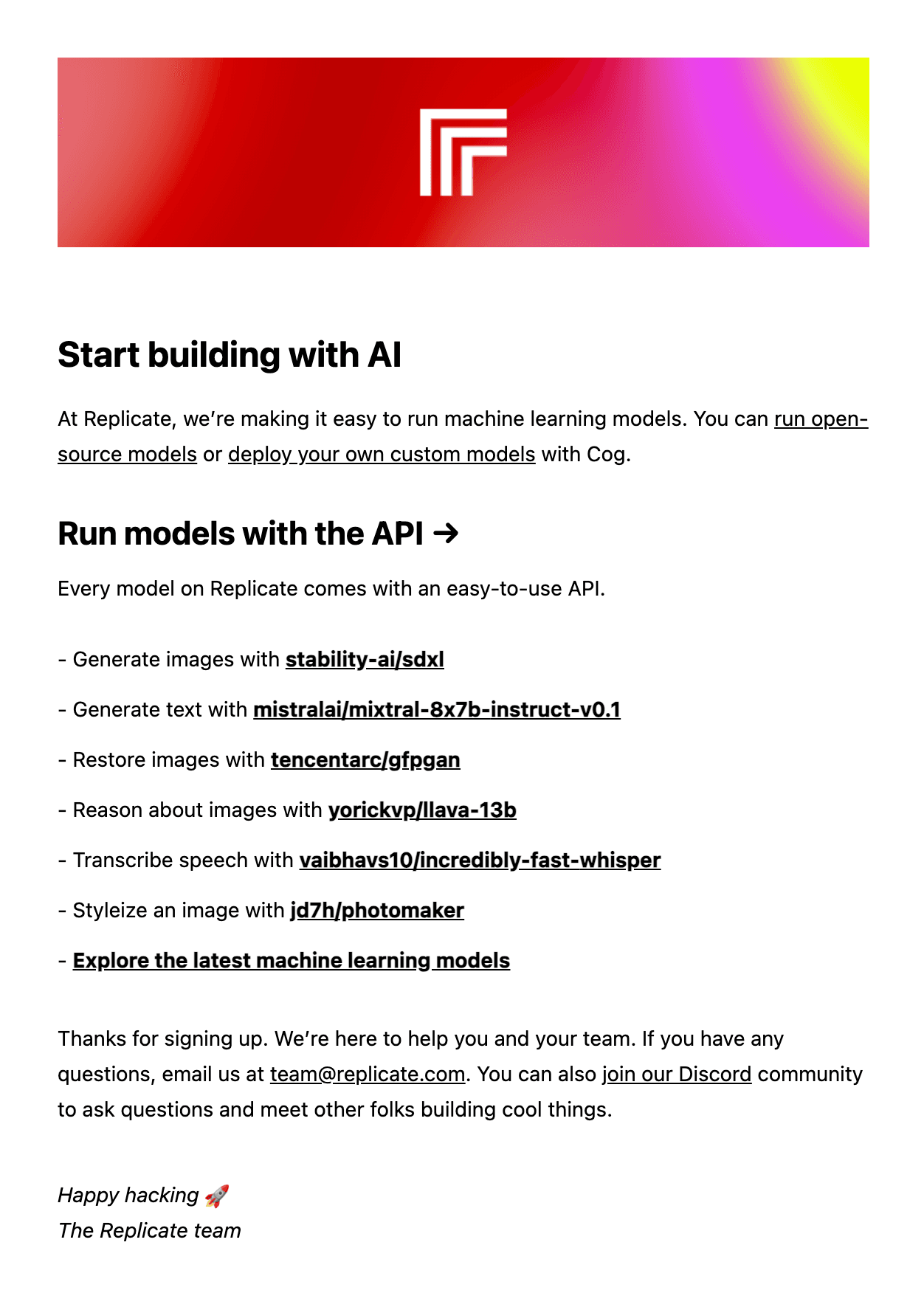
Why we like it
Welcome to Naymee! 👋
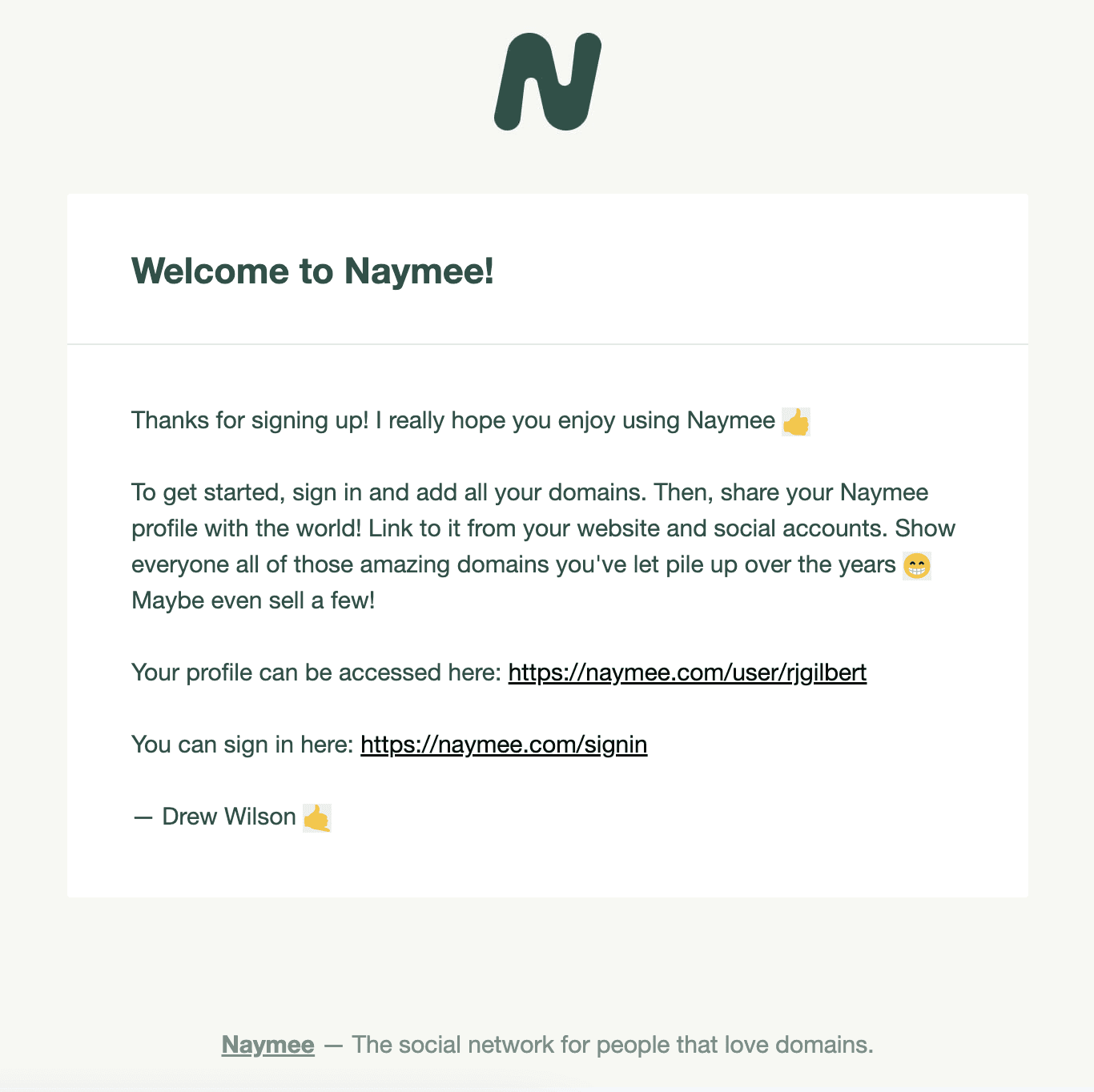
Why we like it
Welcome to Duolingo! Our top tip to get you started
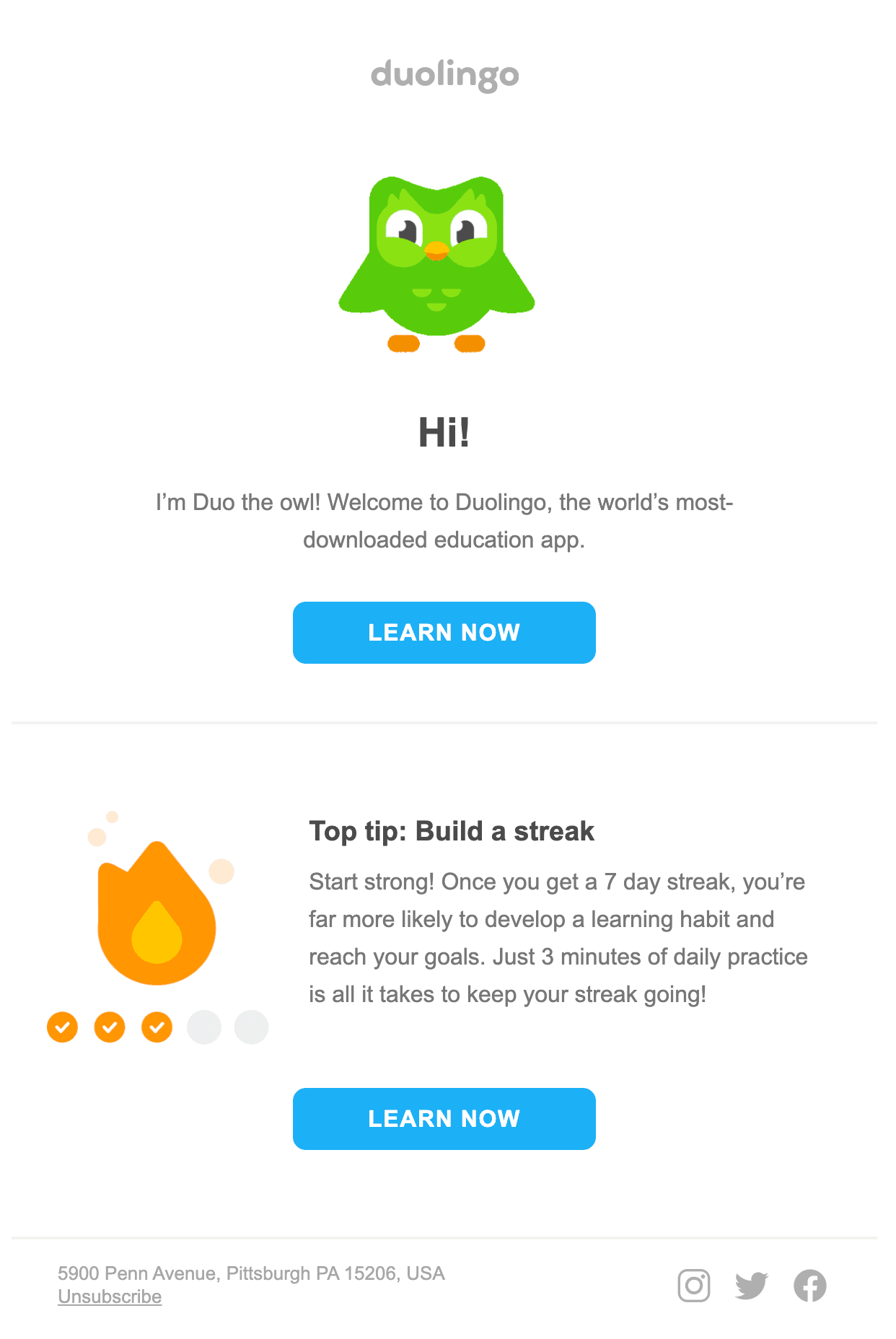
Why we like it
Welcome to Fathom Analytics
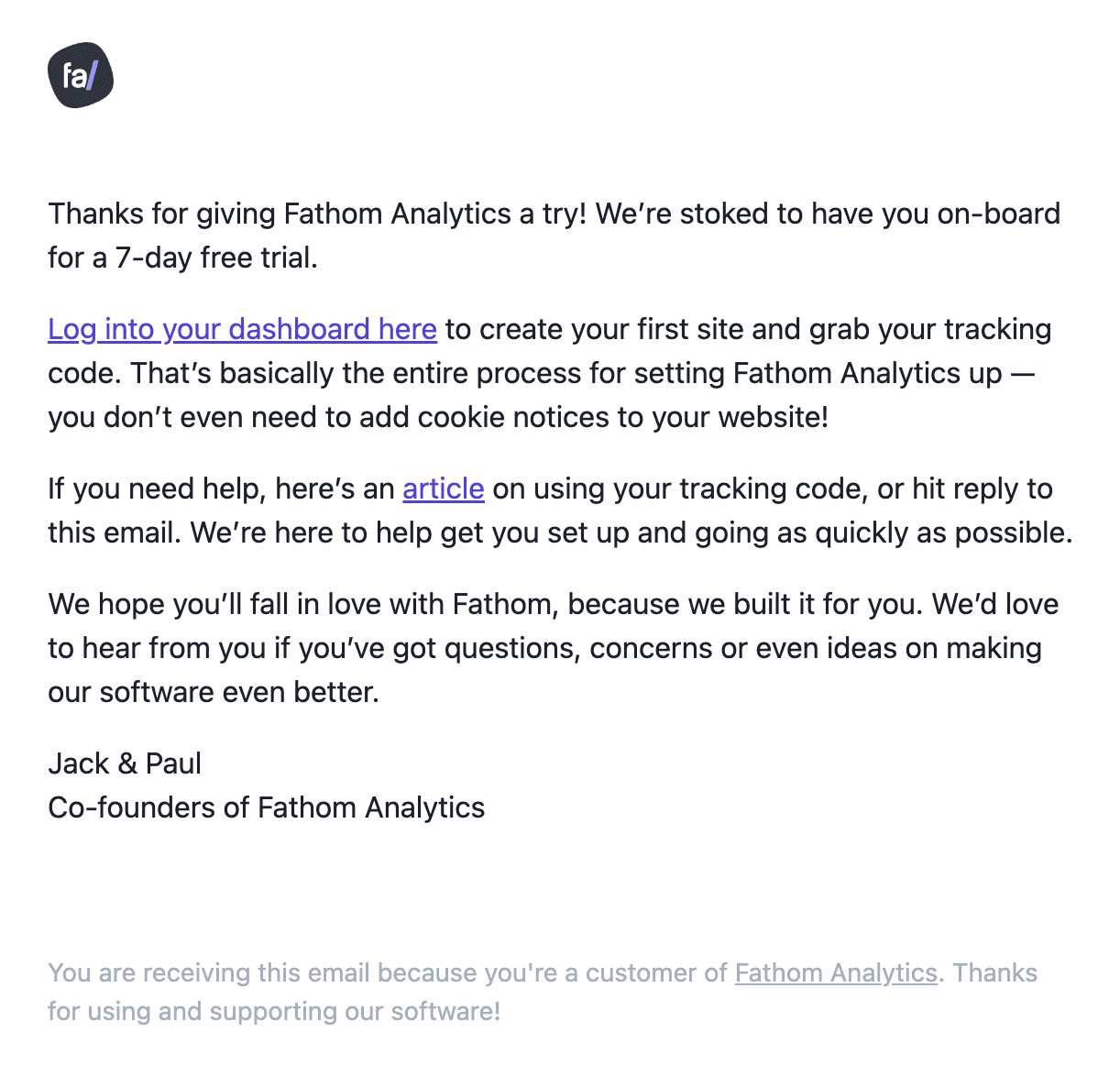
Why we like it
Welcome to the future of daily planning!
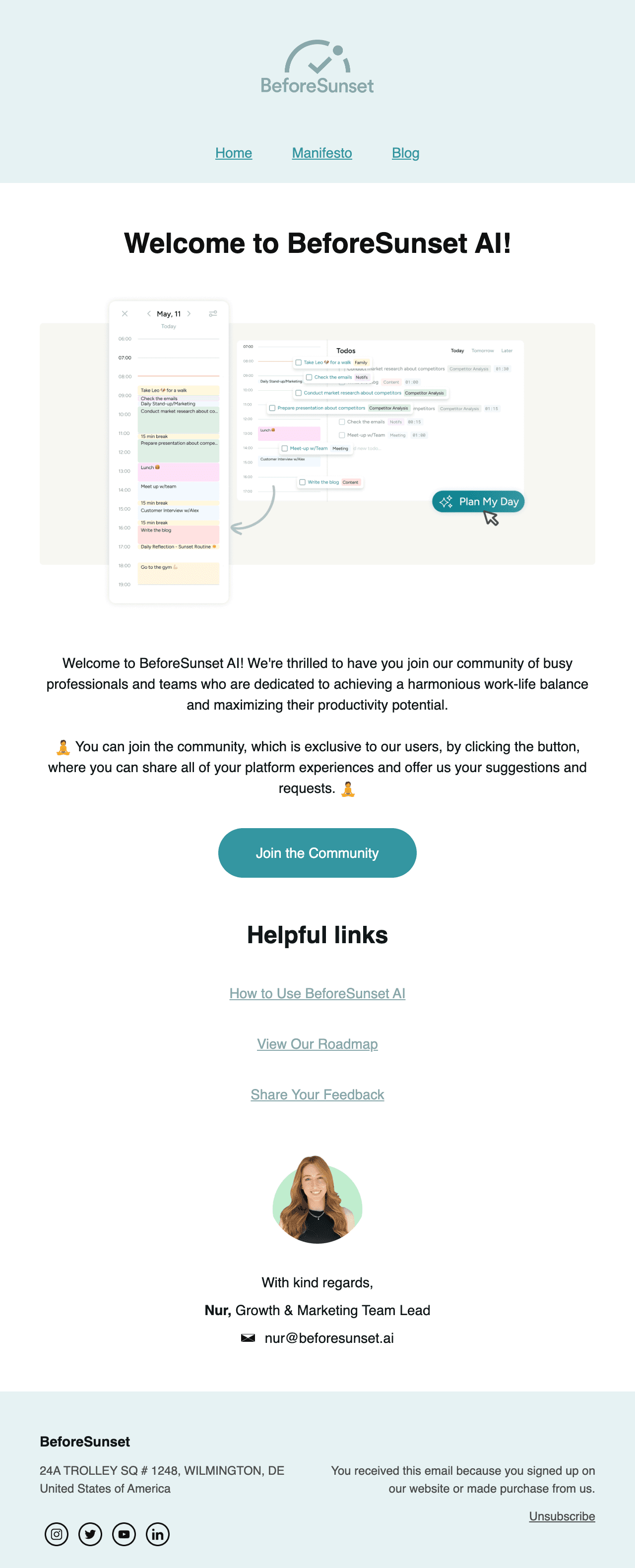
Why we like it
Welcome to Visual Electric!
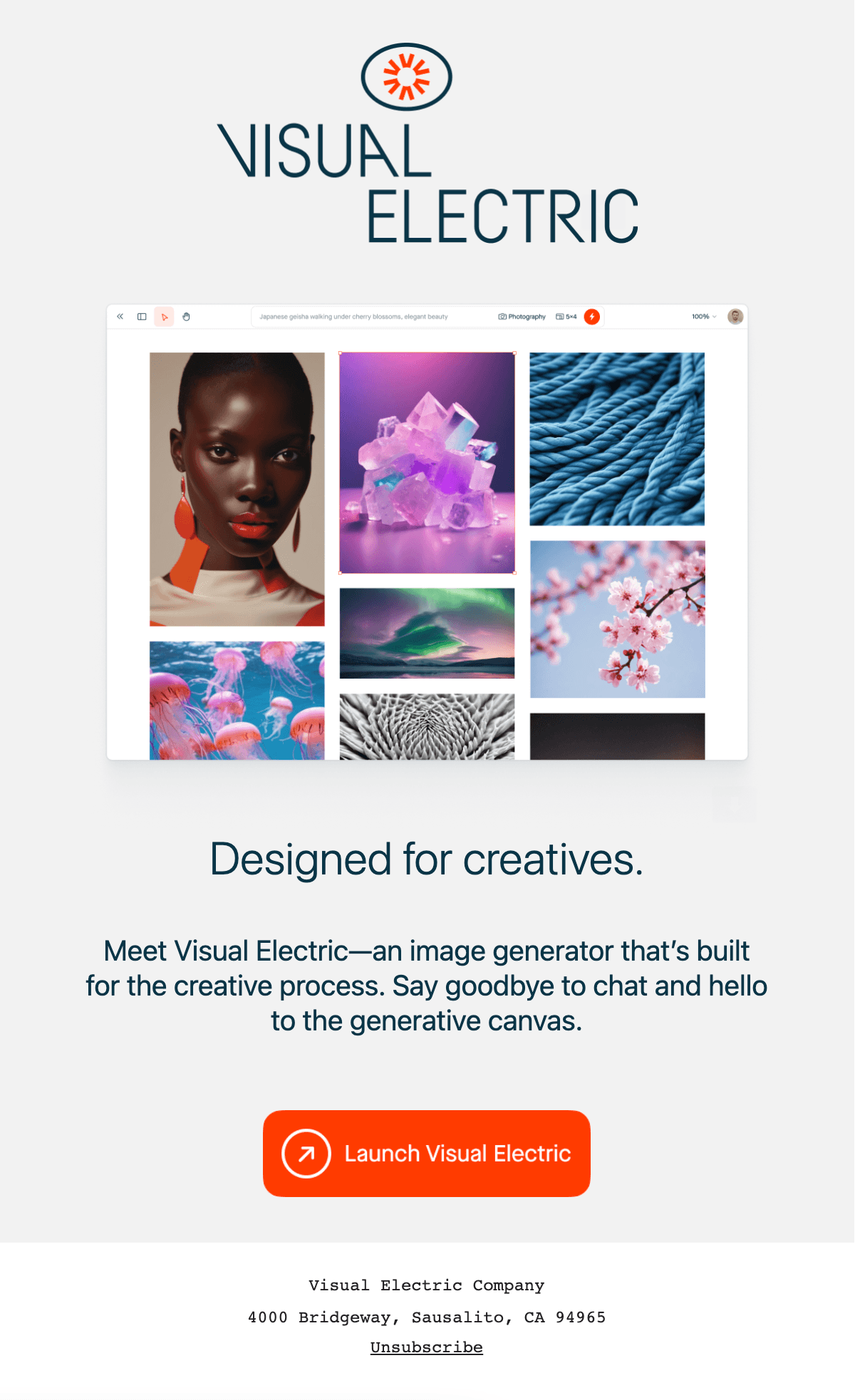
Why we like it
Welcome to Cosmos 🪐
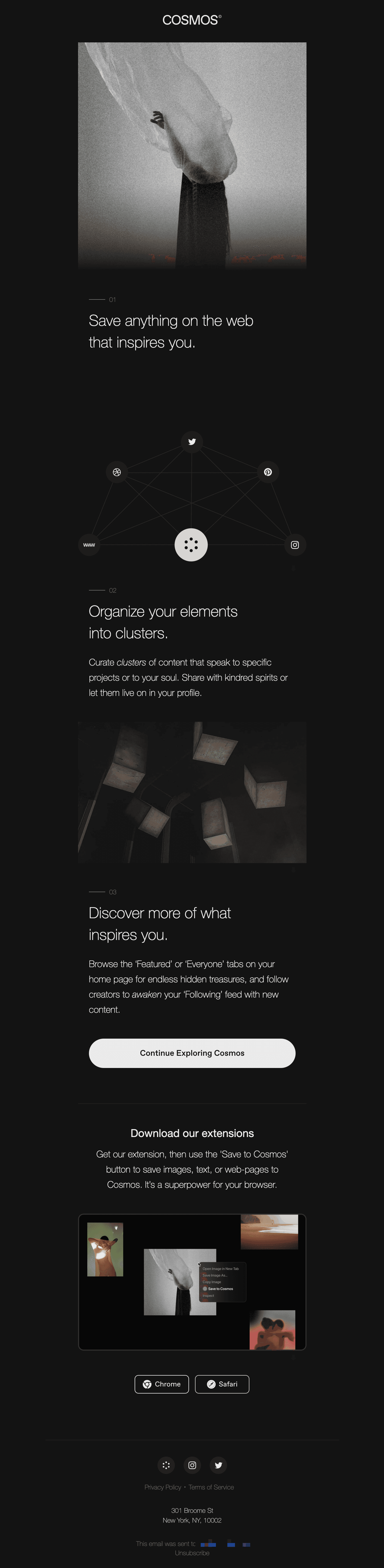
Why we like it
Welcome to Tally
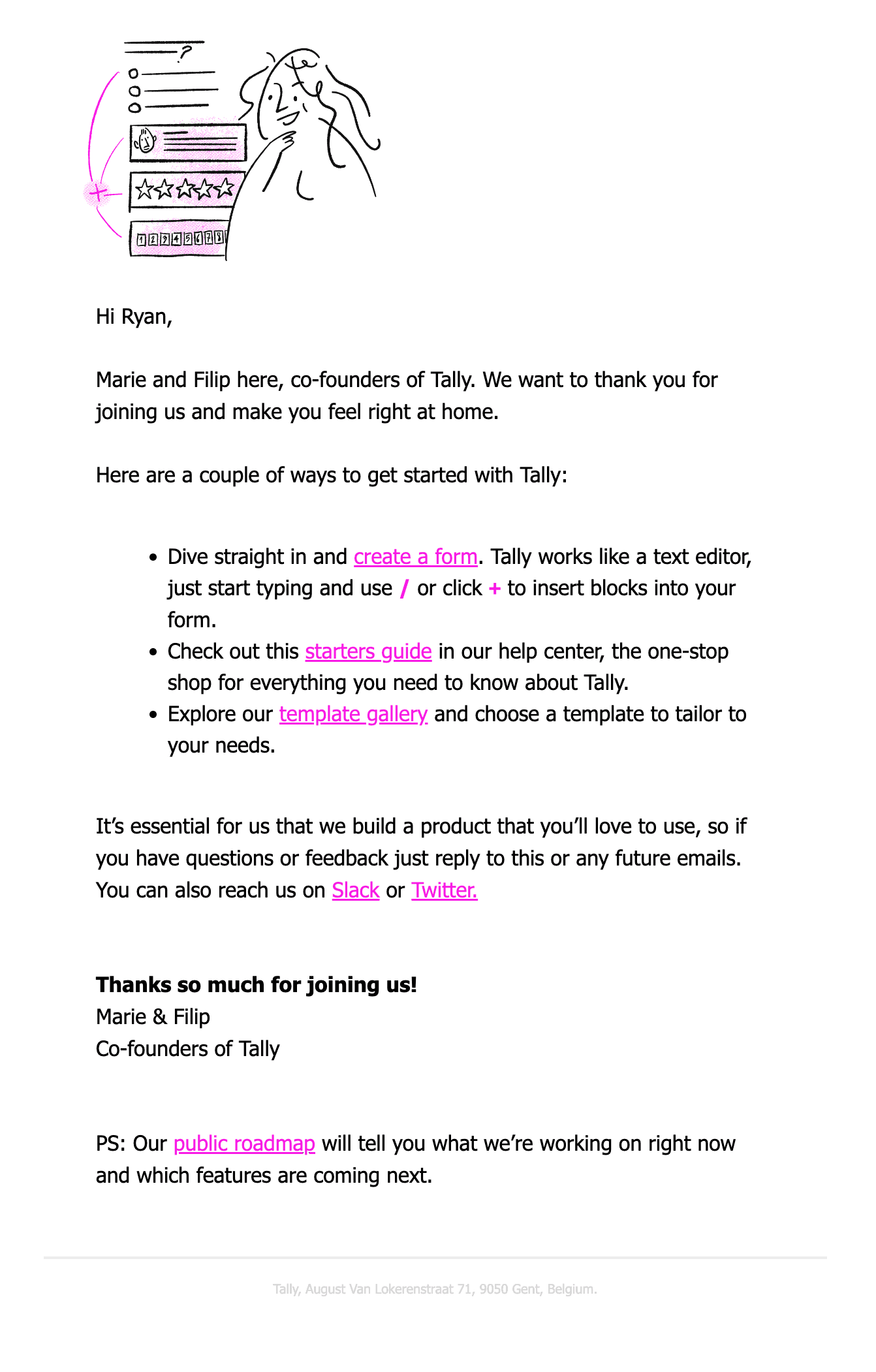
Why we like it
Say hello to {company}
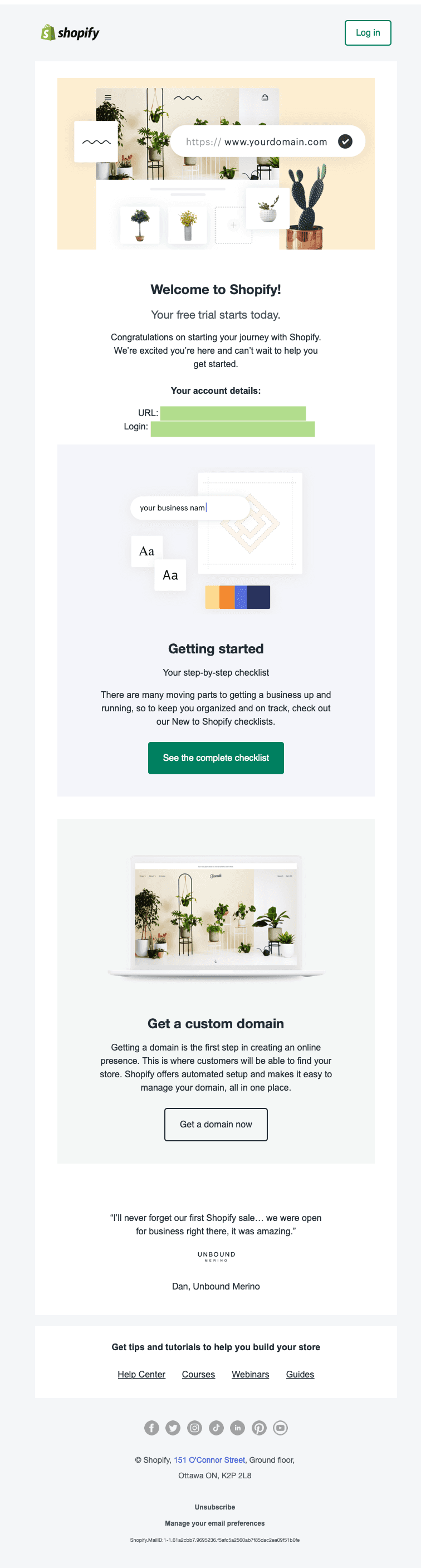
Why we like it
Welcome to Linear
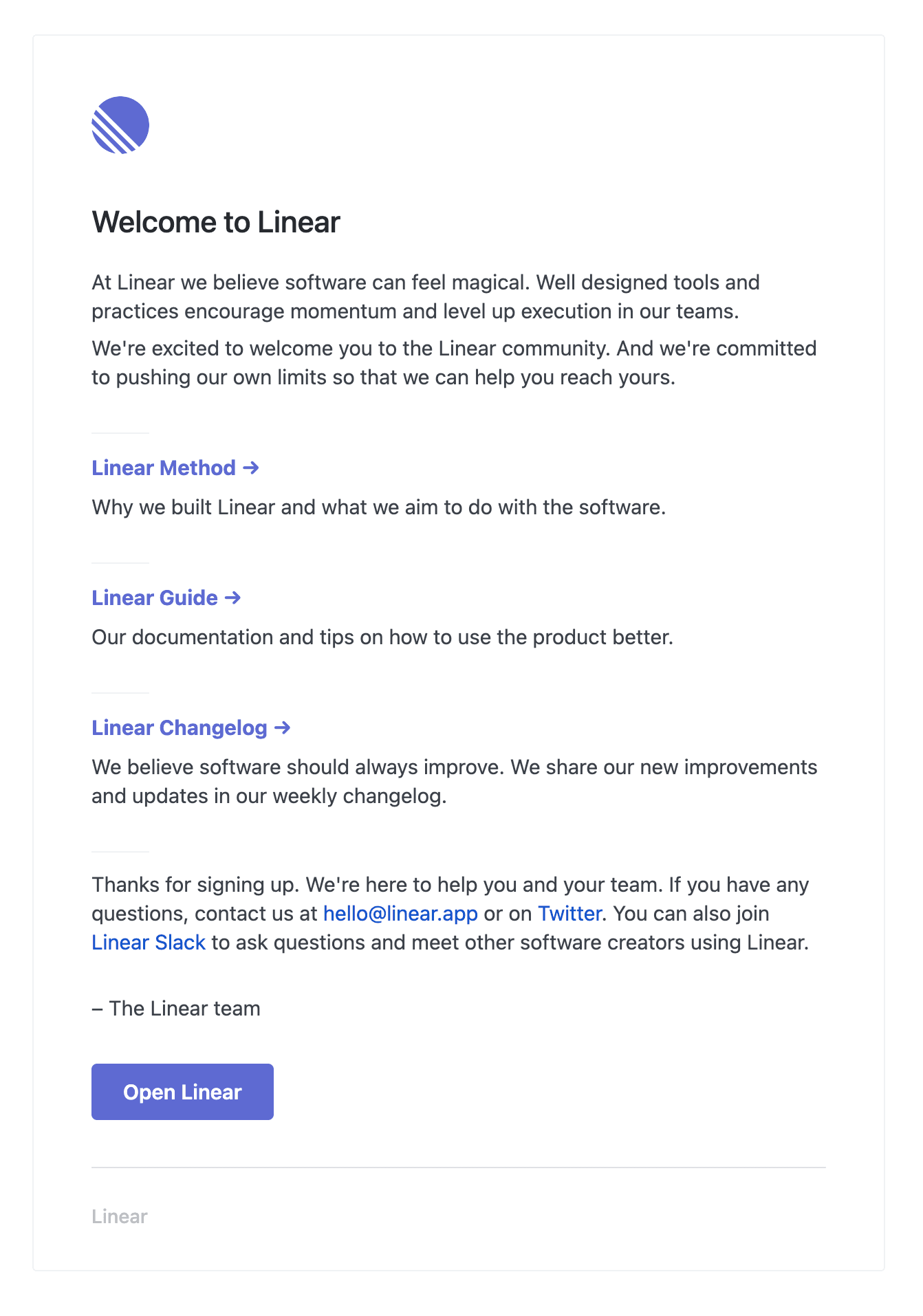
Why we like it
Welcome to Zapier!
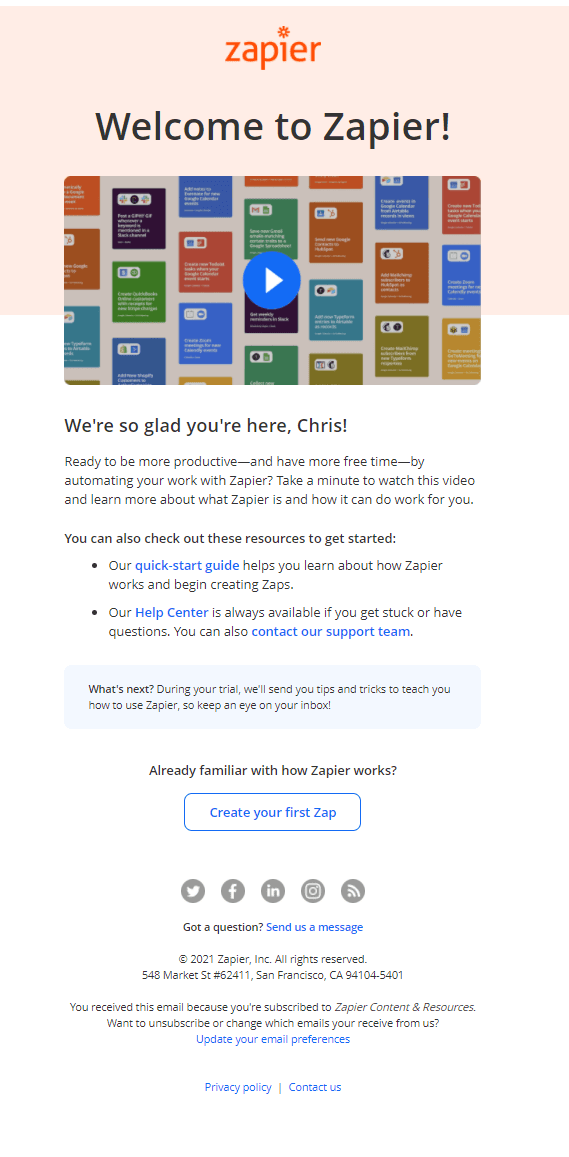
Why we like it
How is June the new way to do product analytics?
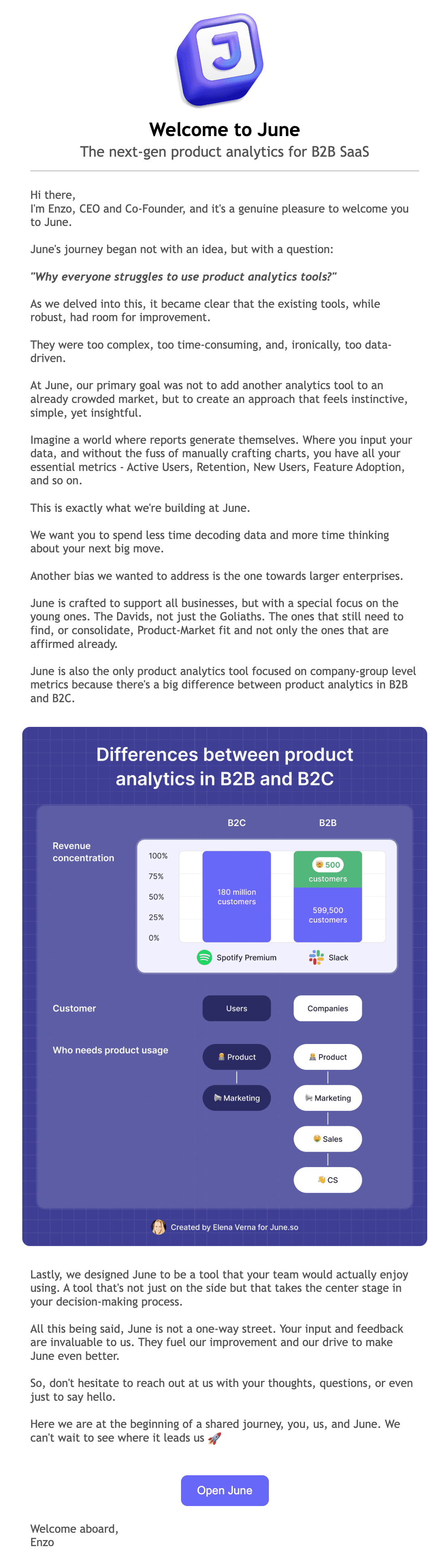
Why we like it
Welcome
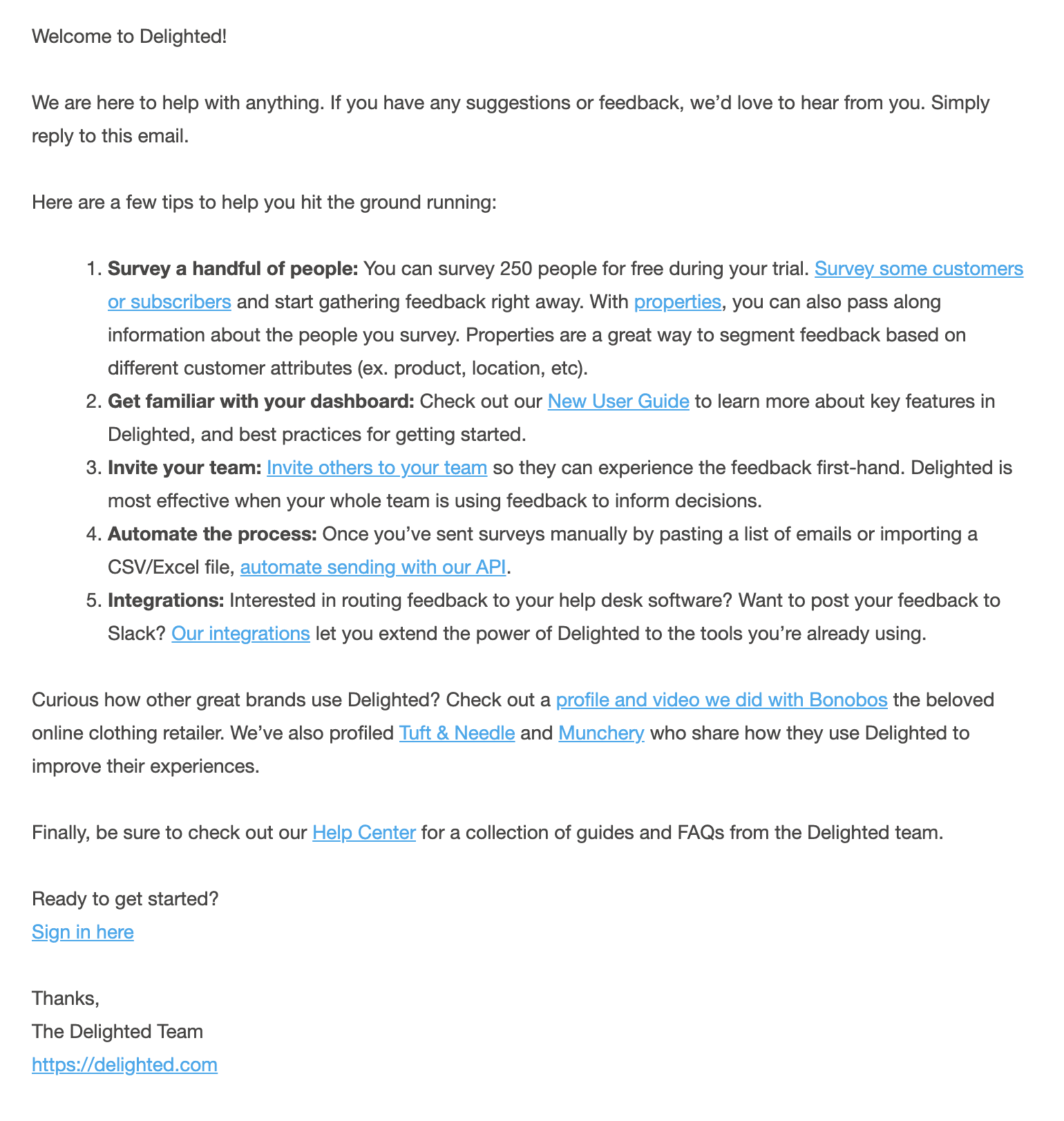
Why we like it
A welcome email is the first message a company sends after someone subscribes, creates an account, or joins a list. It confirms the action, explains what happens next, and points to one useful first step.
Compare the examples by sender, primary action, and signup type. The three templates below cover account setup, a founder introduction, and resource delivery.
What a welcome email needs
Subject line. Tie it to the action the reader just took. “Welcome to [Product]” is a clear baseline. If the next step is obvious, name it. Check the result in real inbox previews instead of treating one character count as universal.
Timing. Send it while the reader expects confirmation. For account creation, an event-triggered message is a better fit than a daily batch. Verification links and required setup steps should not wait for a marketing schedule.
Primary action. Make one action visually dominant. “Create your first project” gives a new user clearer direction than a row of equally prominent feature links. Put optional resources after the main action.
Personalization. Use context you actually have. A relevant workspace, role, or signup source can be more useful than inserting a first name into generic copy. Add a fallback for every optional value, including the name.
Element | What good looks like | Common mistake |
|---|---|---|
Subject line | Specific and recognizable in an inbox preview | Vague, clever-but-empty, or misleading |
Timing | Prompt and tied to the signup event | Delayed until a batch job |
CTA | One primary action | Five buttons competing for the click |
Personalization | Relevant context with safe fallbacks | A broken merge tag or empty greeting |
Sender | A real person or recognizable brand name | “noreply@” with no identity |
Length | Easy to scan on mobile | A wall of text and feature lists |
Welcome email subject-line ideas
Replace the brackets with information you actually collect. Put the useful detail early, then preview the result in the inboxes your audience uses.
Welcome to [Product]
You’re in. Here’s your first step.
Send your first [email/project]
Welcome to [Product], let’s get you set up
[First name], your account is ready
Quick start: [first task]
Welcome aboard, here’s what to expect
Your [Product] account is live
Let’s build your first [project/campaign/zap]
Thanks for joining [Product]. Start here.
Welcome! Here’s how to get your first win
[First name], ready to [main goal]?
Choose a welcome format by signup intent
Match the format to what the person signed up for.
Situation | Best for | Pattern | Primary CTA |
|---|---|---|---|
Account created | Product activation | Single-CTA email | Complete setup |
Founder-led or high-touch signup | Starting a conversation | Founder note | Reply with a goal |
Newsletter or content signup | Setting expectations | Resource roundup | Read the first issue |
Reconfirming intent | Access notice | Claim the account |
Templates to copy into Loops
These patterns handle three different jobs: activation, a founder introduction, and resource delivery. Start with the one that matches the signup, then trigger it from the signup event in Loops.
1. The single-CTA activation email
Subject: Welcome to [Product], let’s get you set up
Hi [First name], thanks for signing up for [Product]. Start with [first action]. [Primary CTA: “Create your first project”]. If you get stuck, reply to this email and [support contact] will help.
2. The founder note
Subject: [First name], a quick welcome from [Founder]
Hey [First name], I’m [Founder], one of the people building [Product]. We made it because [one-line reason]. Start with [primary CTA]. If anything is confusing, reply directly to me.
3. The resource roundup
Subject: Welcome to [Product], start here
Welcome, [First name]. Start with [most useful resource]. You can also use [supporting resource] when you need it. When you’re ready, [primary CTA].
Build any of these in the Loops editor, reuse your brand styles and components, then automate delivery in a lifecycle workflow. Browse the template library, or read Creating emails. For more examples, compare Userlist’s SaaS welcome email guide and Knock’s welcome email examples.
Send your welcome email with Loops →
Plan a welcome email series
One welcome email confirms the signup. A short series gets the new user to a first result. Three emails over the first few days is a sensible start for most SaaS products, and the series should stop as soon as the user is activated.
When | Its one job | Skip it when | |
|---|---|---|---|
Day 0, at signup | Welcome | Confirm the signup and link to the first setup task | Never. Everyone gets this one. |
Day 1 | Setup nudge | Help with the step new users most often get stuck on | They are already activated |
Day 3 | First win | Show what a finished result looks like, with one example or template to start from | They are already activated |
Make each email useful on its own, because people skip some and read others late. When the series ends, hand off to onboarding emails that cover the rest of activation.
Build a welcome email workflow
Start with the Welcome template and replace the product name, first-action link, and reply address. Trigger it from the relevant signup event.
Use Contact added for signups created through a form, API, or integration. Manually added contacts do not trigger it, and CSV imports need Trigger workflows enabled. If your audience includes other contact sources, send a signup event and use Event received.
Send one welcome with a link to the next setup task. Keep account verification in its own action-completing message.
If setup needs another step, add a Timer and check a current contact property such as activated before the next email. Apply the audience filter to All following nodes so activated users leave when the filter is checked at a following node.
Test a new signup, a user who activates during the delay, and a contact with missing optional data.
Use the signup implementation guide to connect your app. Continue with the onboarding sequence and copy examples when welcome is only the first step.
Check before sending
Use a recognizable sender and a monitored reply-to address so new users can ask for help. Test contact and account properties with missing data before enabling the workflow.
Authenticate the sending domain before launch. If onboarding takes several distinct steps, move later steps into a welcome series instead of stretching the first email.
FAQ
What is a welcome email?
A welcome email is the first message a company sends a new subscriber or user right after they sign up, register, or join a list. It confirms the signup, sets expectations, and points the reader to one clear next step.
When should a welcome email be sent?
Send it when the reader expects the signup confirmation. For account creation or verification, trigger it from the signup event rather than waiting for a scheduled marketing batch.
What should a welcome email include?
A recognizable subject line, confirmation of what happened, one visually dominant next step, and a sender the reader can identify. Use signup context when it helps, with fallbacks for optional data.
How long should a welcome email be?
Keep it short enough to scan on a phone. Put the most important next action near the top and move nonessential setup detail into later emails or linked documentation.
Is a welcome email transactional or marketing?
In Loops, a welcome email sent after signup is marketing email, even though an event triggers it. Send it through a Workflow so it respects unsubscribes. Reserve transactional email for action-completing messages such as account confirmations and password resets.
Should I send one welcome email or a series?
Use one email when the next action is simple. Use a short series when setup has several distinct steps, with each message tied to one milestone. You can build either approach as a lifecycle workflow in Loops.
How many emails should a welcome series have?
If setup takes more than one step, start with three: the welcome at signup, a setup nudge on day 1, and a first-win email on day 3. Add more only if setup has more steps, and stop sending once the user is activated.