Survey Email Examples, Templates and Subject Lines
16 survey email examples from Figma, ChatGPT, AWS and more, plus an NPS email, a feedback request template, and subject lines to copy.
Why we like it
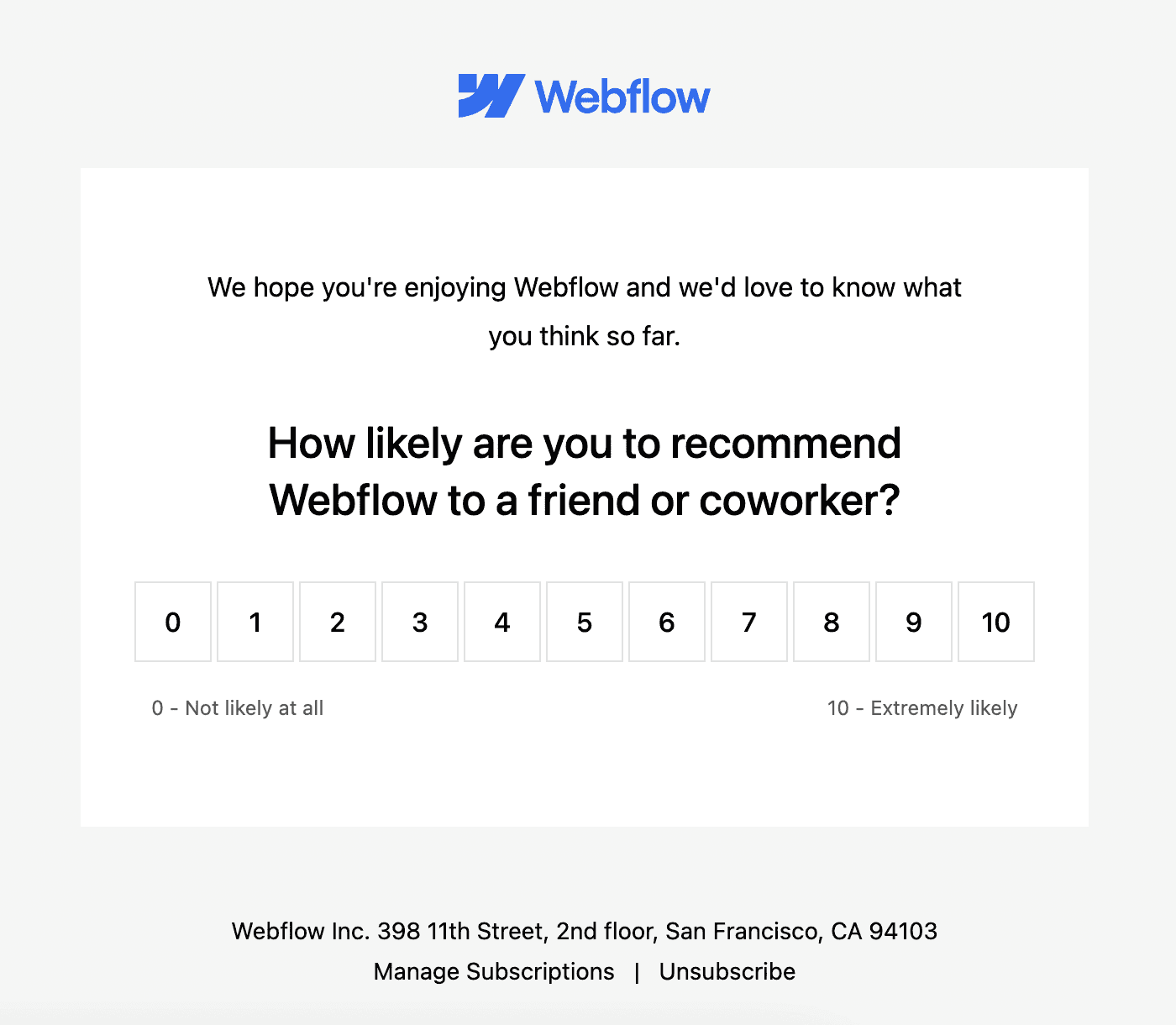
Webflow sent a simple NPS survey to see how likely users are to recommend the platform to a friend. The subject line "Have 30 seconds to spare?" sets a clear expectation for how little time the survey needs. The email itself is just a prominent Webflow logo and a rating selector. This makes sense because it's a survey asking one very specific question about the brand... they want to be front and center.
Why we like it
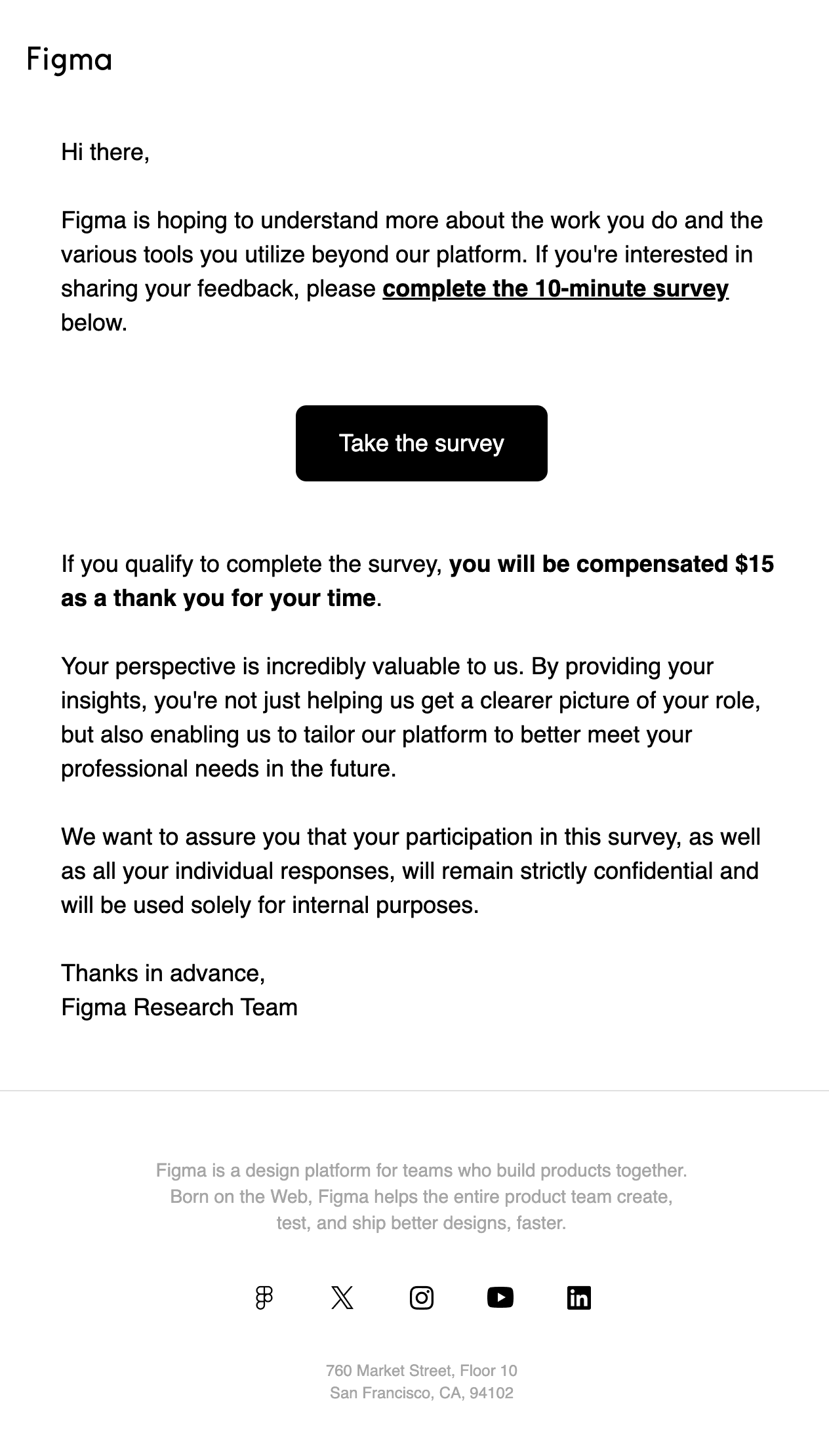
Figma's survey email is built around one very large "Take the survey" button with extra padding on every side. The copy above it says what the survey is about and that it takes 10 minutes. Figma also entices users to complete the survey by offering qualified responders $15 as a thank you.
Why we like it
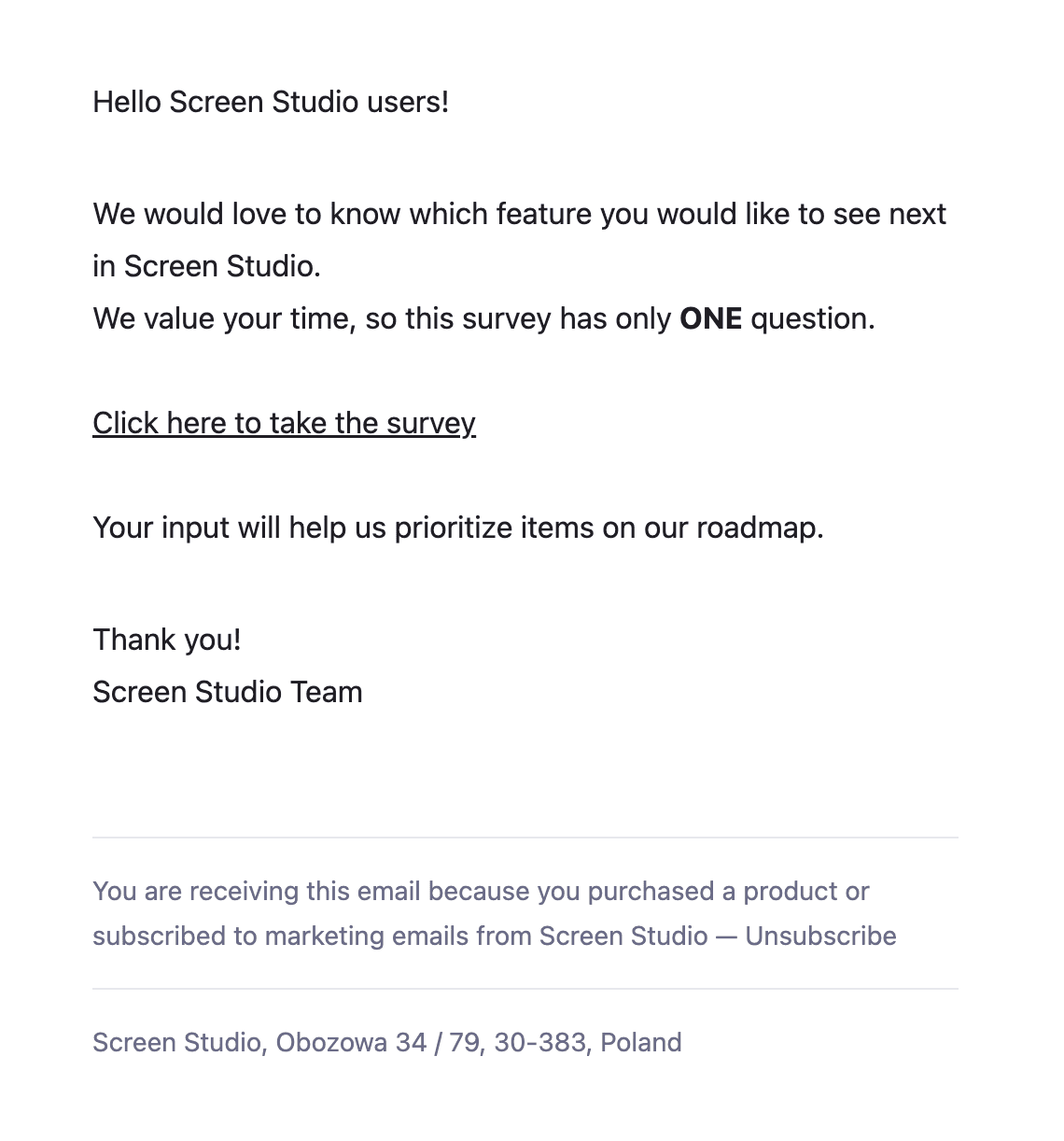
Screen Studio sends a text-based survey email that could hardly be simpler: a greeting, a few short lines, and a link. That's a good thing, because nothing competes with the ask. Screen Studio also says up front, with ONE in bold, that the survey has a single question.
Why we like it
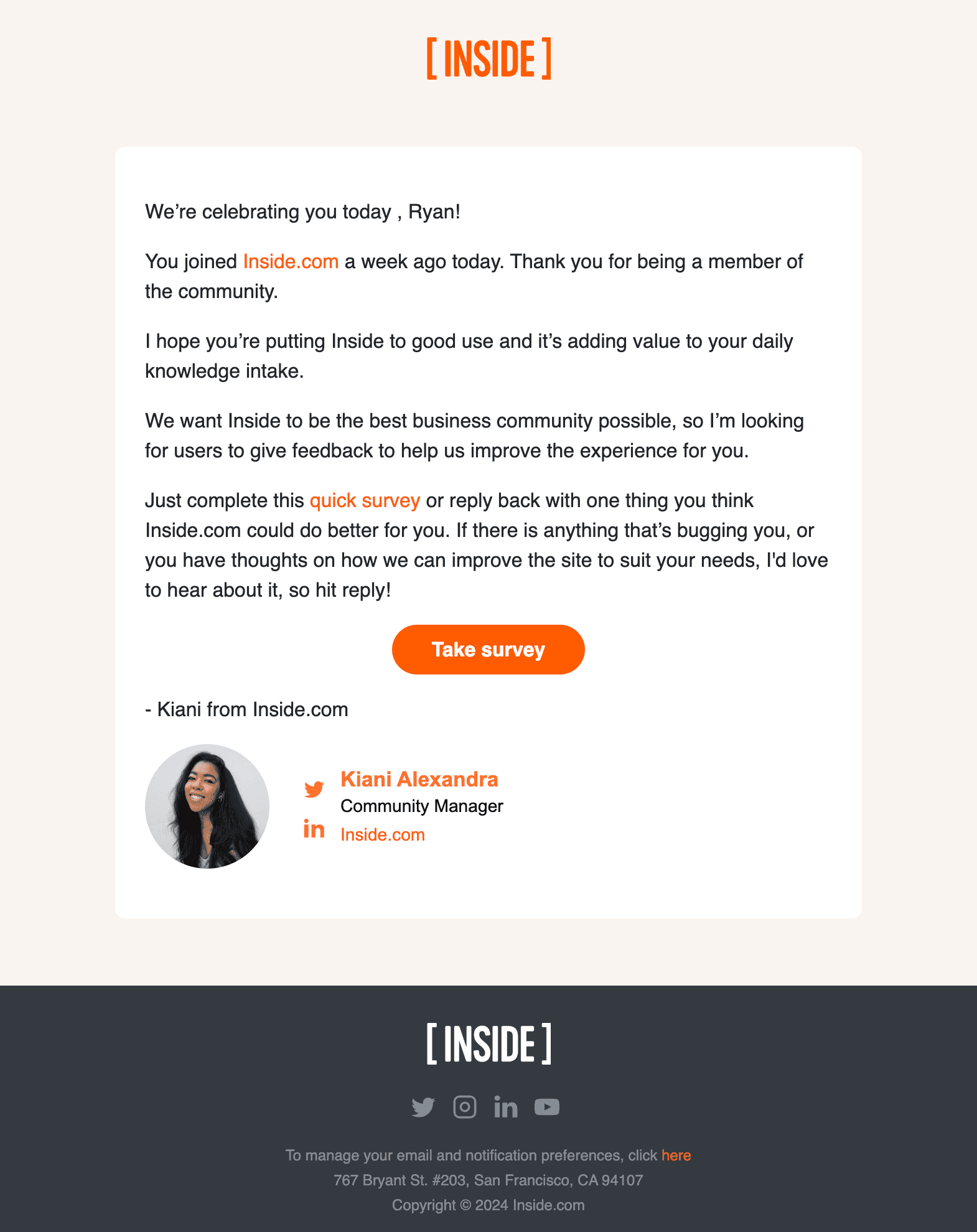
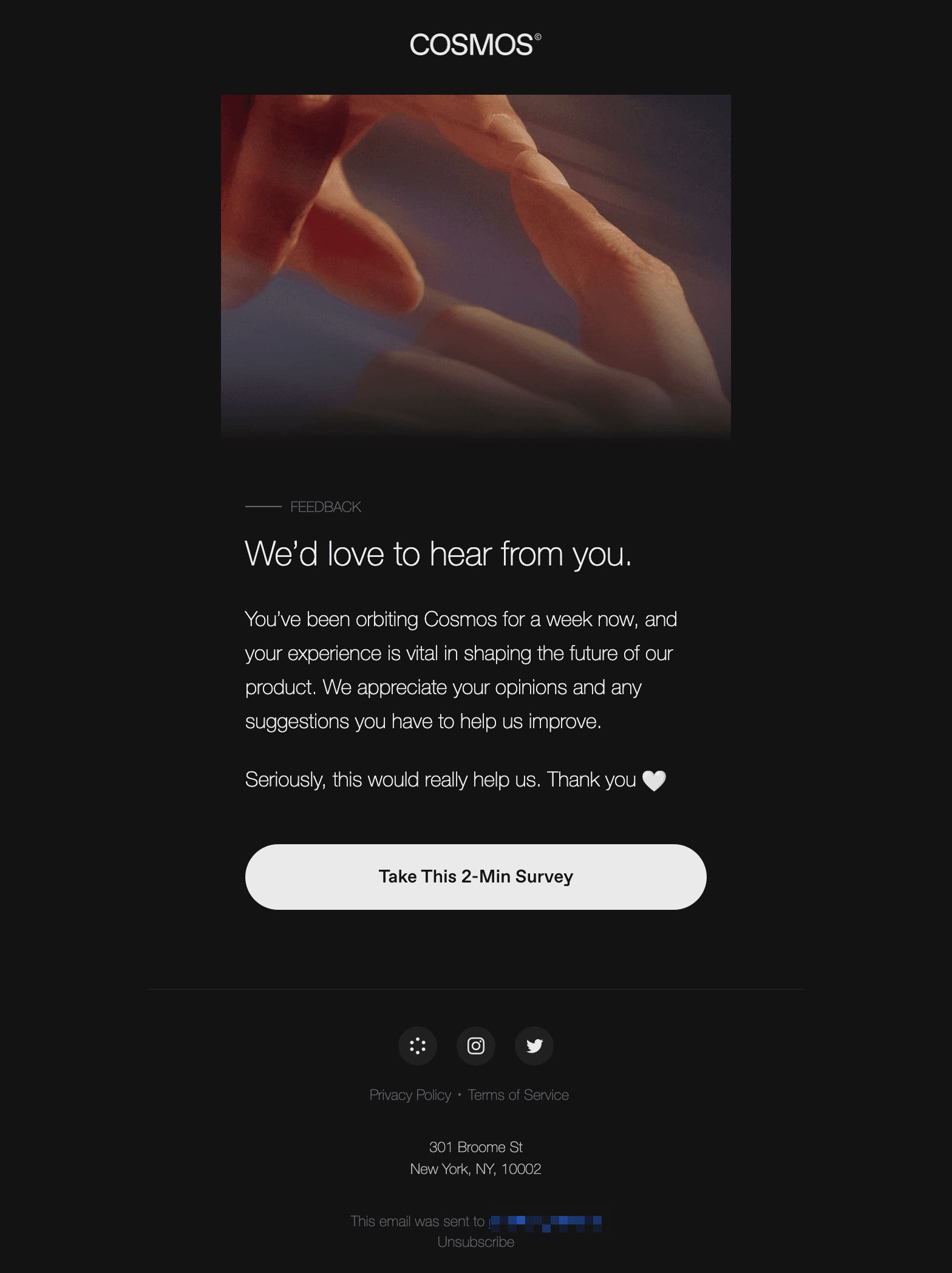
Inside sends this survey email one week after a user joins and frames it as a small celebration of the anniversary. The ask is light: complete a quick survey, or just hit reply with one thing Inside.com could do better. The email is signed by a person, Kiani, rather than a team, which fits an email that asks you to reply.
Why we like it
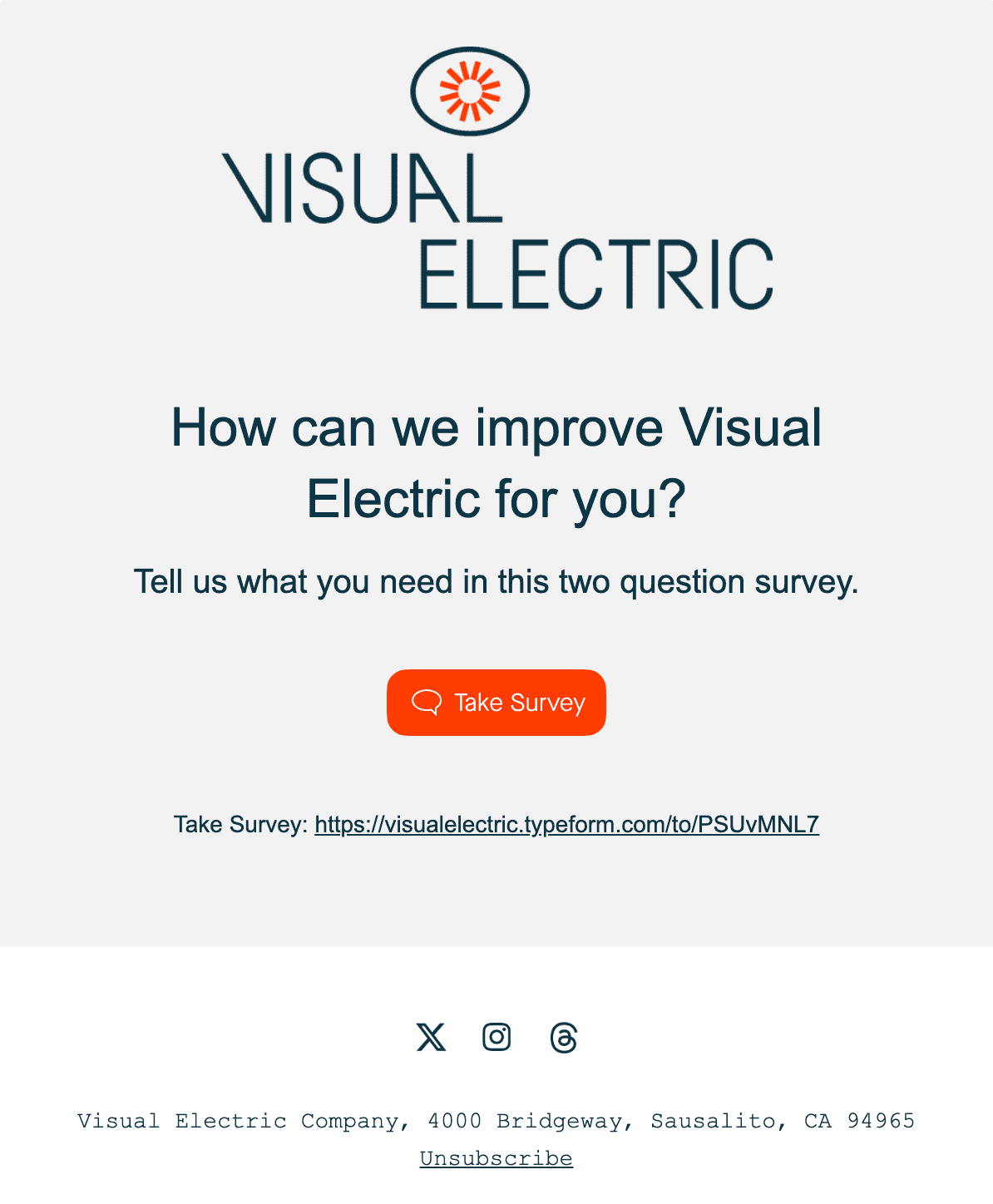
Visual Electric sent a two-question survey email asking users how they can improve the product. The email carries Visual Electric's branding and keeps the request short. The full survey URL is printed under the button as well, so recipients can see where the link goes before they click.
Why we like it
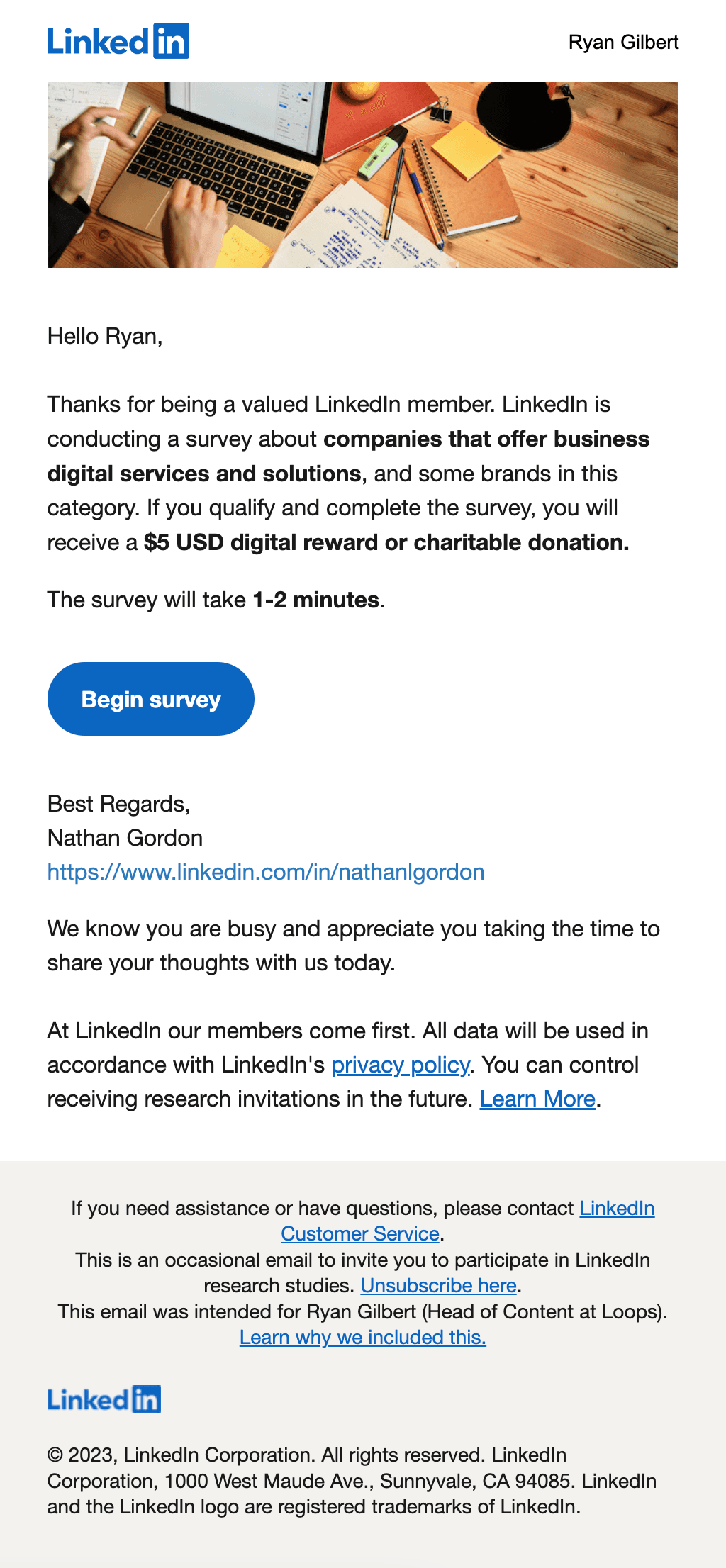
LinkedIn addresses this survey email by job title and screens for people who qualify, so the questions and the resulting data stay relevant. The survey is also short (1-2 minutes), which helps the recipient decide quickly whether to complete it. Finally, LinkedIn offers a $5 USD digital reward or charitable donation to those who qualify and finish.
Why we like it
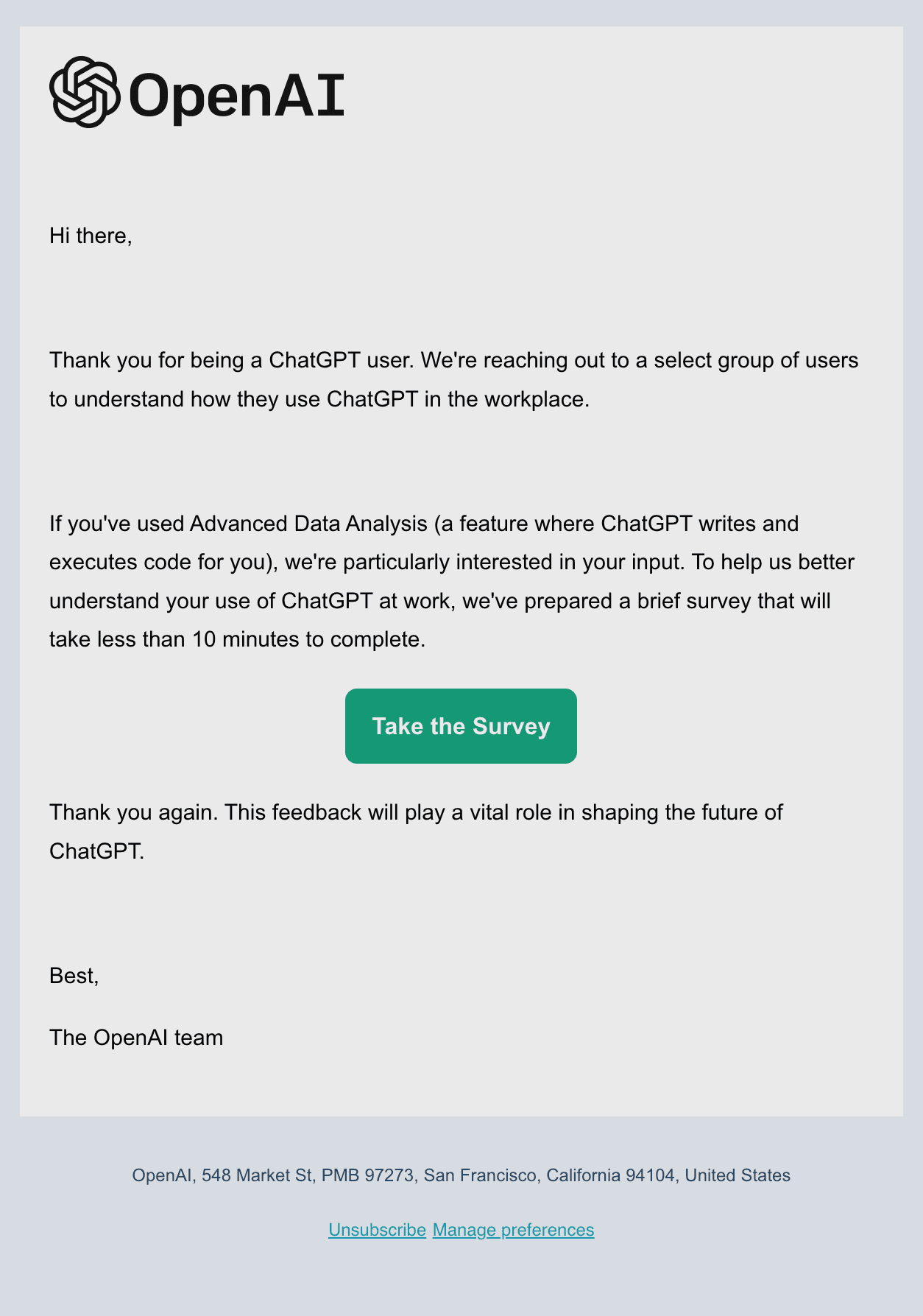
OpenAI does a nice job of making their survey recipient feel special by stating that it only went out to a select group of users. They also conclude the email by stating that the feedback provided will shape the future of ChatGPT. The email also names the feature they most want to hear about, Advanced Data Analysis, and gives a time estimate of less than 10 minutes.
Why we like it
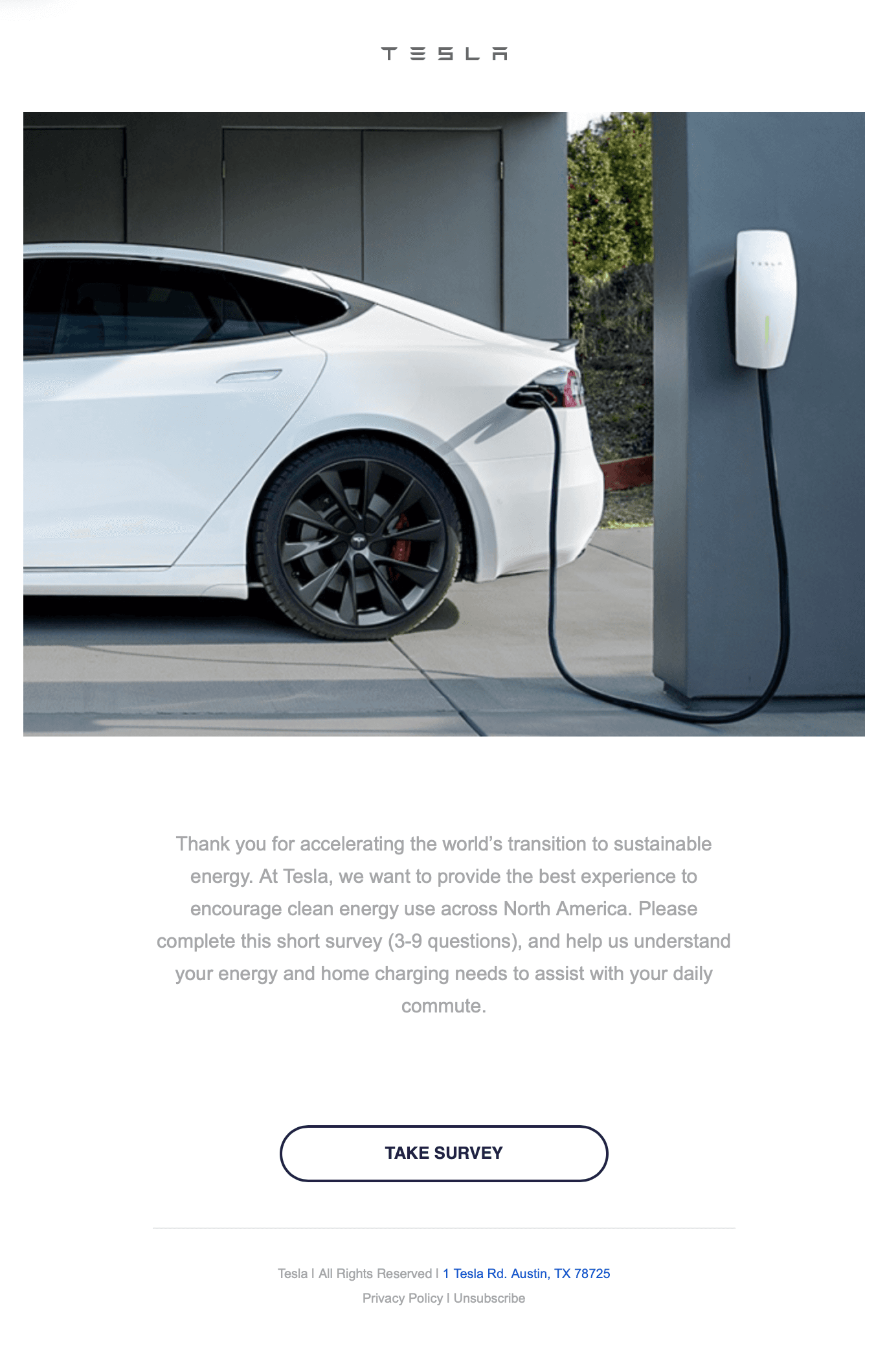
Tesla adds a relevant image to their survey request email. They are asking customers to fill out a survey regarding their energy and home charging needs and are using an image of... yes, a Tesla charging at home. The copy also sets expectations with a question count (3-9 questions) instead of a time estimate.
Why we like it
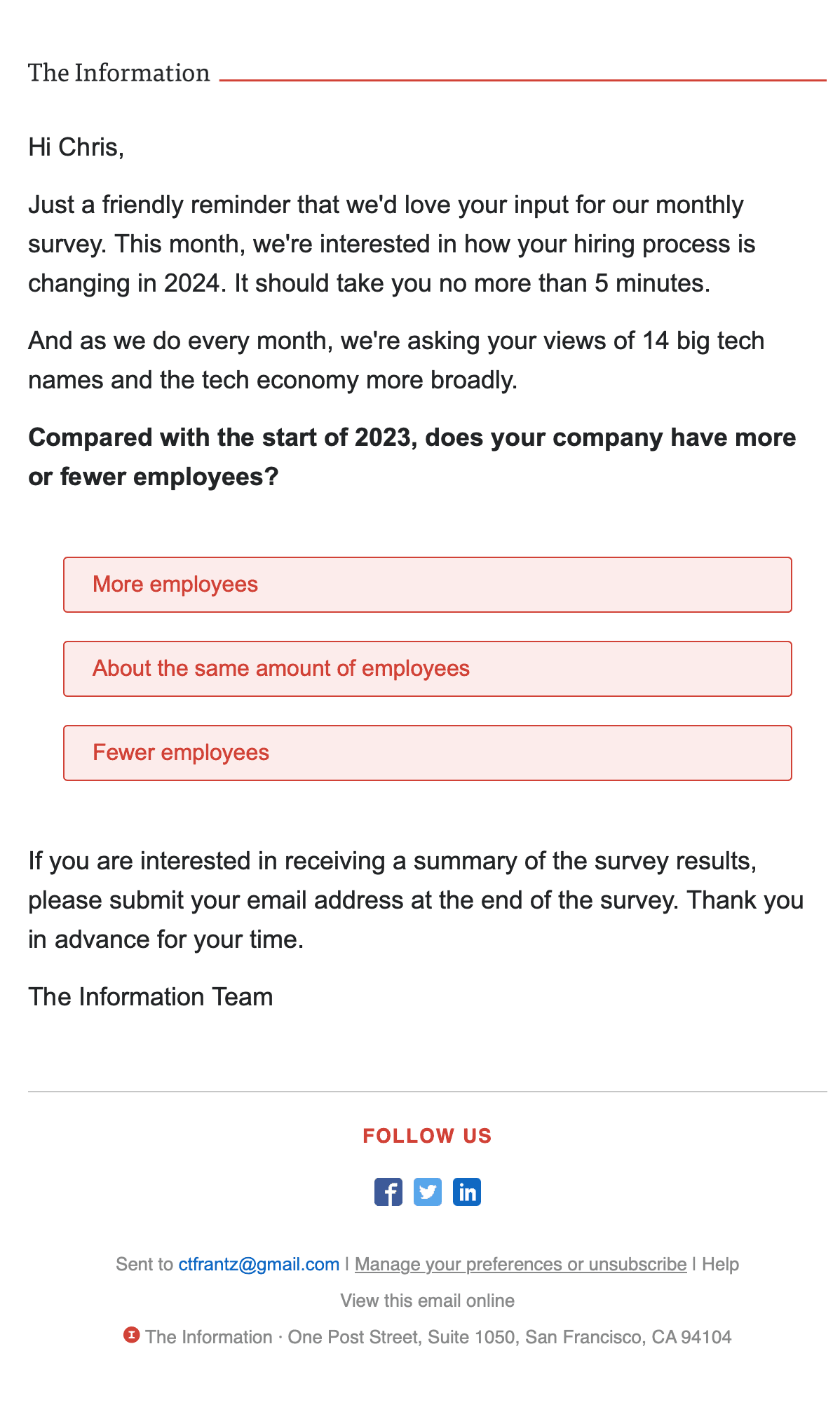
The Information does a good job of including individual survey options directly in their email. It leads the reader to select the first answer for their survey which will then prompt them to finish the rest of the answers in 5 minutes or less. The reader sees the kind of question being asked before committing, and the subject line frames the whole thing as a reminder for a monthly survey.
Why we like it
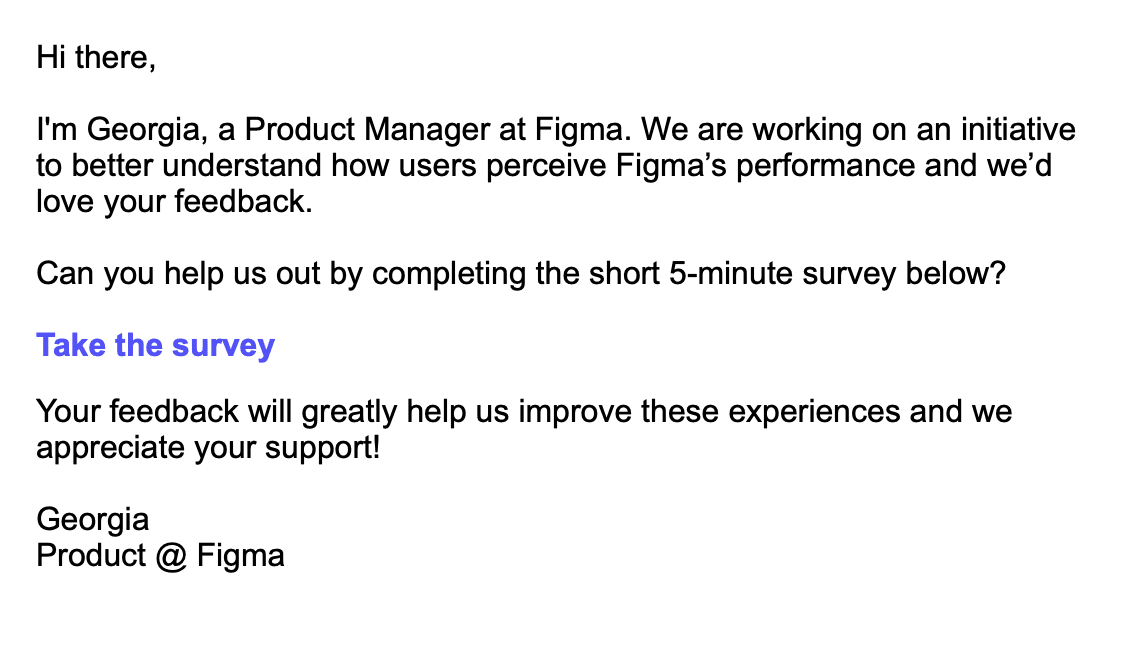
Figma does a nice job of adding a personal touch to their survey request email. The email comes from a named product manager, Georgia, who explains what the survey is for: how users perceive Figma's performance. They also state that the survey takes 5 minutes, which lets a reader decide quickly whether to spend the time.
Why we like it
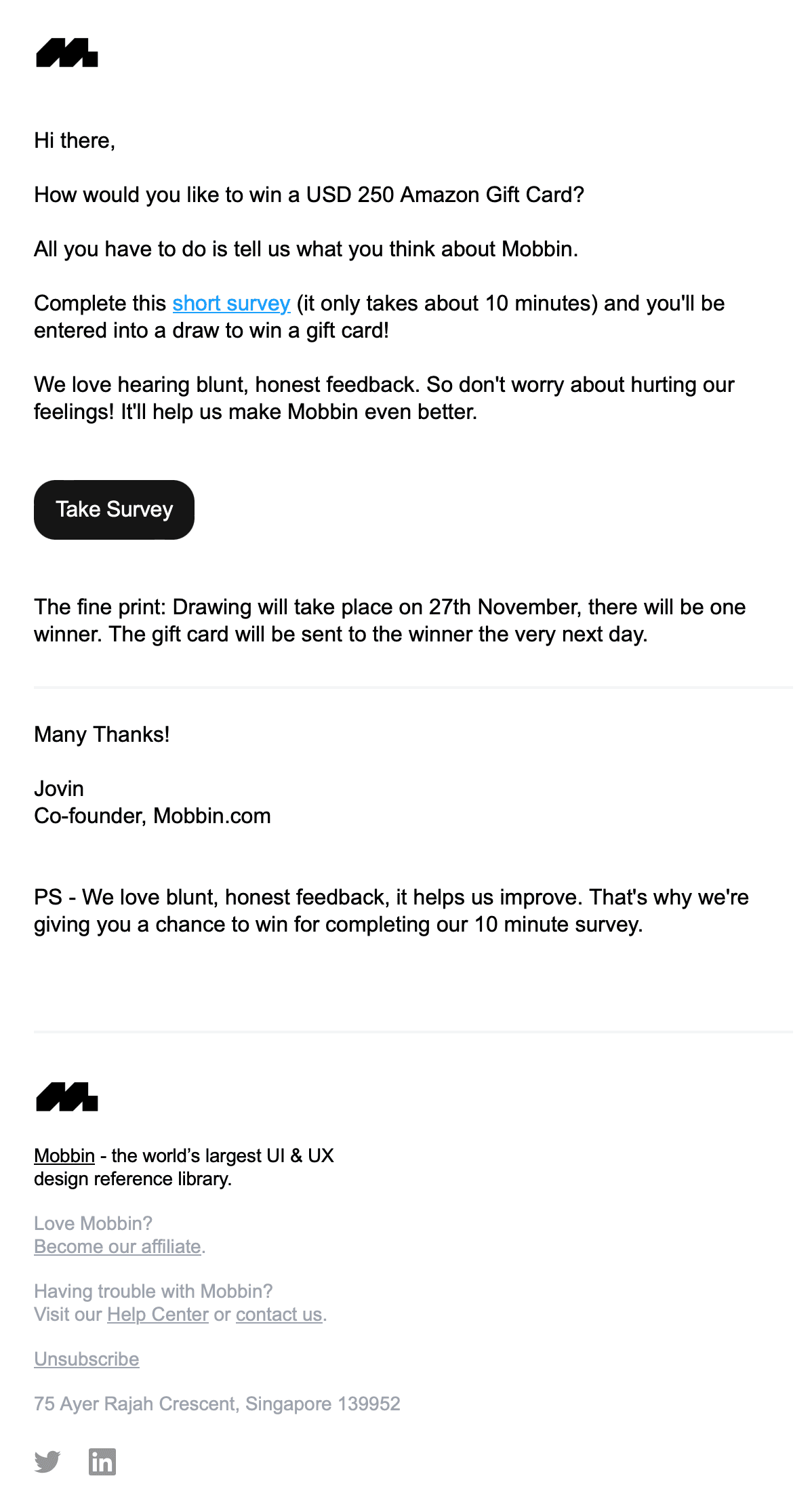
Mobbin does a great job of opening their survey email with the incentive for you, the recipient. The survey takes about 10 minutes, so they lead with the chance to win a USD 250 Amazon Gift Card. They also give you a clear timeline of when you would receive the gift card if you were to win.
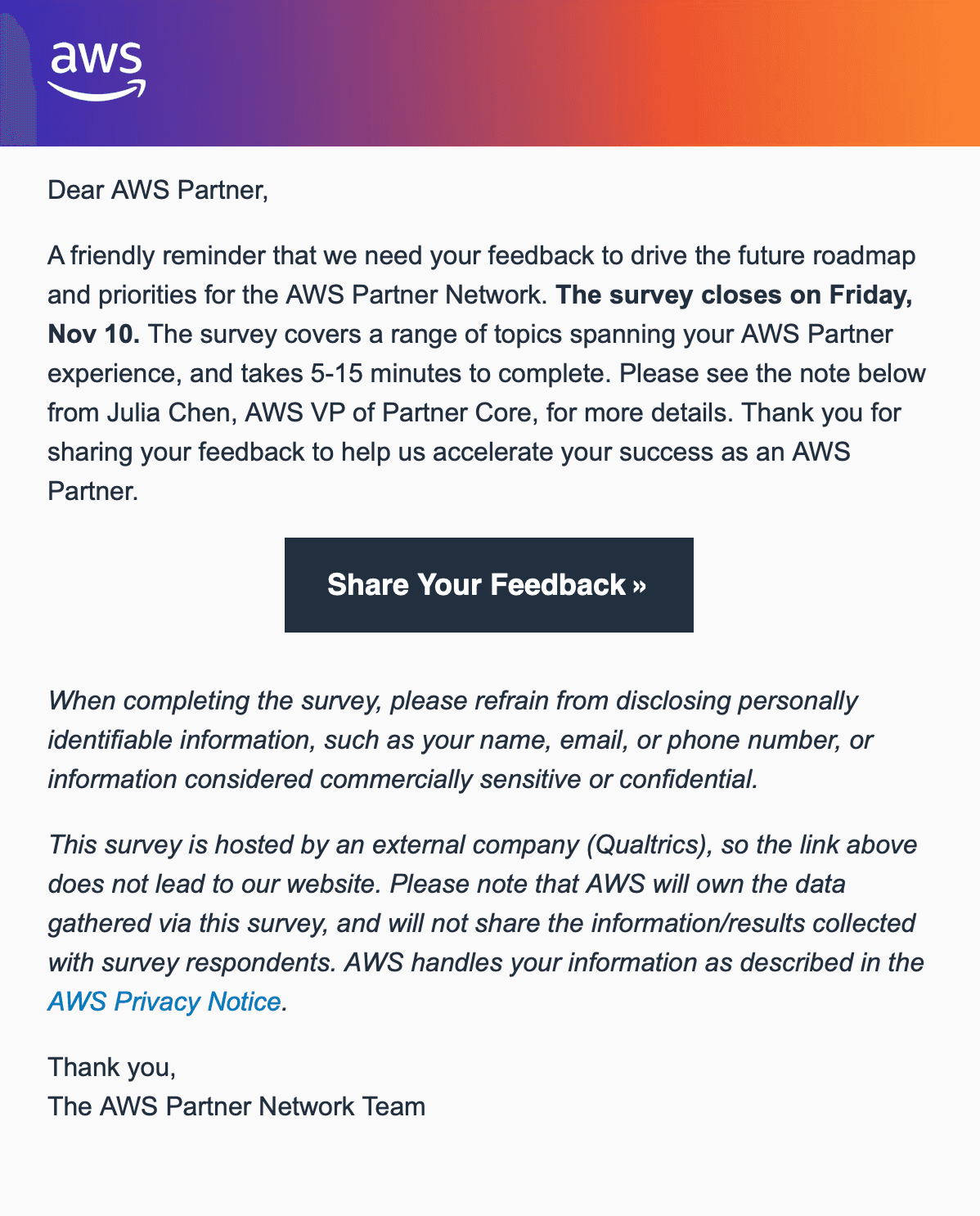
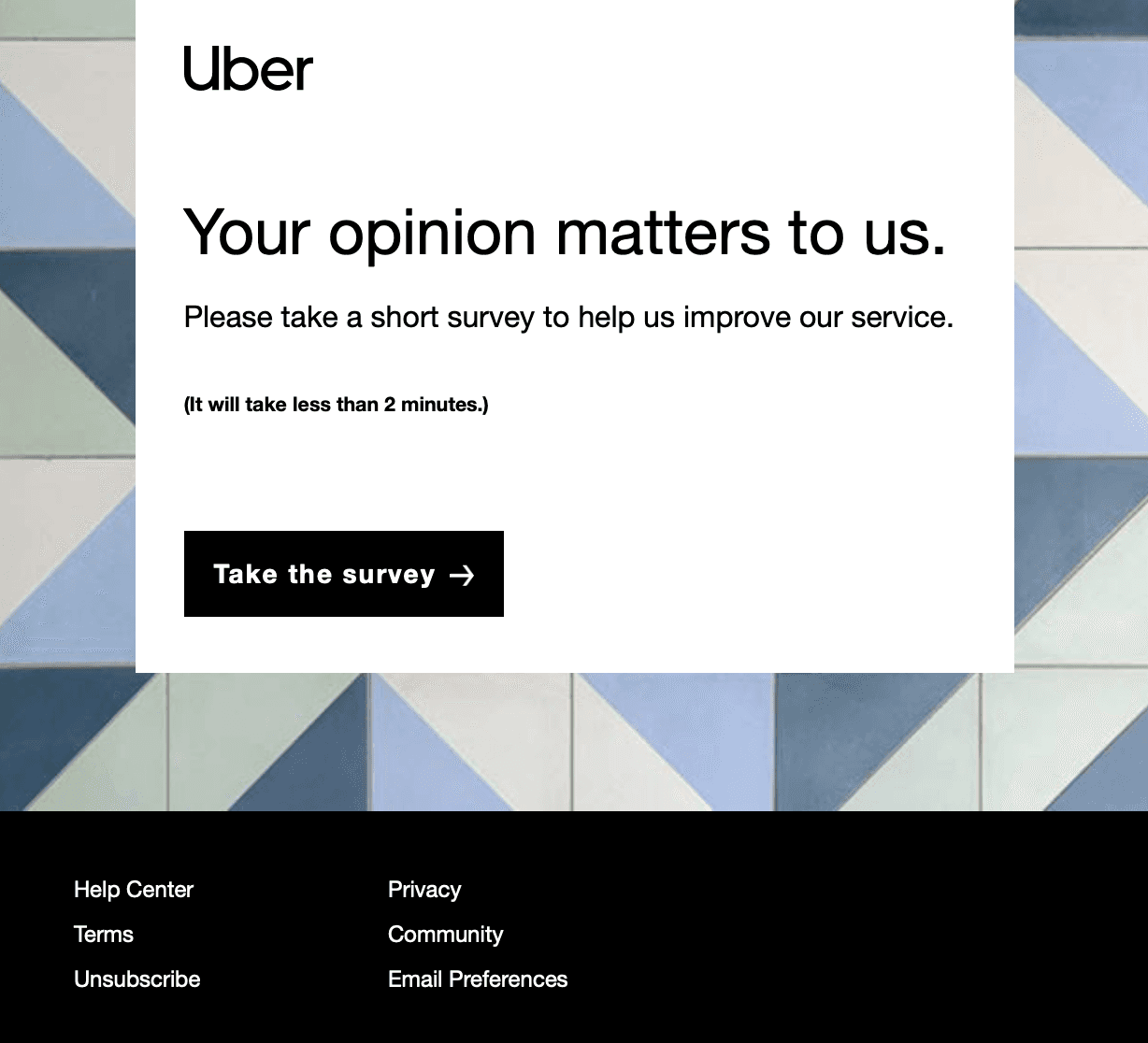
A survey email asks customers for feedback, and its only job is to earn the click into the survey. The examples above show how teams like Figma, Webflow, and Uber do it.
What makes a survey email work
One ask. The email exists to get one click. Cut secondary links, feature promos, and anything else competing with the survey button.
An honest time estimate. "2 minutes, 4 questions" sets an expectation for how long the survey will take. Keep the estimate truthful or the next survey pays for it.
A reason and a stake. Tell people what the feedback changes. "We're deciding what to build next quarter" gives the click purpose.
The right moment. Trigger survey emails from events: after onboarding completes, after a support ticket closes, after a feature is used a few times. Event-triggered asks land while the experience is fresh.
Survey email subject lines
Quick question about your first week
2 minutes to make [Product] better?
How did we do on your support request?
You've used [Feature] a few times. Worth keeping?
Help us decide what to build next
NPS survey email examples
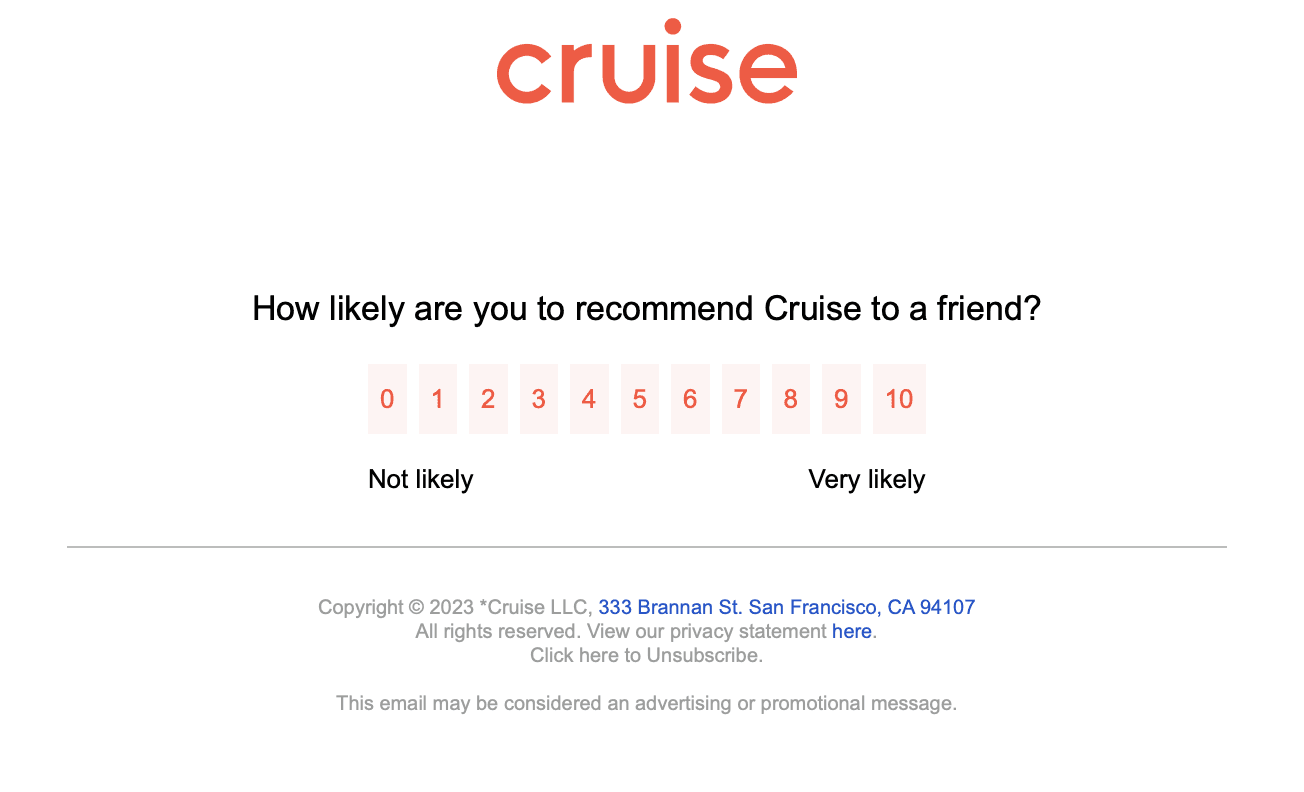
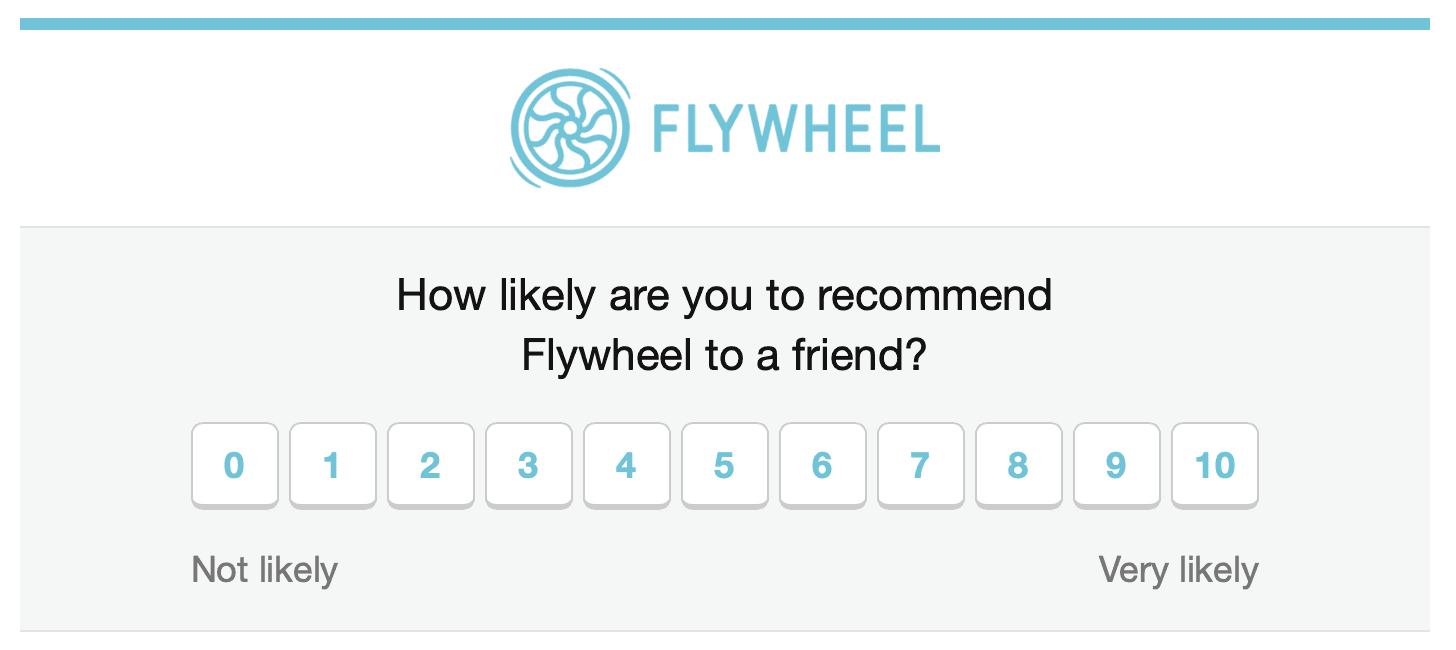
NPS emails ask one question, "How likely are you to recommend [Product]?", on a 0 to 10 scale. The best ones embed the scale directly in the email so the first click both answers and opens the follow-up. Keep the email to a sentence or two above the scale, and route detractors to a comment box while pointing promoters to a review or referral ask.
1. NPS ask
Subject: Quick question, [First name]
How likely are you to recommend [Product] to a colleague? [0 to 10 scale buttons]. One tap, that's the whole survey. Reply if there's anything specific we should fix.
Survey request email template
2. Feature feedback request
Subject: 2 minutes to shape [Feature]?
Hi [First name], you've used [Feature] since it launched, so your take matters more than most. We're deciding its next iteration and have 4 quick questions. [CTA: Take the 2-minute survey]. Thanks, we read every answer.
Survey email best practices
Send from a person, replies to survey emails are often better than the survey data
Keep the body under 100 words, the survey is the content
If you offer an incentive, compare incentivized responses against the rest before trusting them
Follow up once with non-responders after 3 to 5 days, then stop
Close the loop: tell respondents what changed because of their feedback
FAQ
How do you ask for survey participation in an email?
Lead with the time cost and the purpose, then a single button. One sentence of context, one honest estimate, one CTA.
When should you send a survey email?
Right after the experience you are asking about: onboarding, a support interaction, or sustained feature use. Scheduled quarterly surveys work for NPS trend lines.
Are survey emails marketing or transactional?
Classify the message by its purpose and content. Under CAN-SPAM, a feedback request on its own is neither commercial nor transactional content, and it becomes a commercial message if its primary purpose is to promote a product or service. If it is marketing, follow the applicable consent and unsubscribe requirements. See transactional email for where the line sits.