Gmail doesn’t like YouTube
Gmail flags shortened youtu.be links in tracked emails as phishing. How we isolated the issue and what senders can do to stay out of spam.
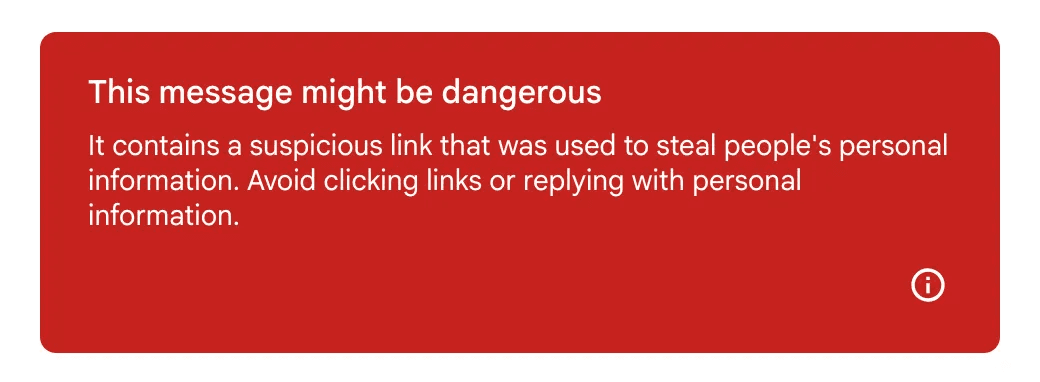
Recently some of our users have reported that their emails to Gmail contacts are landing in spam with a very scary banner:
Given the sporadic nature of the reporting, our initial suspicion was that someone was abusing our link tracking feature. We provide unique redirect links in marketing emails to log clicks before sending users to the intended destination. But after checking our system, we found no signs of such abuse.
After checking the specific reported emails, we found they all used shortened YouTube share links (like http://youtu.be/dQw4w9WgXcQ) instead of the full link (like https://www.youtube.com/watch?v=dQw4w9WgXcQ).
Bingo! That was the clue we needed, so we ran some more tests:
Link | Tracking | Placement | Warning |
|---|---|---|---|
N | Inbox | No | |
Y | Inbox | No | |
N | Inbox | No | |
Y | Spam | Yes | |
N | Inbox | No | |
Y | Inbox | No |
We now understood the issue: double-wrapped YouTube links were causing the problem. So to avoid triggering Gmail’s spam filters: either disable link tracking on YouTube share links, or use the full YouTube link instead.
We also received reports that the share link alone was causing mail to land in spam.
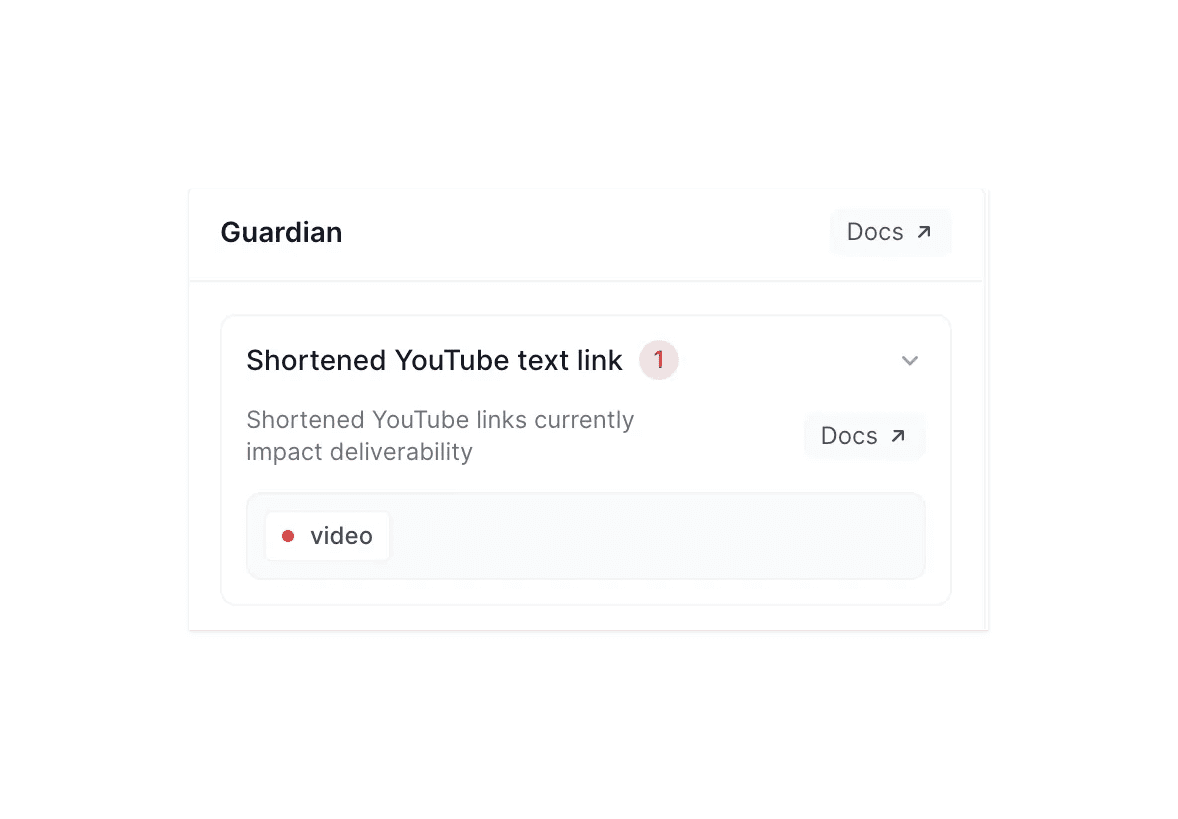
To prevent further deliverability problems, we’ve added a warning to Guardian to catch shortened YouTube links.