> ## Documentation Index
> Fetch the complete documentation index at: https://loops.so/docs/llms.txt
> Use this file to discover all available pages before exploring further.
# Ruby on Rails
> Send transactional emails from your Rails project using Loops' SMTP service.
Transactional emails with Loops simplifies your code. With our WYSIWYG editor and API-like payloads, you can design and manage email templates outside of your codebase, ensuring cleaner code and easier template maintenance.
Unlike older SMTP services, Loops requires the body of emails sent via SMTP to
be formatted as an [API-like payload](/smtp#how-it-works). This approach
allows you to use Loops' [powerful email editor](/creating-emails/editor) to
craft your emails and keep email templating outside of your application code.
Every email sent over Loops SMTP requires a transactional email to be set up
in your Loops account. Note the `transactionalId` value in the email payload.
Here's how you can set up transactional emails with Loops SMTP in Rails:
Create transactional emails in Loops using the [editor](/creating-emails/editor).
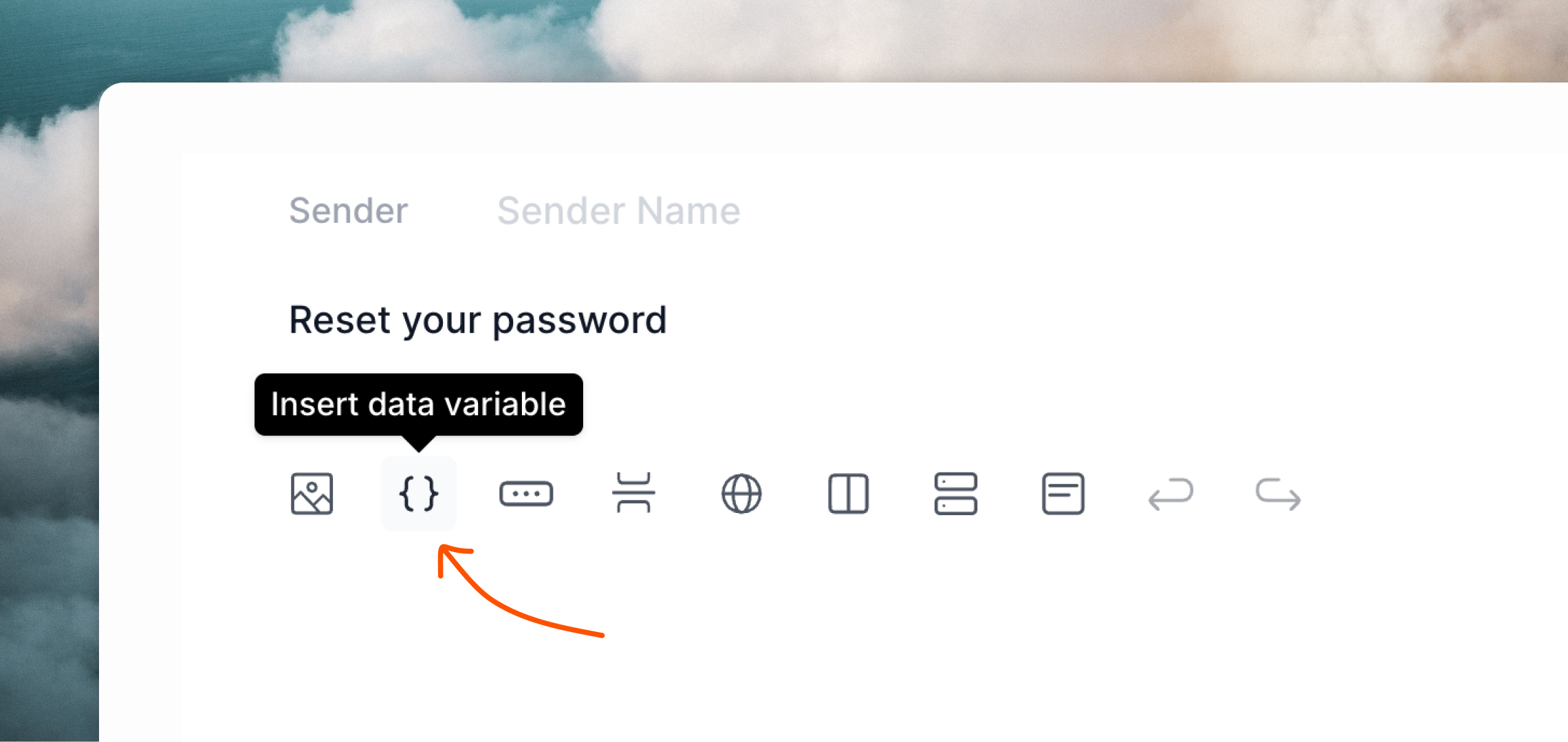
Add [data variables](/transactional#add-data-variables) to your emails for any dynamic content you want to send from your Rails application.
 To use Loops SMTP, configure Action Mailer using the following settings.
The `password` value should be an API key from your [API Settings](https://app.loops.so/settings?page=api) page.
```ruby config/environments/production.rb theme={"dark"}
config.action_mailer.delivery_method = :smtp
config.action_mailer.smtp_settings = {
address: 'smtp.loops.so',
port: 587,
user_name: 'loops',
password: '',
authentication: 'plain',
enable_starttls: true
}
```
Now you can send emails from your application.
Here's an example Mailer:
```ruby app/mailers/user_mailer.rb theme={"dark"}
class UserMailer < ApplicationMailer
def login_email
@user = params[:user]
# Note: the "to" address is required by Action Mailer
# but is overwritten by the email provided in the view
# (see below). Likewise, a subject is not required here
# because Loops will use the subject provided in the editor.
mail(to: @user.email)
end
end
```
Loops' SMTP system doesn't send full HTML emails directly. Instead, you should provide a structured API-like payload, which Loops will then use to render an HTML email.
Create a text view for your email, like below.
You can copy an example payload from the **Publish** page of your transactional email in Loops.
```json app/views/user_mailer/login_email.text.erb theme={"dark"}
{
"transactionalId": "clomzp89u635xl30px7wrl0ri",
"email": "<%= @user.email %>", /* recipient */
"dataVariables": {
"loginUrl": "https://myapp.com/login?code=<%= @user.auth_code %>"
}
}
```
You do not need to provide an HTML view for your emails when using Loops SMTP (i.e.: `login_email.html.erb` is not required).
Read how to send transactional email with our API.
Learn how to send transactional email with Loops.
To use Loops SMTP, configure Action Mailer using the following settings.
The `password` value should be an API key from your [API Settings](https://app.loops.so/settings?page=api) page.
```ruby config/environments/production.rb theme={"dark"}
config.action_mailer.delivery_method = :smtp
config.action_mailer.smtp_settings = {
address: 'smtp.loops.so',
port: 587,
user_name: 'loops',
password: '',
authentication: 'plain',
enable_starttls: true
}
```
Now you can send emails from your application.
Here's an example Mailer:
```ruby app/mailers/user_mailer.rb theme={"dark"}
class UserMailer < ApplicationMailer
def login_email
@user = params[:user]
# Note: the "to" address is required by Action Mailer
# but is overwritten by the email provided in the view
# (see below). Likewise, a subject is not required here
# because Loops will use the subject provided in the editor.
mail(to: @user.email)
end
end
```
Loops' SMTP system doesn't send full HTML emails directly. Instead, you should provide a structured API-like payload, which Loops will then use to render an HTML email.
Create a text view for your email, like below.
You can copy an example payload from the **Publish** page of your transactional email in Loops.
```json app/views/user_mailer/login_email.text.erb theme={"dark"}
{
"transactionalId": "clomzp89u635xl30px7wrl0ri",
"email": "<%= @user.email %>", /* recipient */
"dataVariables": {
"loginUrl": "https://myapp.com/login?code=<%= @user.auth_code %>"
}
}
```
You do not need to provide an HTML view for your emails when using Loops SMTP (i.e.: `login_email.html.erb` is not required).
Read how to send transactional email with our API.
Learn how to send transactional email with Loops.