> ## Documentation Index
> Fetch the complete documentation index at: https://loops.so/docs/llms.txt
> Use this file to discover all available pages before exploring further.
# Zapier integration
> Connect Loops to thousands of apps to manage contacts and send email.
Our Zapier integration lets you:
* Create, find and update contacts
* Send events to trigger workflows
* Send transactional email
* Trigger Zaps based on activity in your Loops account
Zapier lets you connect thousands of other platforms to Loops.
We have created Zapier Actions for managing contacts, sending events and sending transactional emails and Zapier Triggers based on contact updates and email sending.
## Creating a new Zap
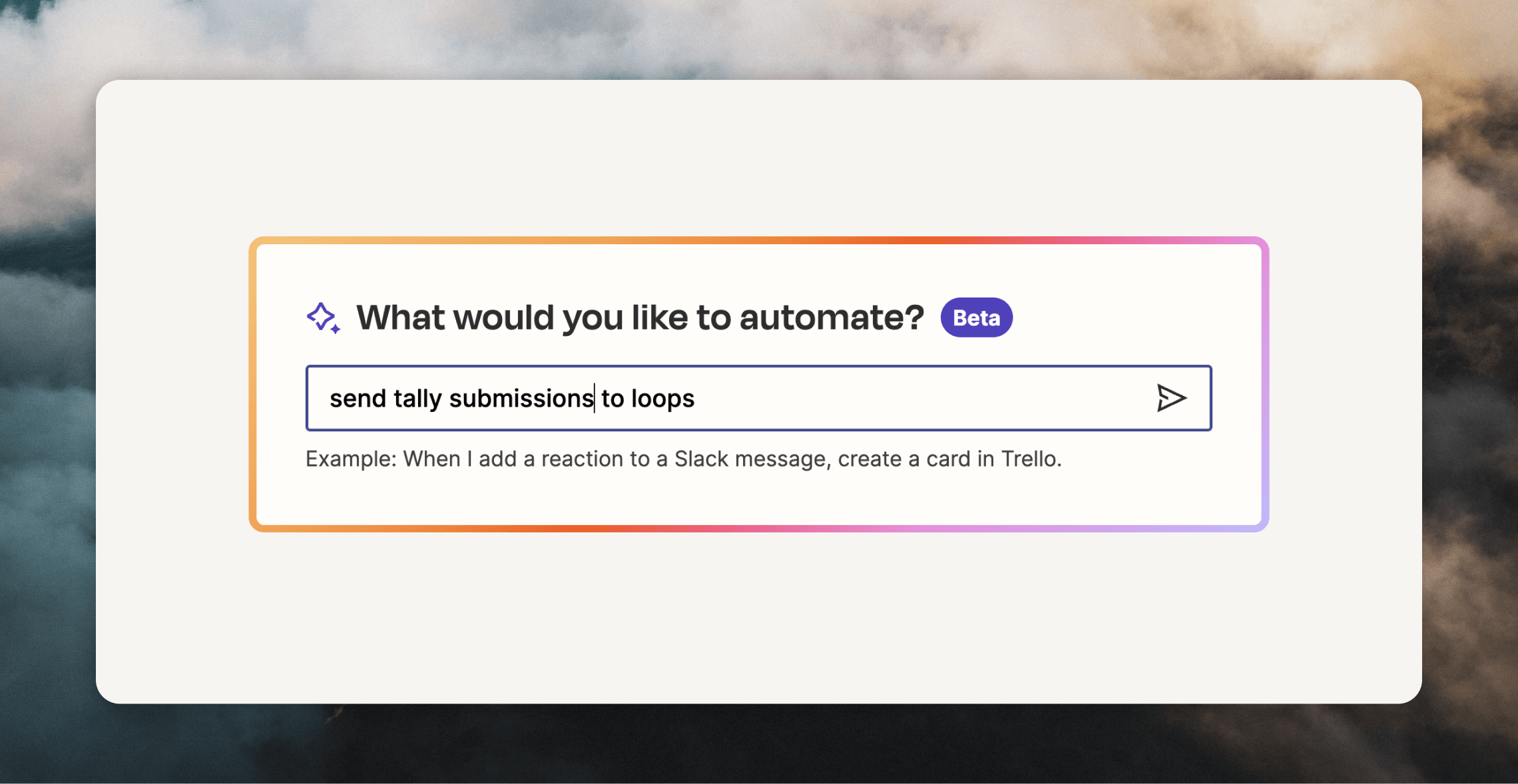
To create a new Zap—for example, to connect Tally and Loops—you can either type out what you want to create.
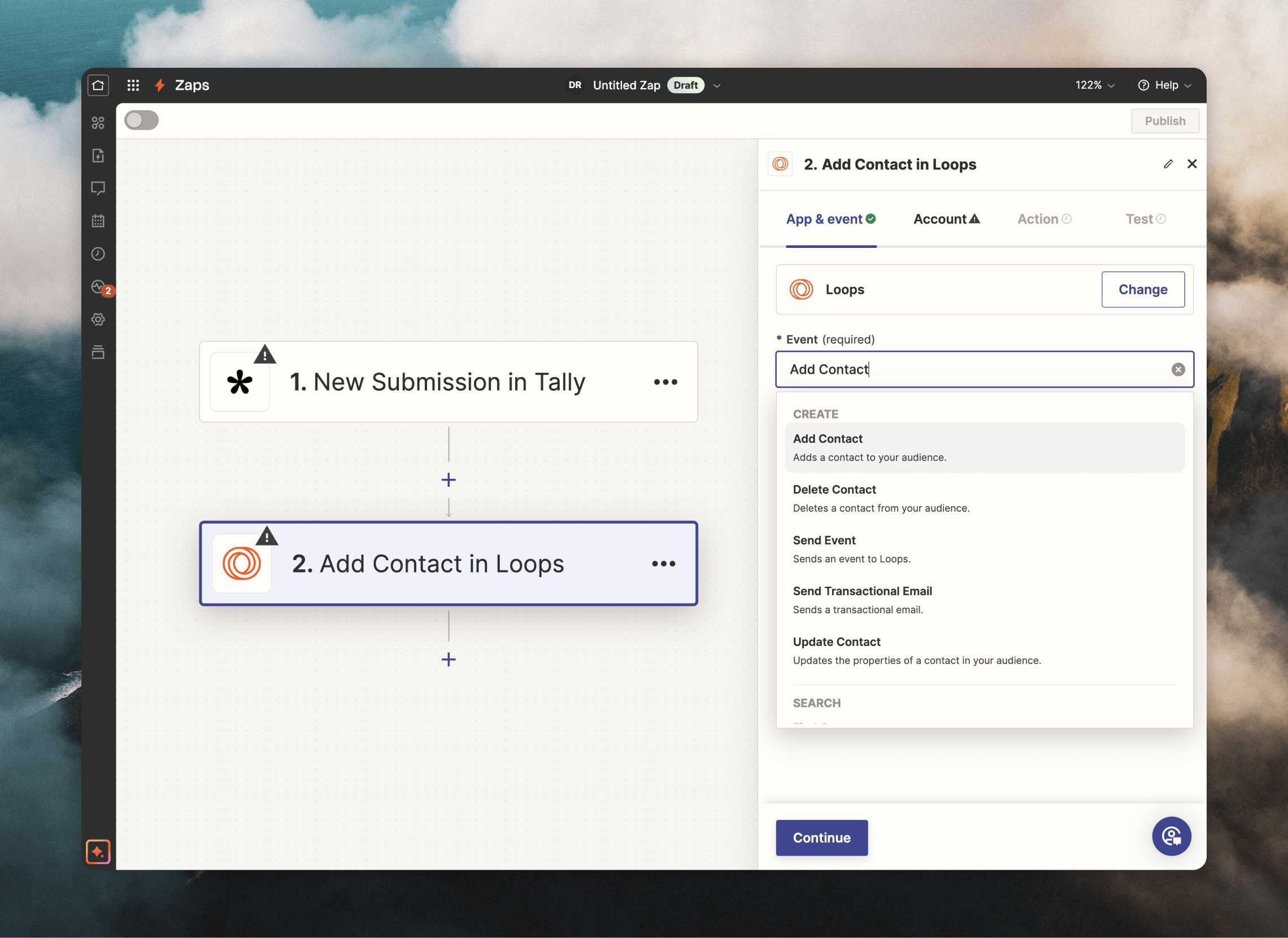
 Alternatively, click the **+ Create** button. Select Tally as the **Trigger** (using the "New Submission" event) and Loops as the **Action** (selecting "Add Contact" as the event). This would send new Tally submissions directly into Loops!
 ### Authentication
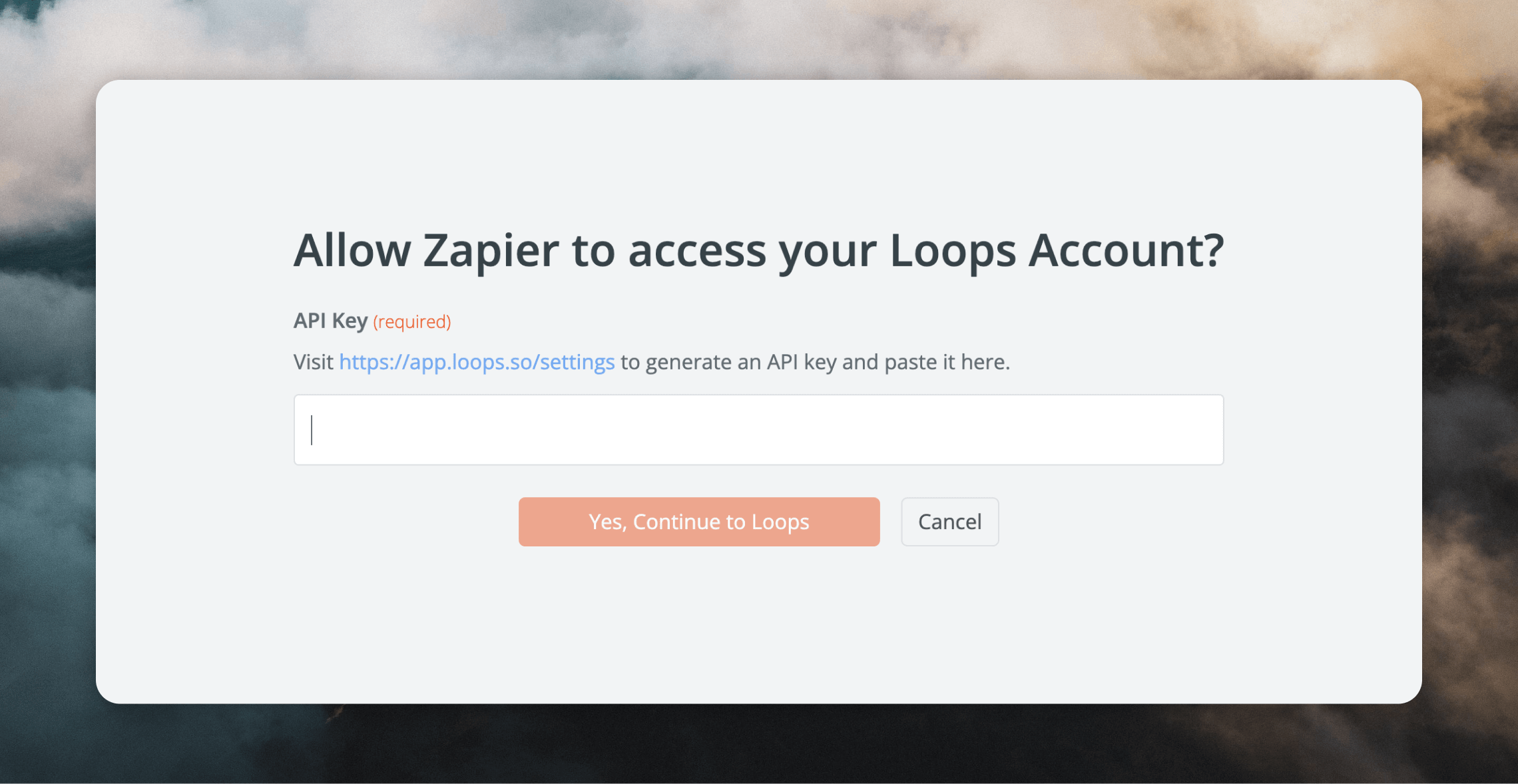
To be able to use Loops Actions, you need to connect to your Loops account. From the **Account** tab, click **Sign in**.
### Authentication
To be able to use Loops Actions, you need to connect to your Loops account. From the **Account** tab, click **Sign in**.
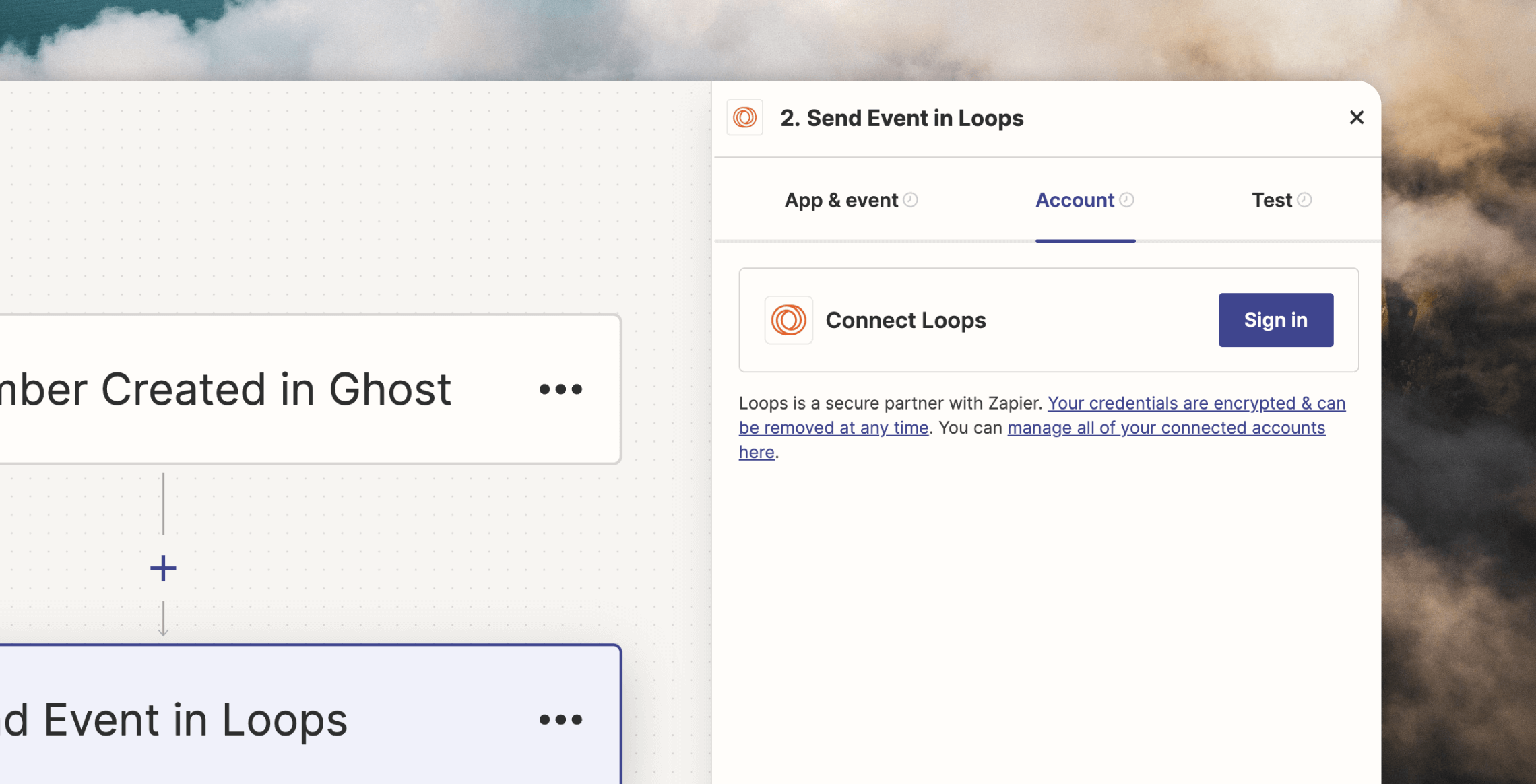 Create or copy an API key from your Loops [API settings page](https://app.loops.so/settings?page=api) and paste it into the **API Key** field.
 If you want to remove or edit your Zapier connections to Loops, go to [Apps -> Loops](https://zapier.com/app/connections/loops).
You can create connections to multiple Loops accounts from a single Zapier account.
## Triggers
There are a number of Loops triggers available in Zapier:
* Contact created
* Contact unsubscribed
* Contact deleted
* Contact subscribed to mailing list
* Contact unsubscribed from mailing list
* Campaign email sent
* Loops email sent
* Transactional email sent
The "Email sent" triggers will fire for every individual email sent. If you send a campaign to 1,000 contacts, it will be triggered 1,000 times.
Accompanying data is sent with each trigger. You can see the data available for each trigger by looking up the corresponding [webhook events](/webhooks).
Loops were renamed to Workflows on May 6, 2026. Zapier trigger bodies still
use webhook `loop` names for compatibility, including `loop.email.sent`,
`loopId`, `loopName`, and `sourceType: "loop"`.
You can use the `contactIdentity` object to identify the contact that triggered each event.
For example, the "Contact subscribed to mailing list" trigger will fire when a contact is subscribed to a mailing list and contains the following data:
```json theme={"dark"}
{
"eventName": "contact.mailingList.subscribed",
"eventTime": 1734425918,
"webhookSchemaVersion": "1.0.0",
"contactIdentity": {
"id": "cm4ittmhq0011ow9h6fb460yw",
"email": "test@example.com",
"userId": null
},
"mailingList": {
"id": "cm4ittp2k000l12j3lgrzvlxt",
"name": "test mailing list",
"description": null,
"isPublic": true
}
}
```
## Actions
### Add a contact
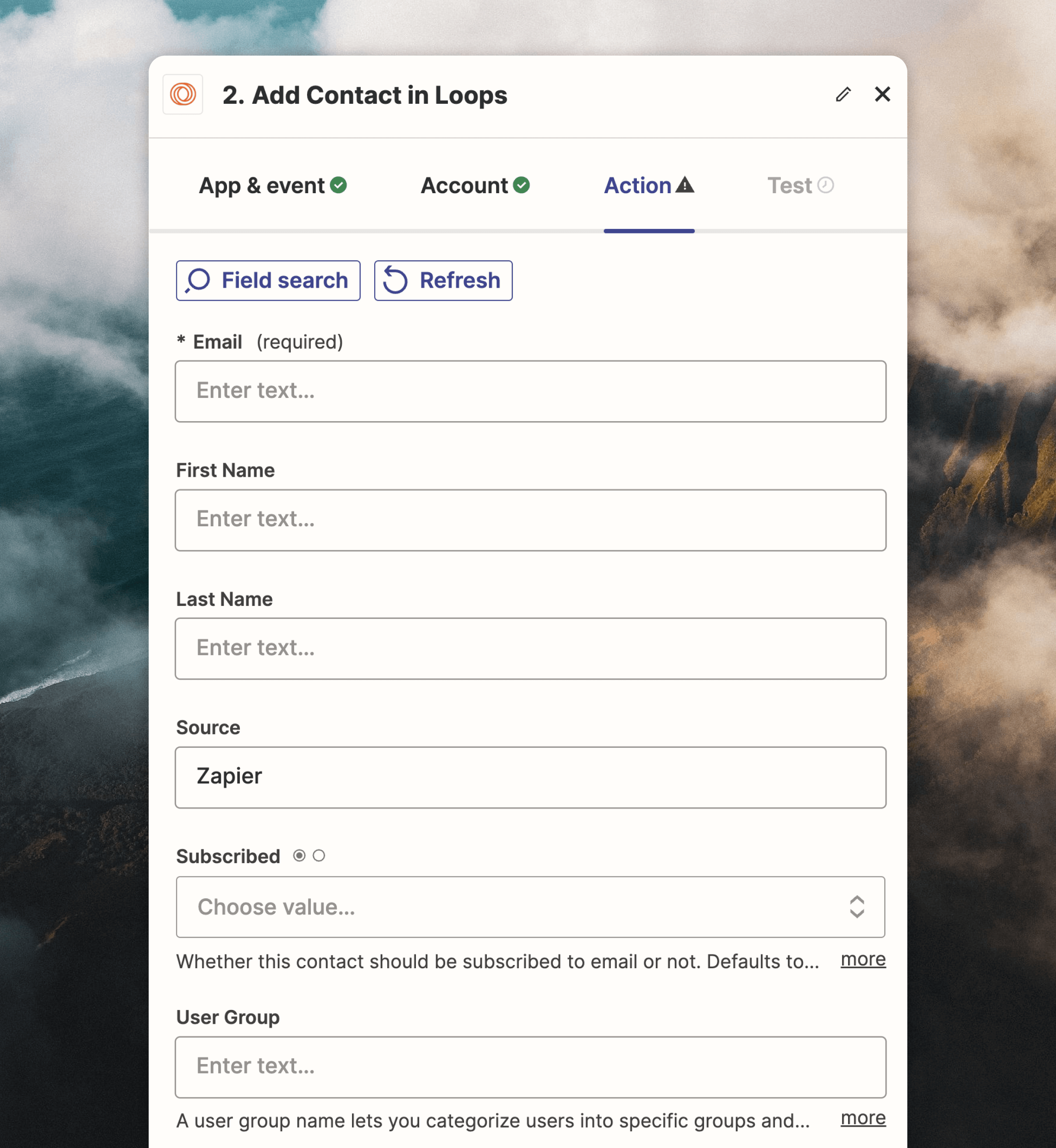
This action adds new contacts to your Loops audience. If the email address already exists, it will return an error.
All default [contact properties](/contacts/properties) are available, plus [mailing lists](/contacts/mailing-lists) and any custom contact properties added to your Loops account.
Only the **Email** field is required. The **Source** field defaults to “Zapier” but you can update this to whatever value you like.
If you want to remove or edit your Zapier connections to Loops, go to [Apps -> Loops](https://zapier.com/app/connections/loops).
You can create connections to multiple Loops accounts from a single Zapier account.
## Triggers
There are a number of Loops triggers available in Zapier:
* Contact created
* Contact unsubscribed
* Contact deleted
* Contact subscribed to mailing list
* Contact unsubscribed from mailing list
* Campaign email sent
* Loops email sent
* Transactional email sent
The "Email sent" triggers will fire for every individual email sent. If you send a campaign to 1,000 contacts, it will be triggered 1,000 times.
Accompanying data is sent with each trigger. You can see the data available for each trigger by looking up the corresponding [webhook events](/webhooks).
Loops were renamed to Workflows on May 6, 2026. Zapier trigger bodies still
use webhook `loop` names for compatibility, including `loop.email.sent`,
`loopId`, `loopName`, and `sourceType: "loop"`.
You can use the `contactIdentity` object to identify the contact that triggered each event.
For example, the "Contact subscribed to mailing list" trigger will fire when a contact is subscribed to a mailing list and contains the following data:
```json theme={"dark"}
{
"eventName": "contact.mailingList.subscribed",
"eventTime": 1734425918,
"webhookSchemaVersion": "1.0.0",
"contactIdentity": {
"id": "cm4ittmhq0011ow9h6fb460yw",
"email": "test@example.com",
"userId": null
},
"mailingList": {
"id": "cm4ittp2k000l12j3lgrzvlxt",
"name": "test mailing list",
"description": null,
"isPublic": true
}
}
```
## Actions
### Add a contact
This action adds new contacts to your Loops audience. If the email address already exists, it will return an error.
All default [contact properties](/contacts/properties) are available, plus [mailing lists](/contacts/mailing-lists) and any custom contact properties added to your Loops account.
Only the **Email** field is required. The **Source** field defaults to “Zapier” but you can update this to whatever value you like.
 ### Update a contact
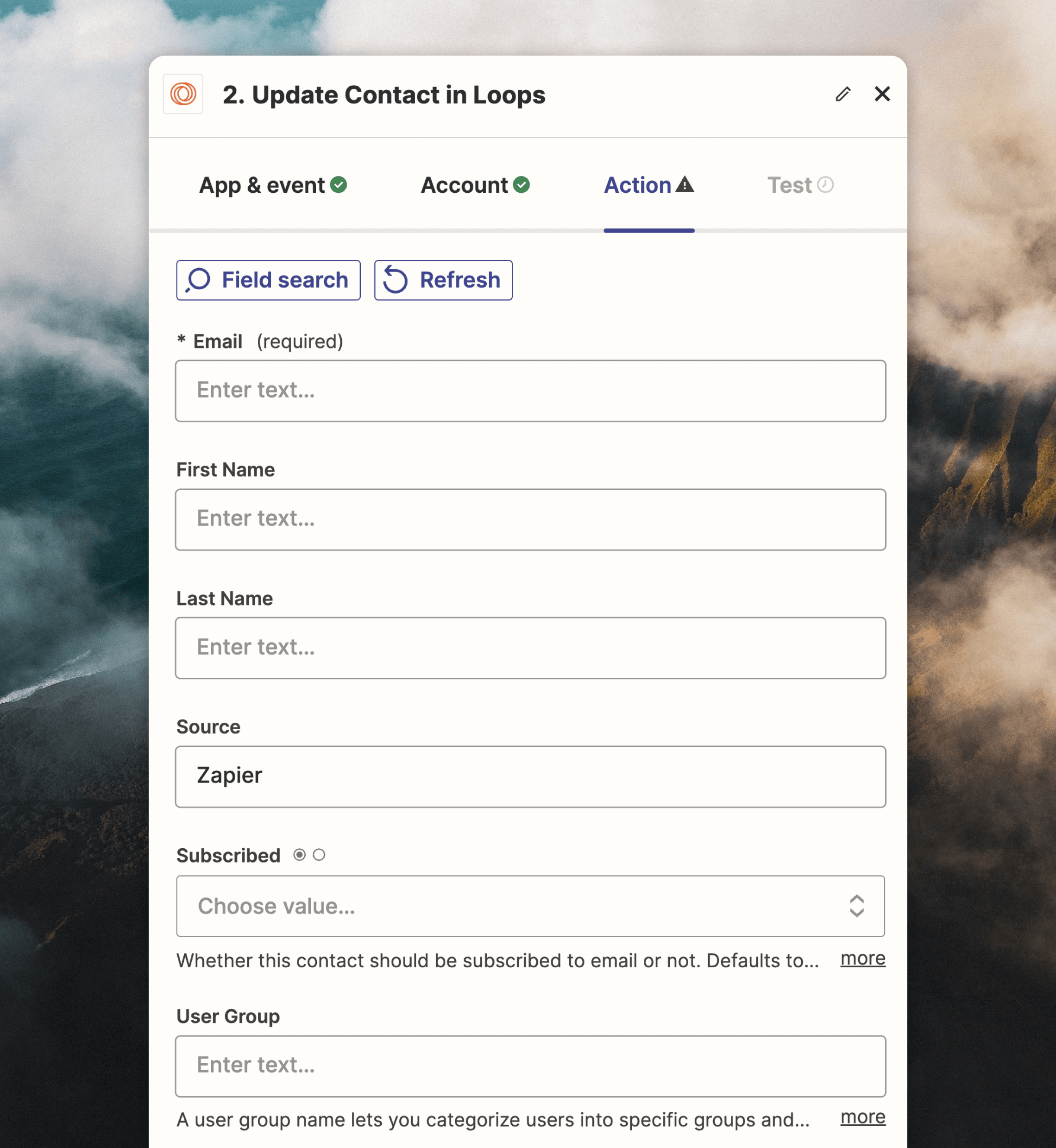
The "Update a contact" action will create a contact if a matching contact does not already exist, making it useful if you don't know in advance if a contact exists in Loops.
This action supports the same fields as "Add a contact".
Only the **Email** field is required.
### Update a contact
The "Update a contact" action will create a contact if a matching contact does not already exist, making it useful if you don't know in advance if a contact exists in Loops.
This action supports the same fields as "Add a contact".
Only the **Email** field is required.
 ### Find a contact
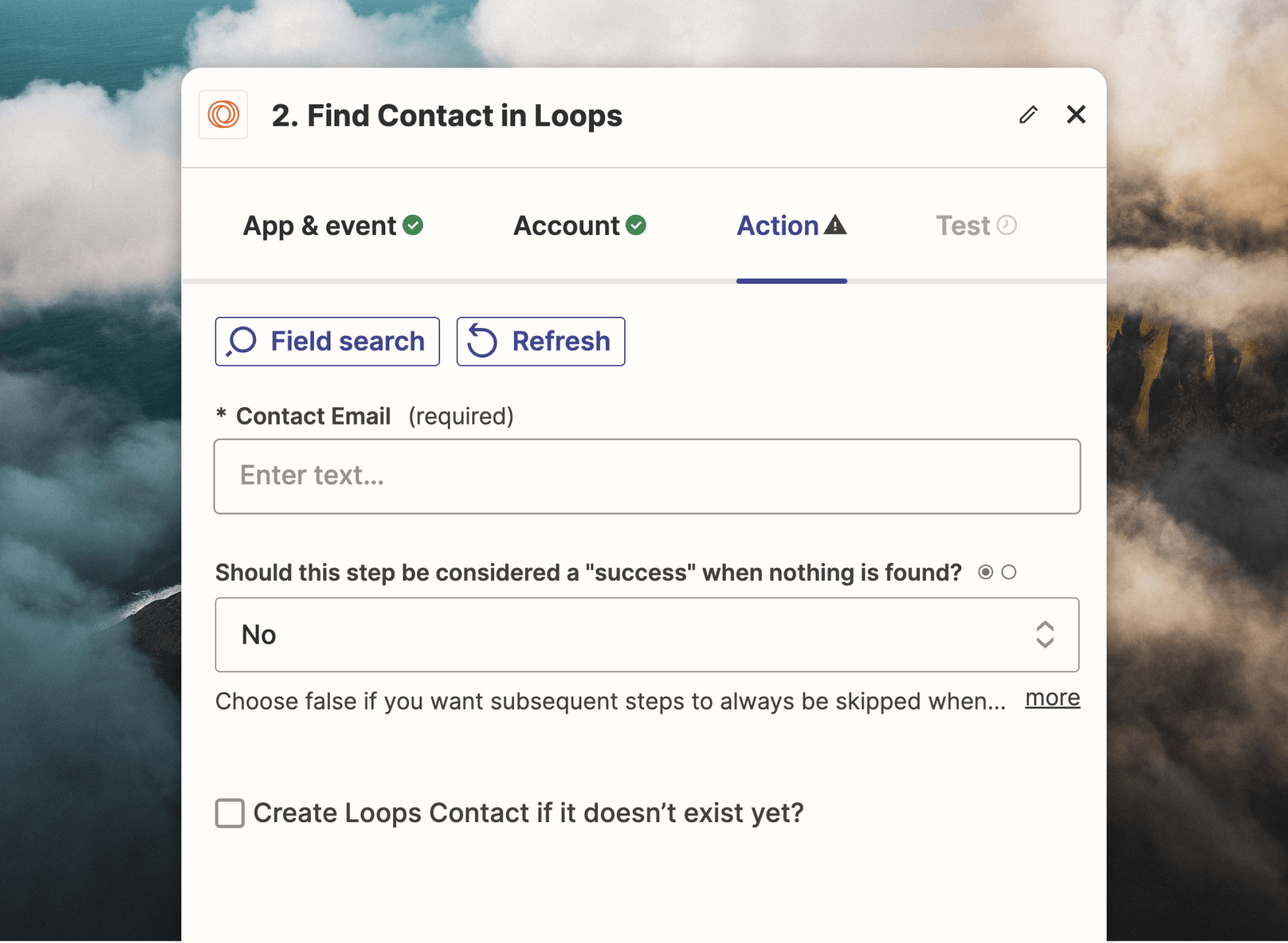
This action supports searching your contact list for a specific email address.
You also have the option to create a new user if one is not found.
### Find a contact
This action supports searching your contact list for a specific email address.
You also have the option to create a new user if one is not found.
 ### Delete a contact
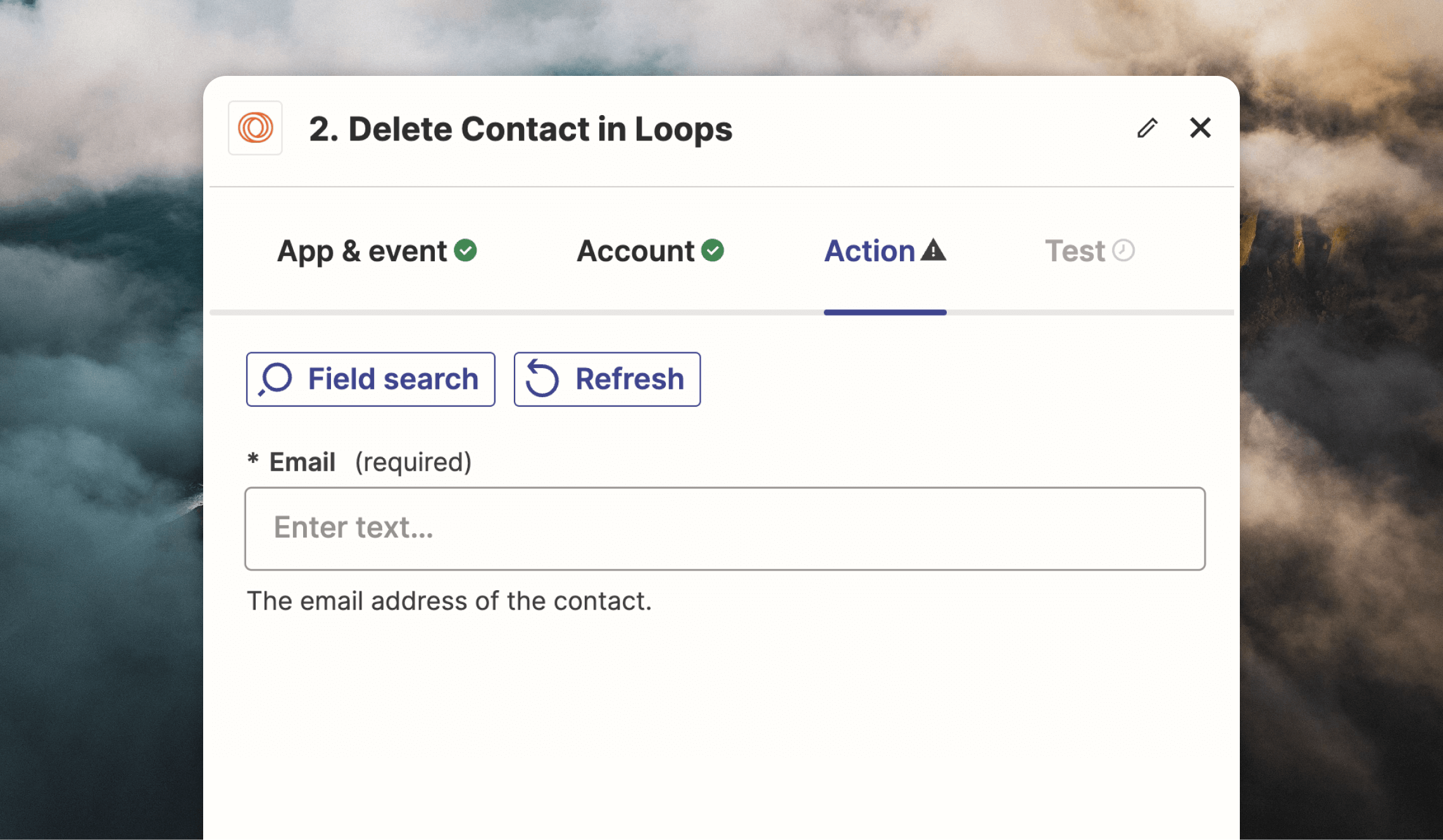
This action will delete a contact by email address.
### Delete a contact
This action will delete a contact by email address.
 ### Send an event
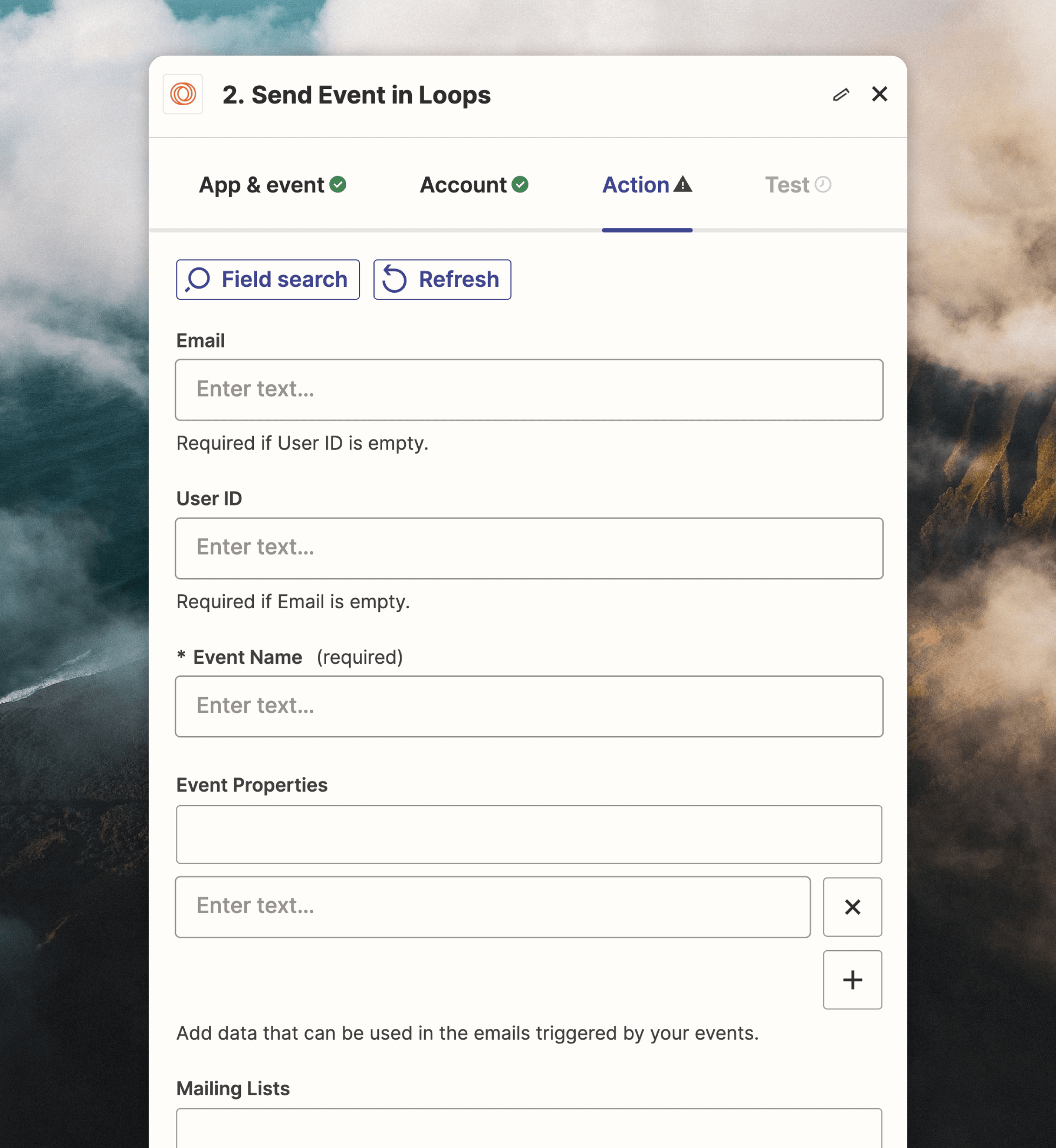
This event will send an event in Loops. You need to specify an **Email** or **User ID** value to identify the contact, plus an **Event Name**.
The action also supports [event properties](/events/properties) and [mailing lists](/contacts/mailing-lists).
The **Email**/**User ID** and **Event Name** fields are required.
### Send an event
This event will send an event in Loops. You need to specify an **Email** or **User ID** value to identify the contact, plus an **Event Name**.
The action also supports [event properties](/events/properties) and [mailing lists](/contacts/mailing-lists).
The **Email**/**User ID** and **Event Name** fields are required.
 ### Send a transactional email
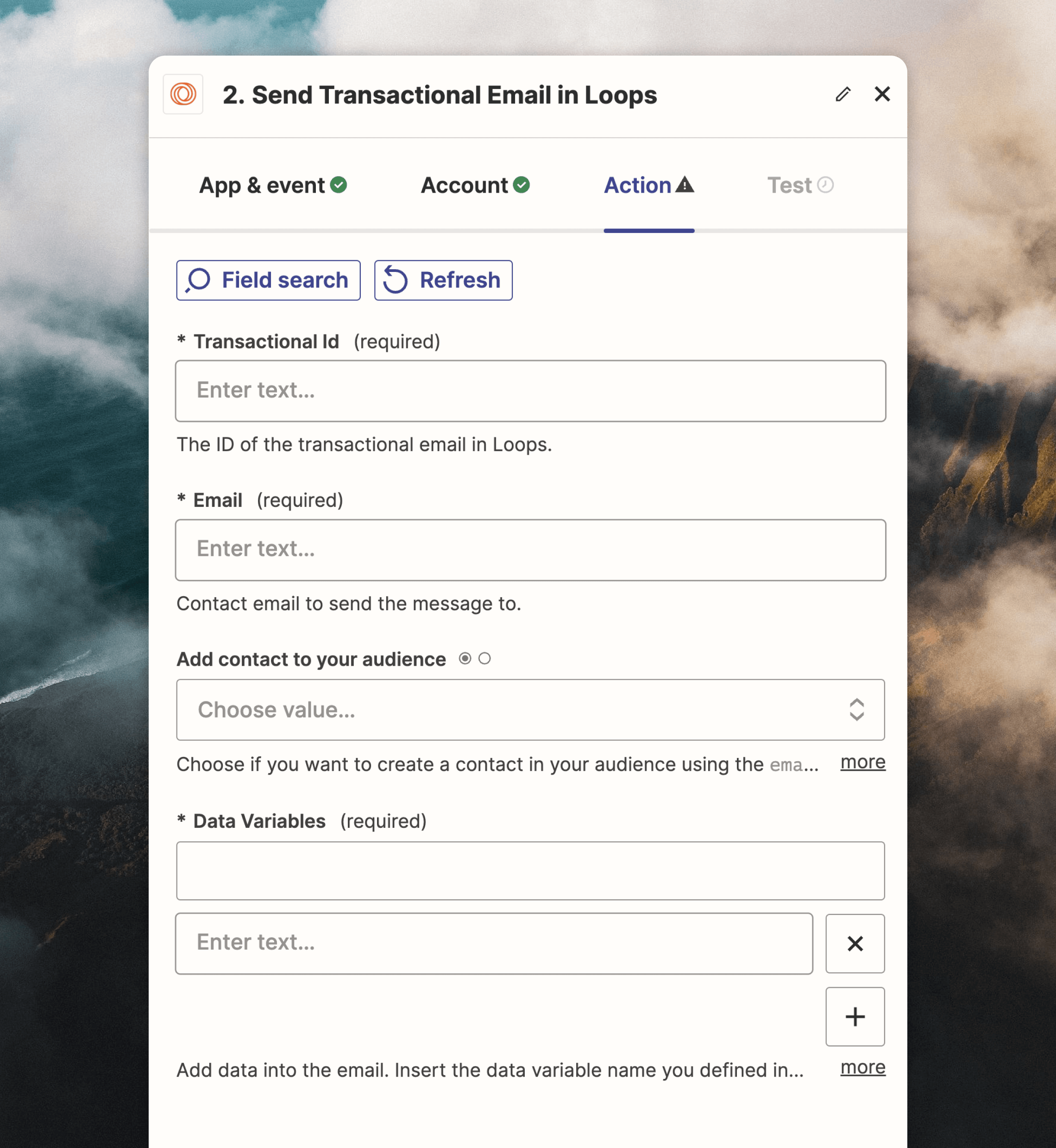
This action sends a transactional email and can optionally add a contact to your audience.
The **Transactional Id**, **Email** and **Data Variables** fields are required.
### Send a transactional email
This action sends a transactional email and can optionally add a contact to your audience.
The **Transactional Id**, **Email** and **Data Variables** fields are required.