> ## Documentation Index
> Fetch the complete documentation index at: https://loops.so/docs/llms.txt
> Use this file to discover all available pages before exploring further.
# Sections
> Group blocks into reusable sections to structure your email layout.
Sections allow you to group blocks together and add styling options to the whole section at once. This makes card-style layouts much easier to build.
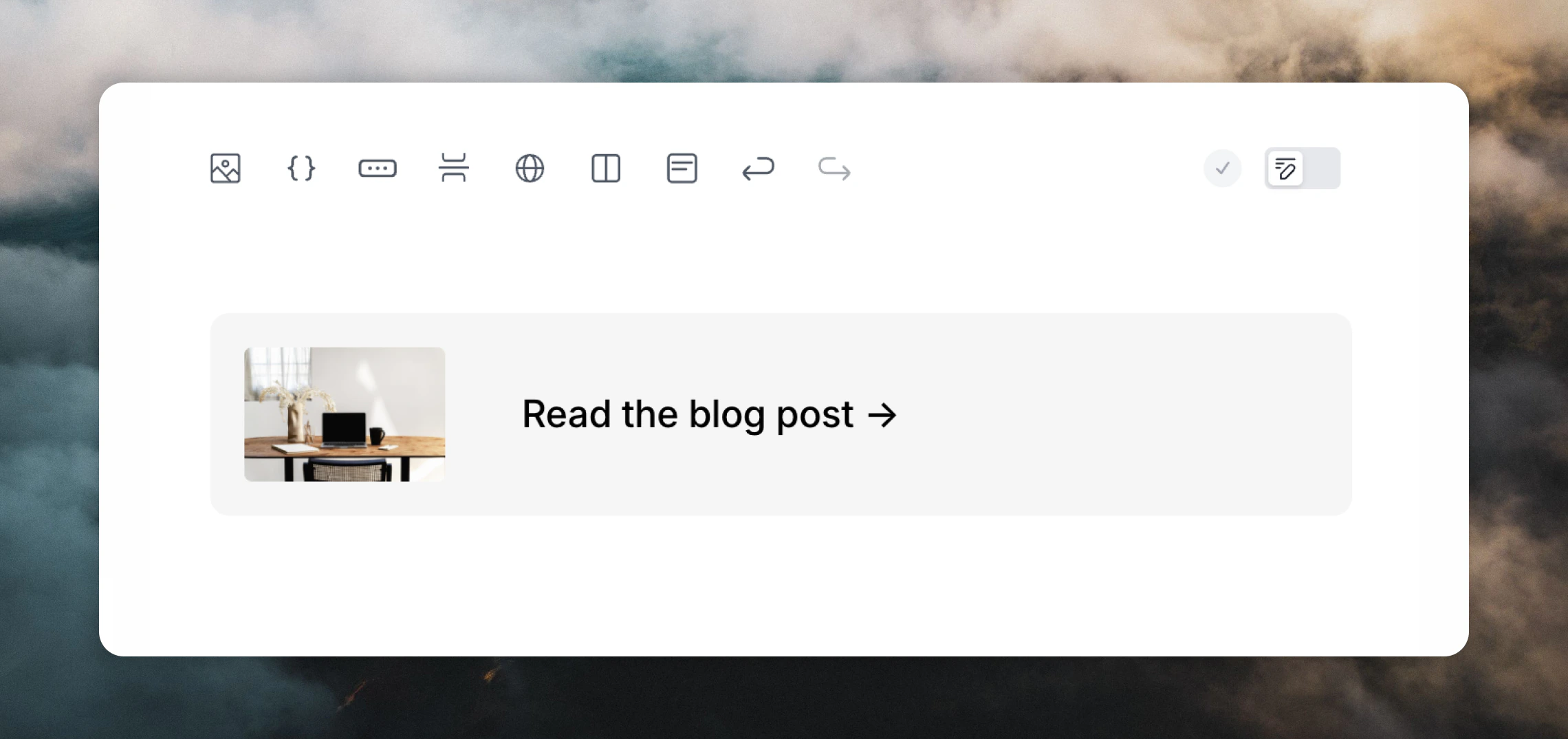 ## Adding sections
Add sections:
* by using the section button in the editor toolbar
* by typing `/` in the editor and selecting **Section**
* by hovering over an existing element in your email and clicking the `+` plus icon on the left and selecting **Section**
Classic Outlook may render extra padding around sections due to its legacy rendering engine.
## Clickable sections
Sections become clickable when you add a link in the **Link** editor panel, which is useful for:
* product cards
* account-summary callouts
* any layout where a section should link somewhere
## Adding sections
Add sections:
* by using the section button in the editor toolbar
* by typing `/` in the editor and selecting **Section**
* by hovering over an existing element in your email and clicking the `+` plus icon on the left and selecting **Section**
Classic Outlook may render extra padding around sections due to its legacy rendering engine.
## Clickable sections
Sections become clickable when you add a link in the **Link** editor panel, which is useful for:
* product cards
* account-summary callouts
* any layout where a section should link somewhere