> ## Documentation Index
> Fetch the complete documentation index at: https://loops.so/docs/llms.txt
> Use this file to discover all available pages before exploring further.
# Duplicating emails
> Reuse basic elements of an email or create email templates.
Duplicating emails is a great way to save time crafting similar emails.
You can easily create emails that share many of the same elements (investor updates, product updates, waitlist invites, etc).
## Campaigns and transactional emails
To duplicate an email:
1. Go into **Campaigns** or **Transactional**.
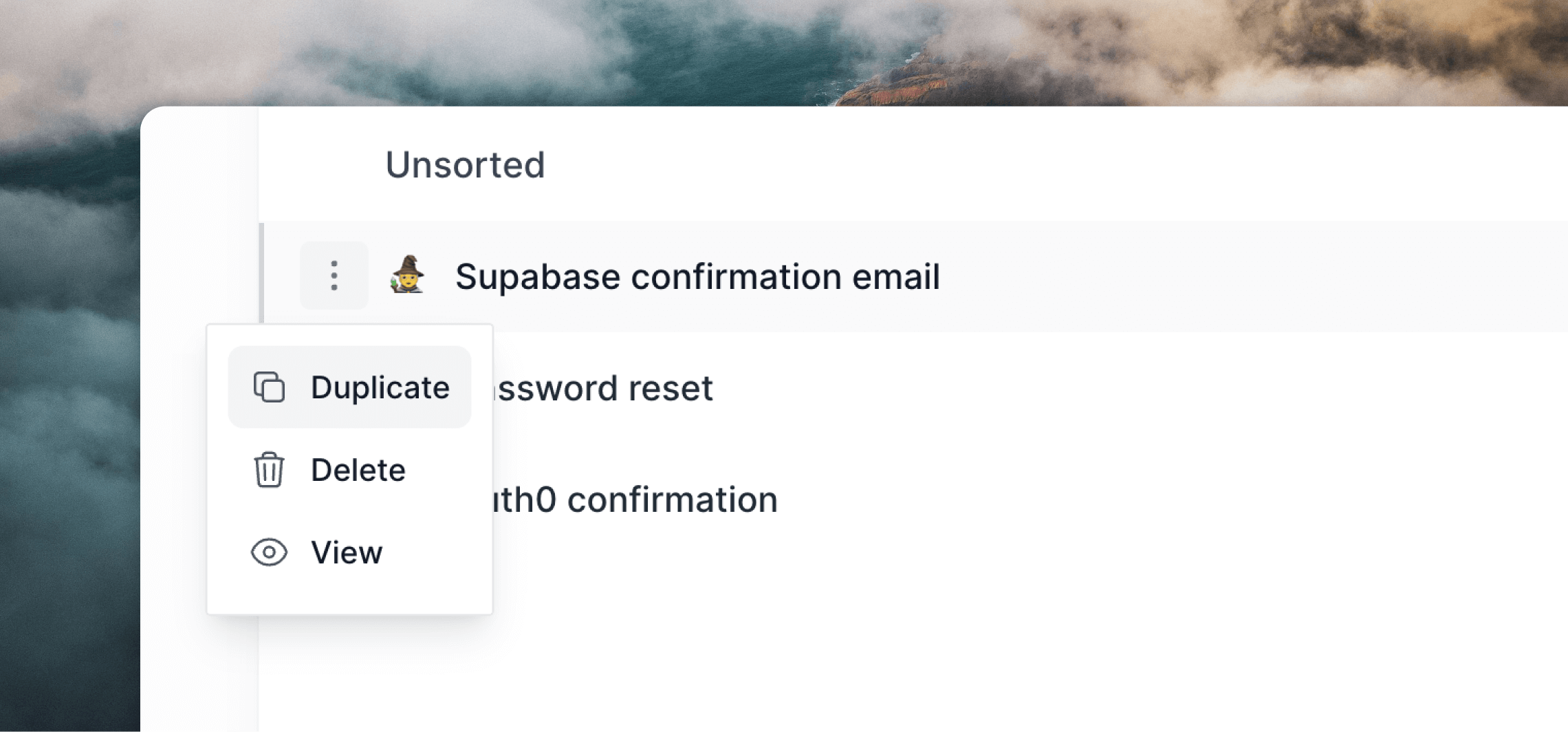
2. Click the `•••` menu icon and select **Duplicate**.
3. Edit the new email's subject line, preview text and content as needed.
 ## Workflows
With workflows, you can duplicate a full workflow (which may contain many emails) using the method above (click a `•••` menu icon within the **Workflows** list page).
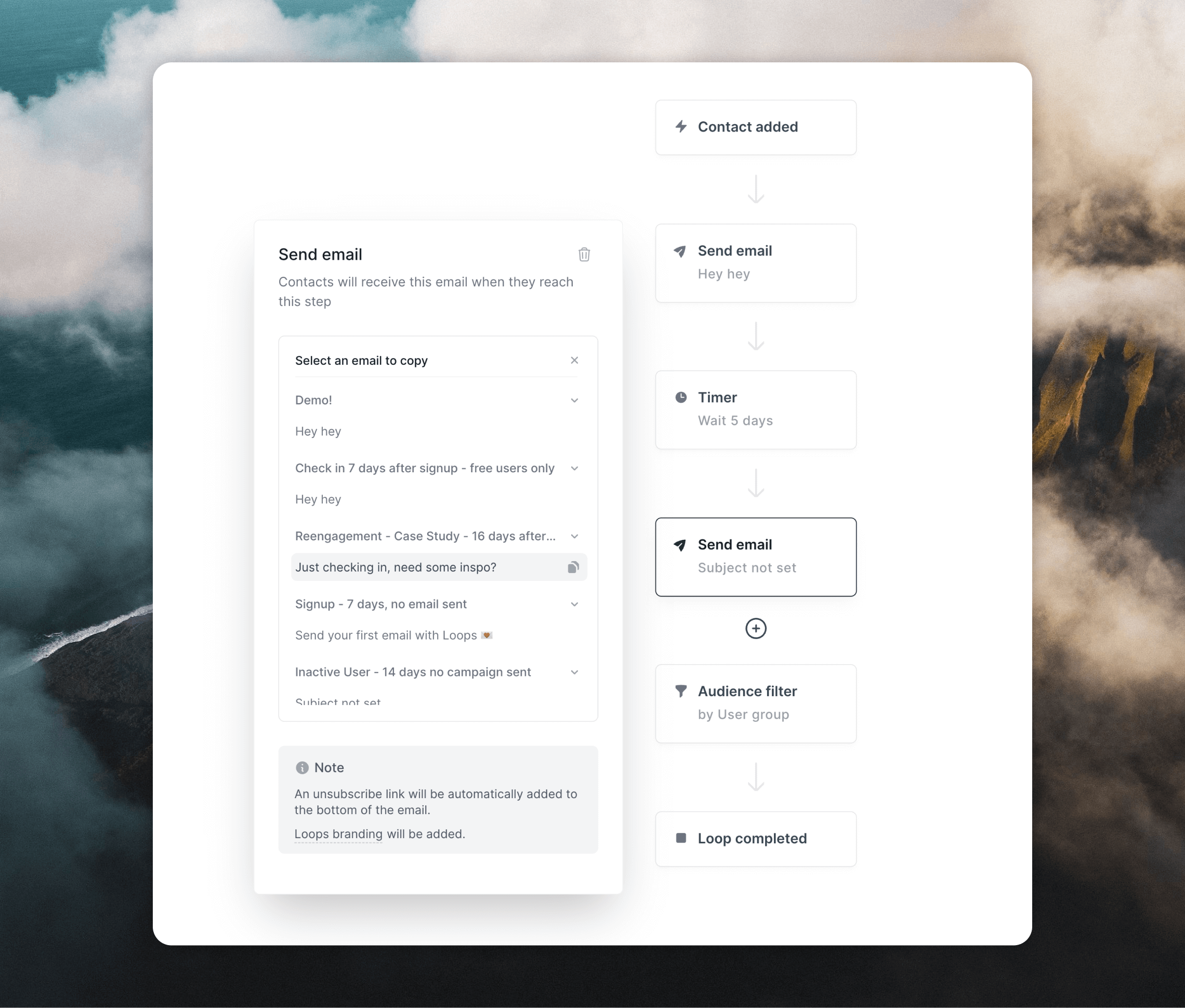
However, you may also duplicate emails within a workflow by clicking the **Copy existing email** button after creating a new email node. This will let you copy and insert any email from any of your existing workflows, including the currently opened workflow.
## Workflows
With workflows, you can duplicate a full workflow (which may contain many emails) using the method above (click a `•••` menu icon within the **Workflows** list page).
However, you may also duplicate emails within a workflow by clicking the **Copy existing email** button after creating a new email node. This will let you copy and insert any email from any of your existing workflows, including the currently opened workflow.