> ## Documentation Index
> Fetch the complete documentation index at: https://loops.so/docs/llms.txt
> Use this file to discover all available pages before exploring further.
# Delete contacts
> Remove contacts from your audience.
## Delete single contacts
You can delete contacts from your audience on the [Audience page](https://app.loops.so/audience).
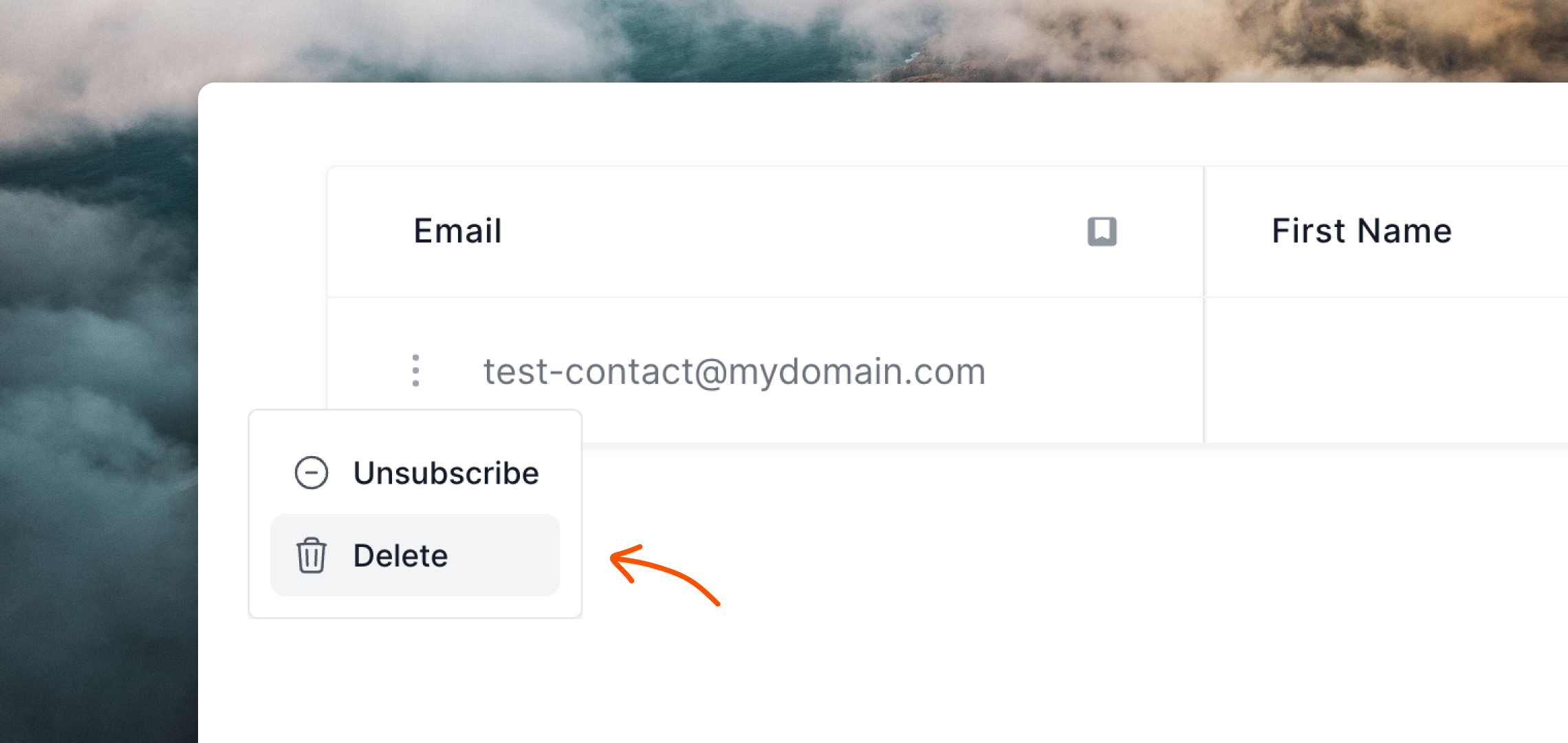
Click the `•••` menu icon on the contact you want to delete and select **Delete**.
 ## Delete groups of contacts
To delete contacts in bulk, use the filters on the [Audience page](https://app.loops.so/audience) to narrow down the selection of contacts you want to delete.
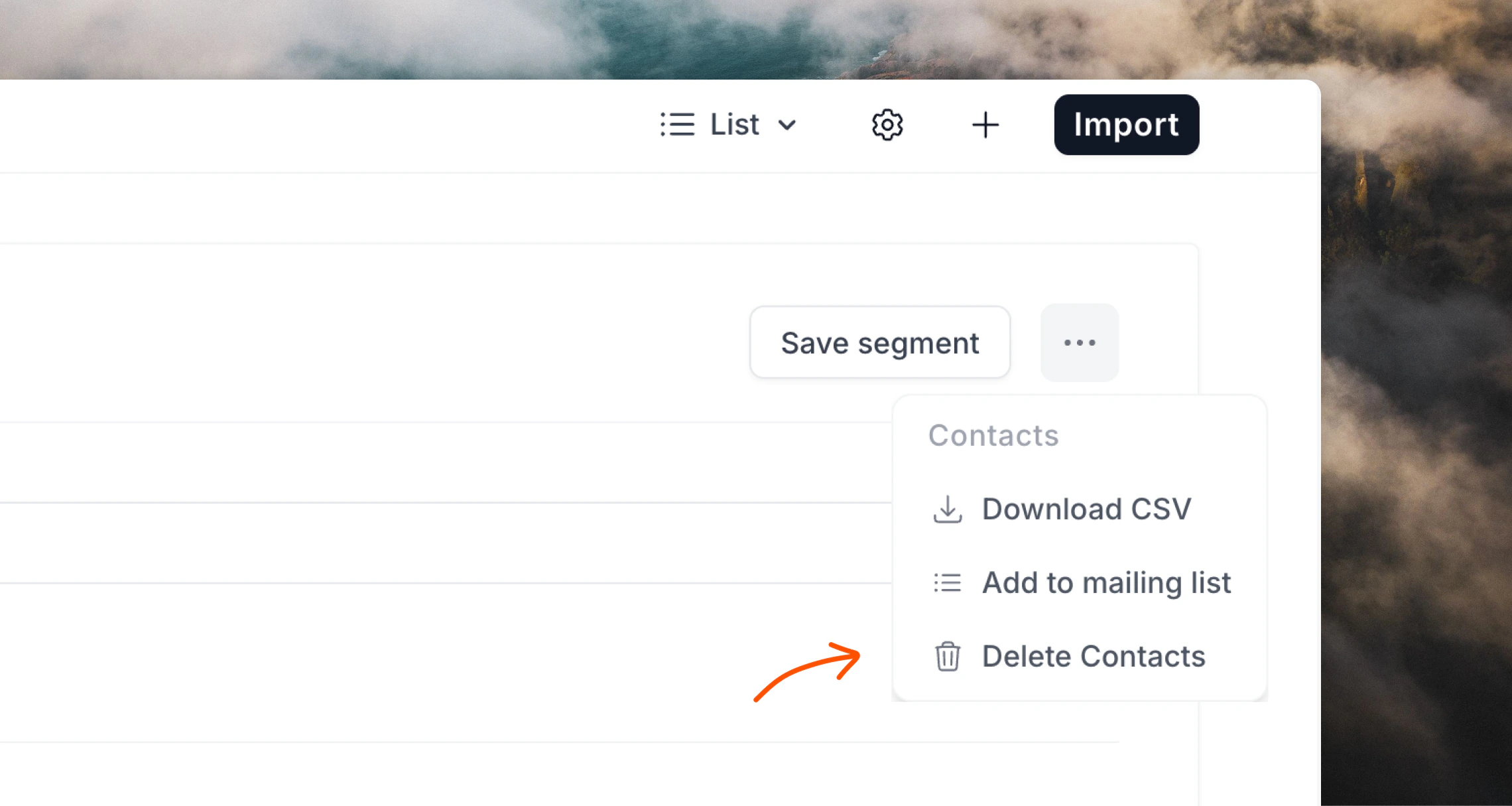
Then click the `•••` menu icon in the filter box at the top of the Audience page and select **Delete contacts**.
This button will delete all contacts listed in the table below, based on the filter(s) you set up.
## Delete groups of contacts
To delete contacts in bulk, use the filters on the [Audience page](https://app.loops.so/audience) to narrow down the selection of contacts you want to delete.
Then click the `•••` menu icon in the filter box at the top of the Audience page and select **Delete contacts**.
This button will delete all contacts listed in the table below, based on the filter(s) you set up.
 ## Delete contacts with the API
You can delete single contacts using the API's [Delete contact](/api-reference/delete-contact) endpoint, by email address or `userId` value.
```json theme={"dark"}
POST https://app.loops.so/api/v1/contacts/delete
{
"email": "test@example.com"
}
```
## Delete contacts with the API
You can delete single contacts using the API's [Delete contact](/api-reference/delete-contact) endpoint, by email address or `userId` value.
```json theme={"dark"}
POST https://app.loops.so/api/v1/contacts/delete
{
"email": "test@example.com"
}
```